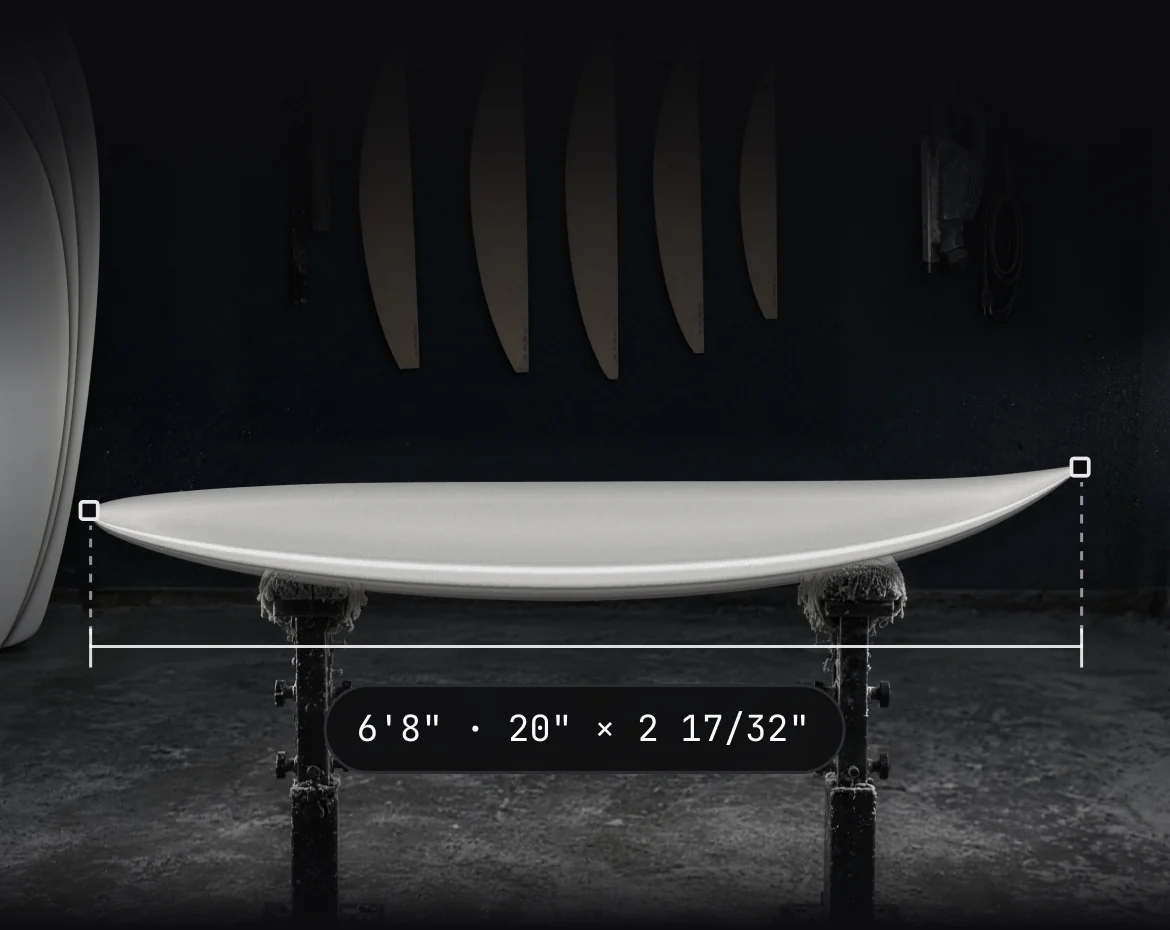
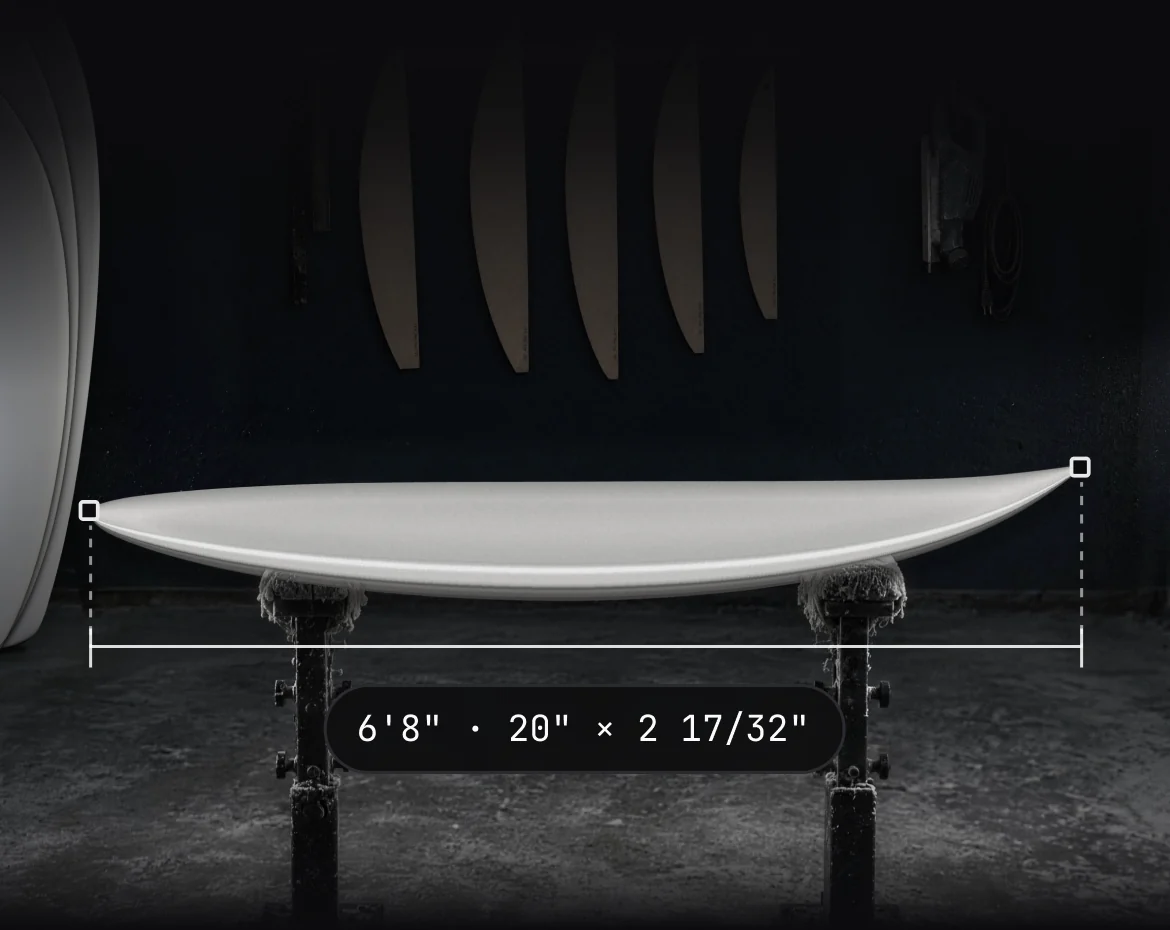
The whole factory, one app.
Blanks, machines, cut files, hardware, brands and their stores, on the same design version.
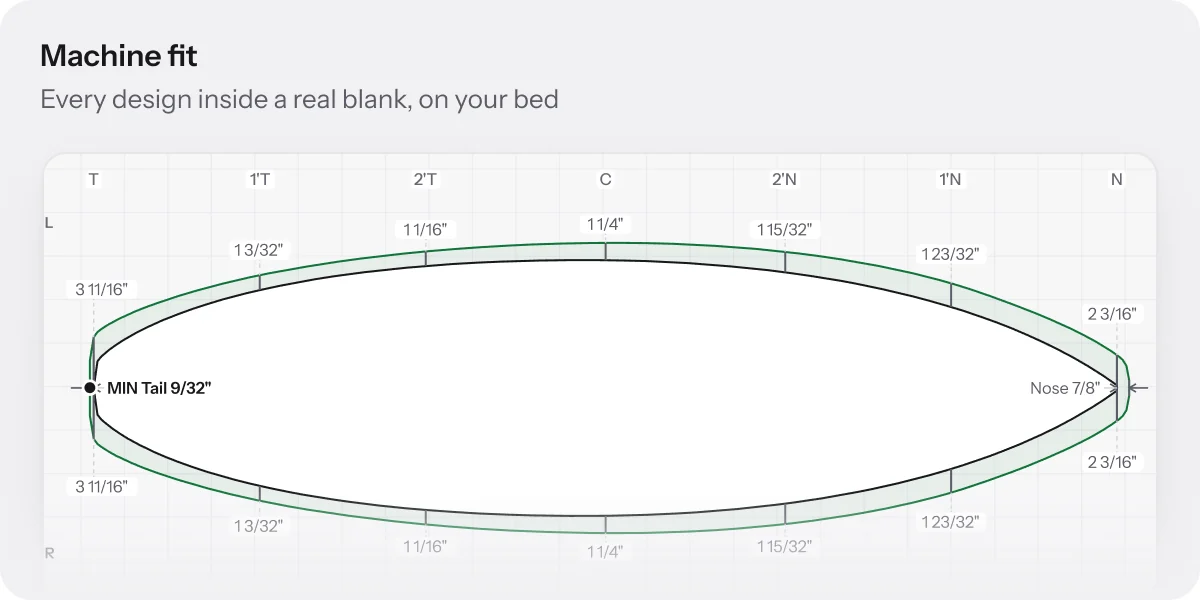
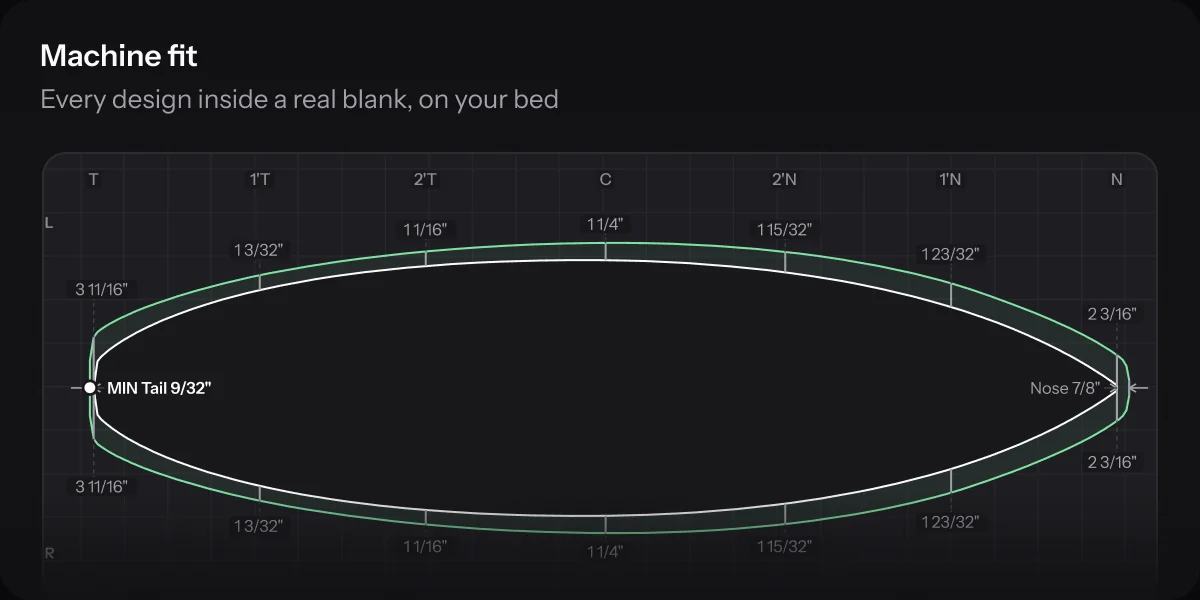
Machine fit and cut
Built for the CNC bay.
Fit, cut and export from the version the order was built on, so the machine and the order never disagree.
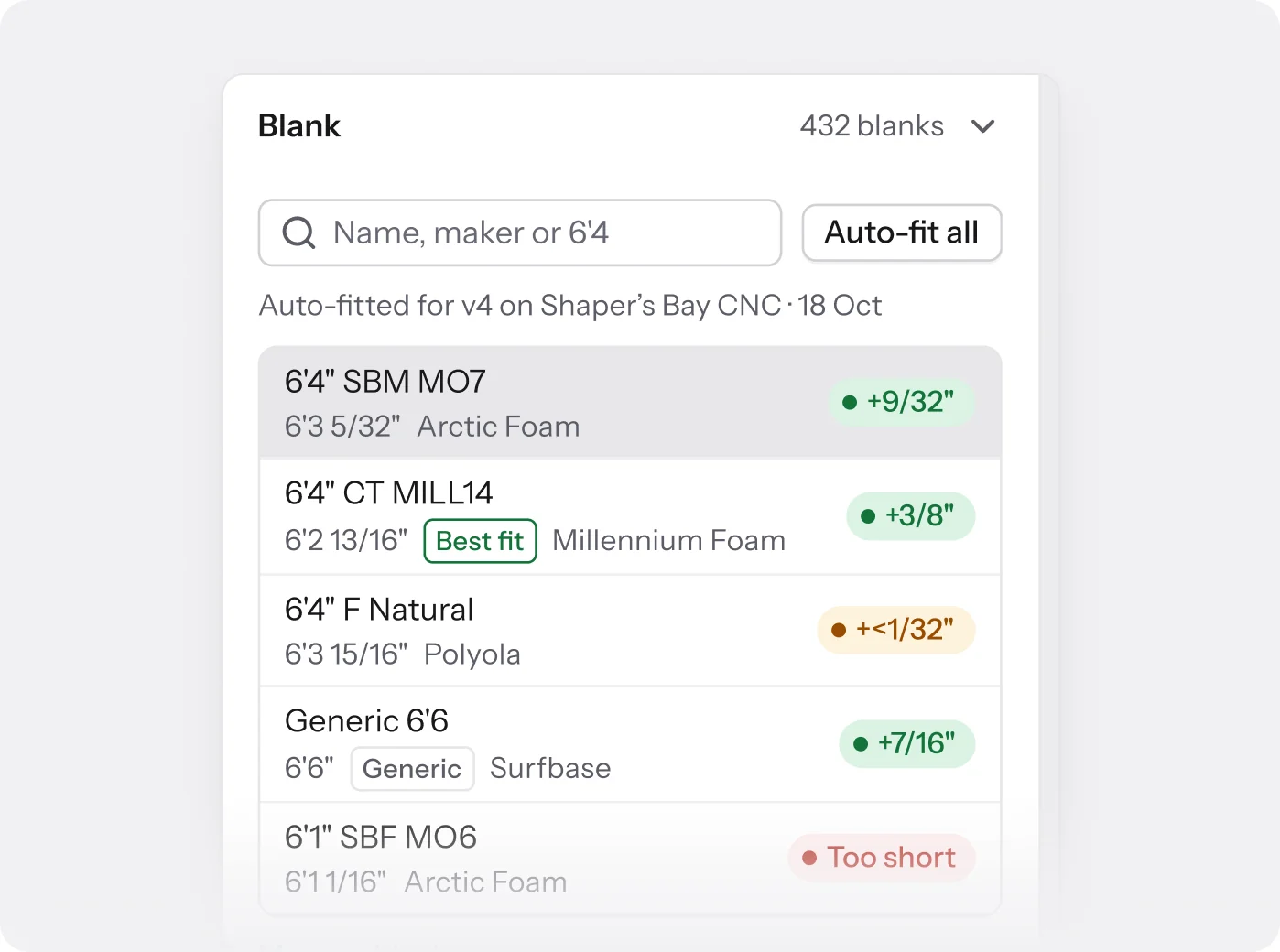
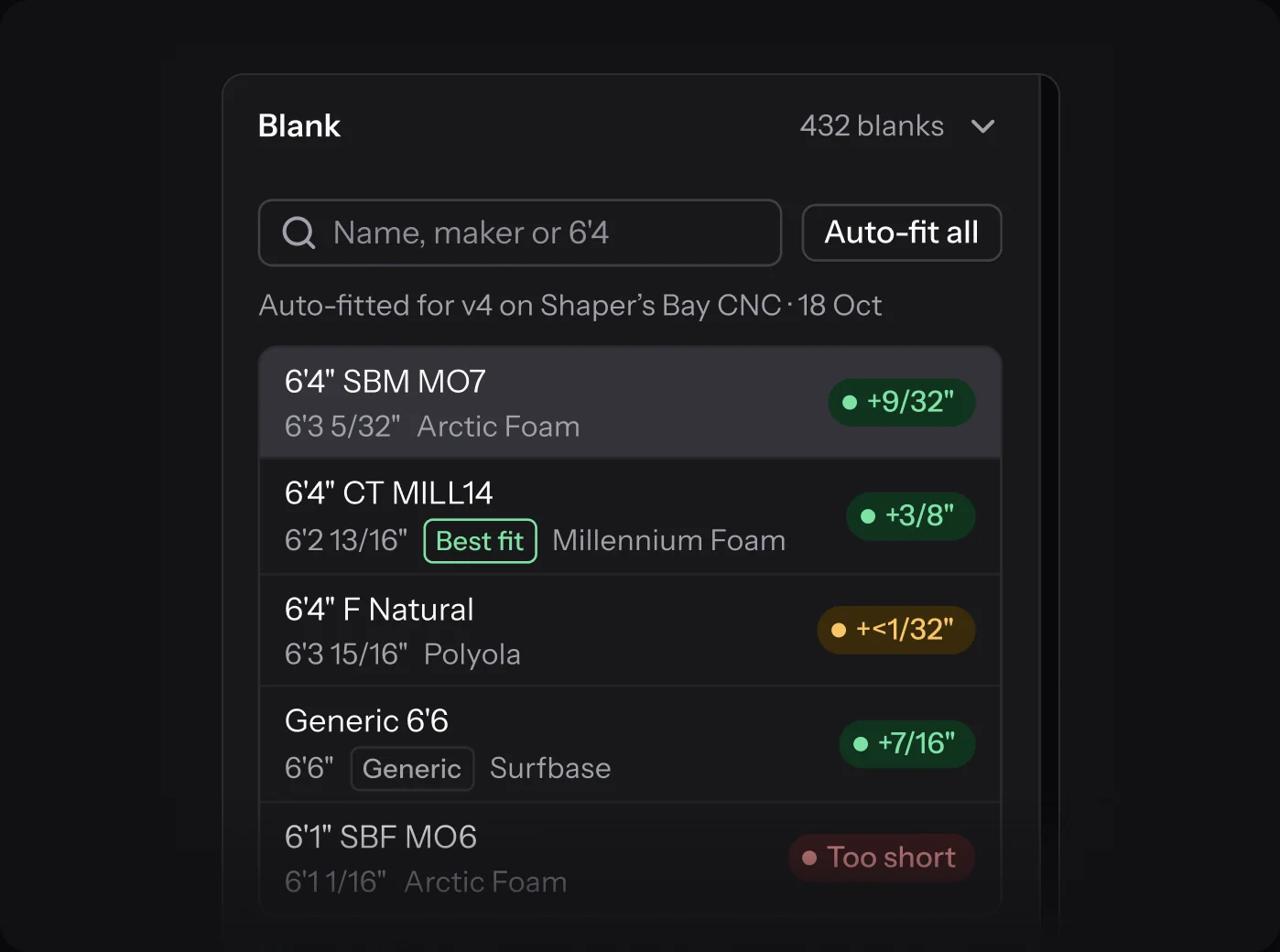
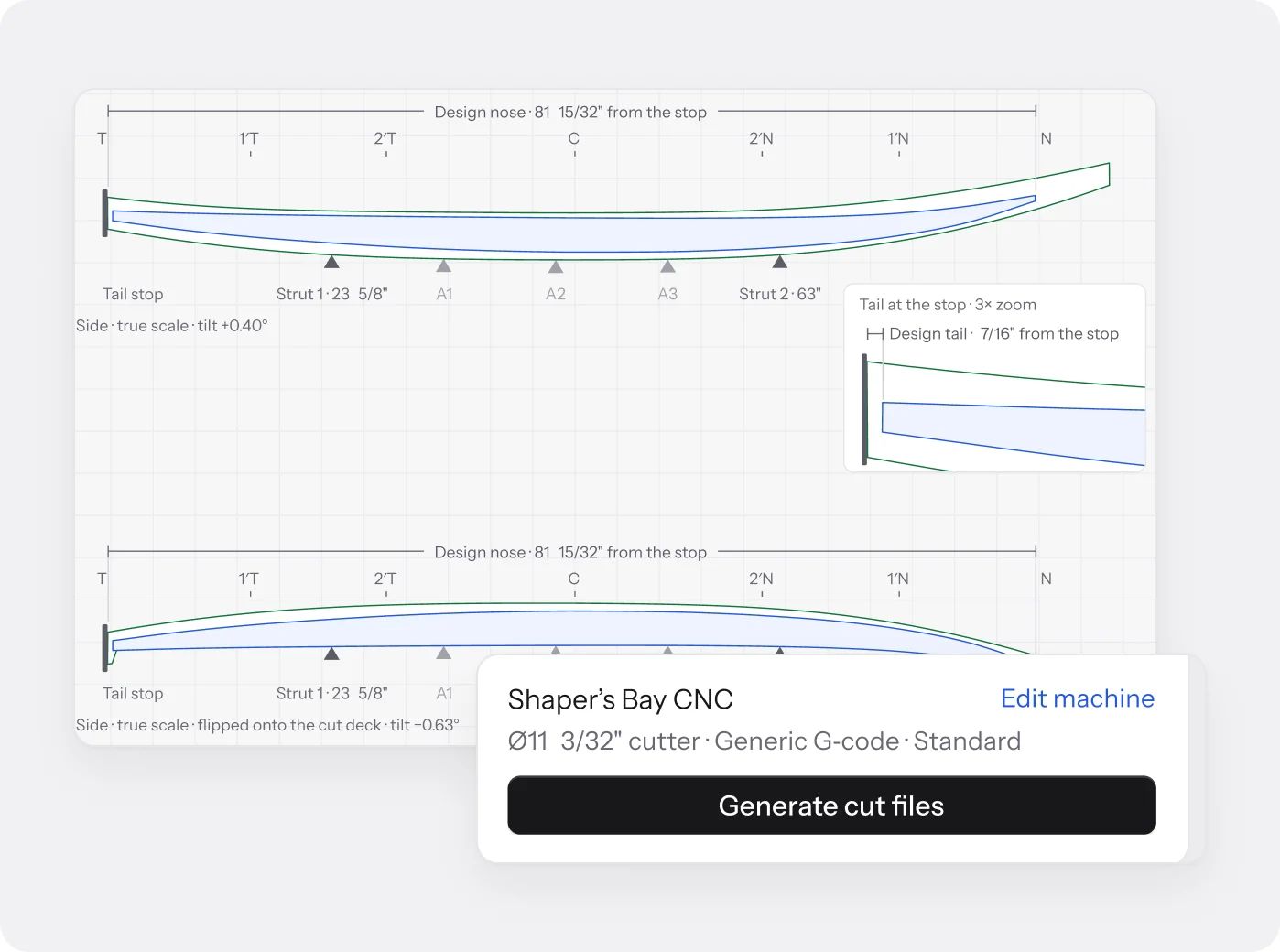
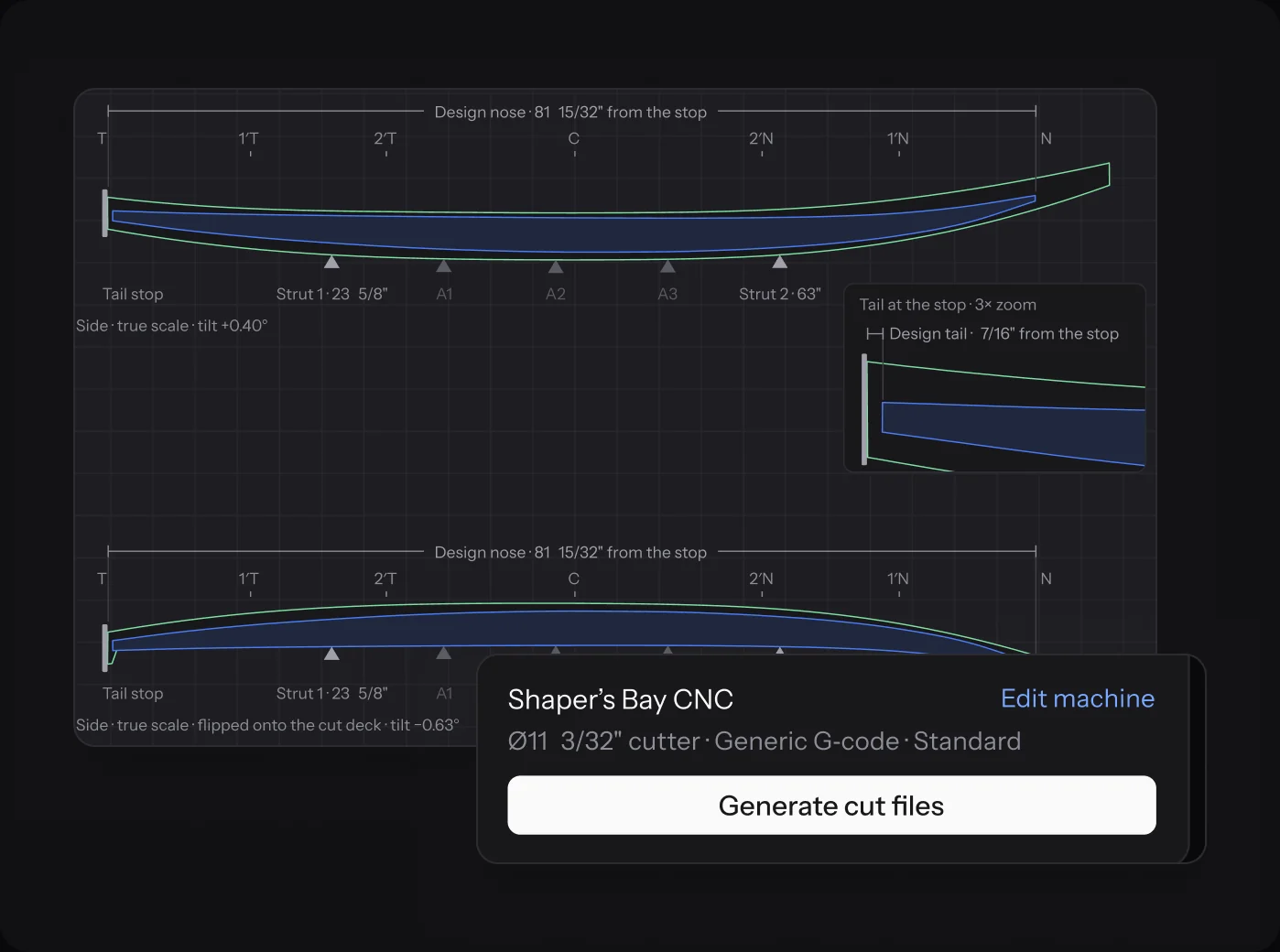
Blank fitting
Fit every design to a real blank.
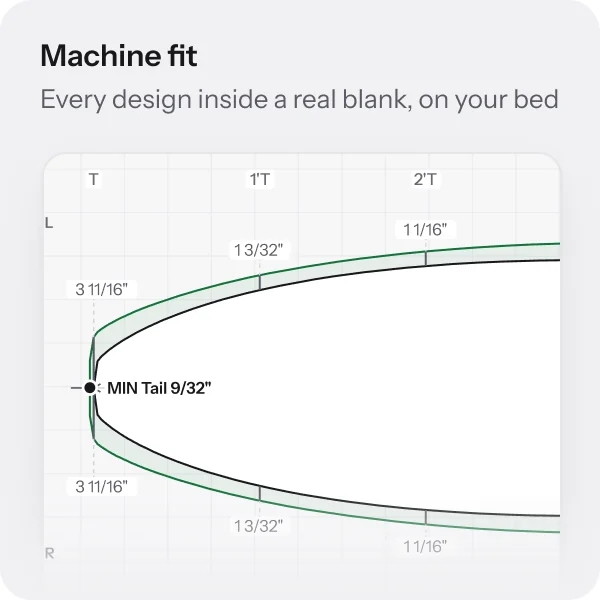
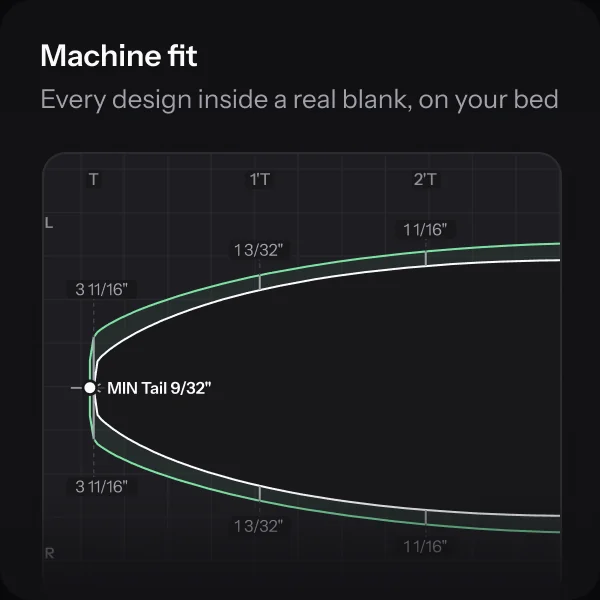
Pick a blank and the Machine tab places the design on your CNC bed, against the tail stop and on the struts. It names the minimum foam and where it is, before any foam is cut.
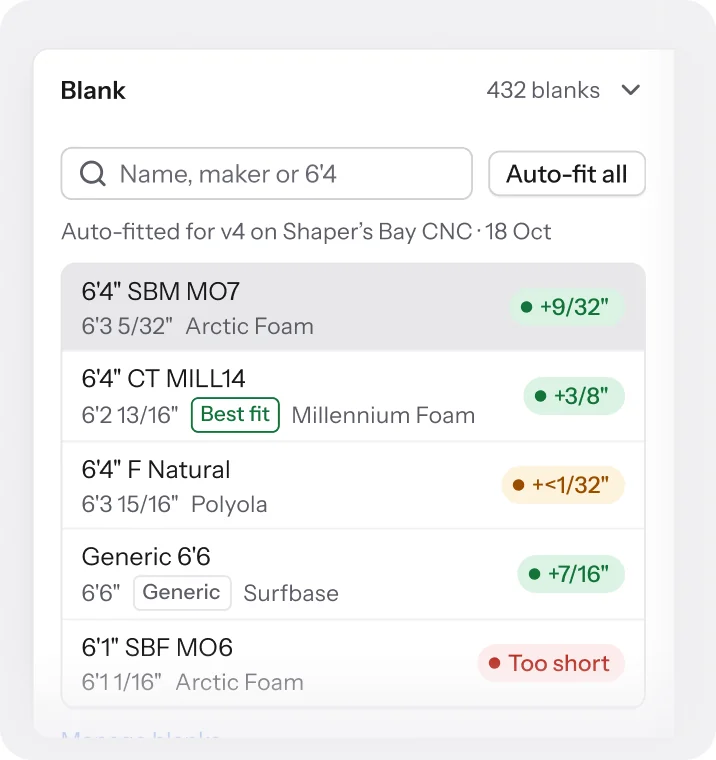
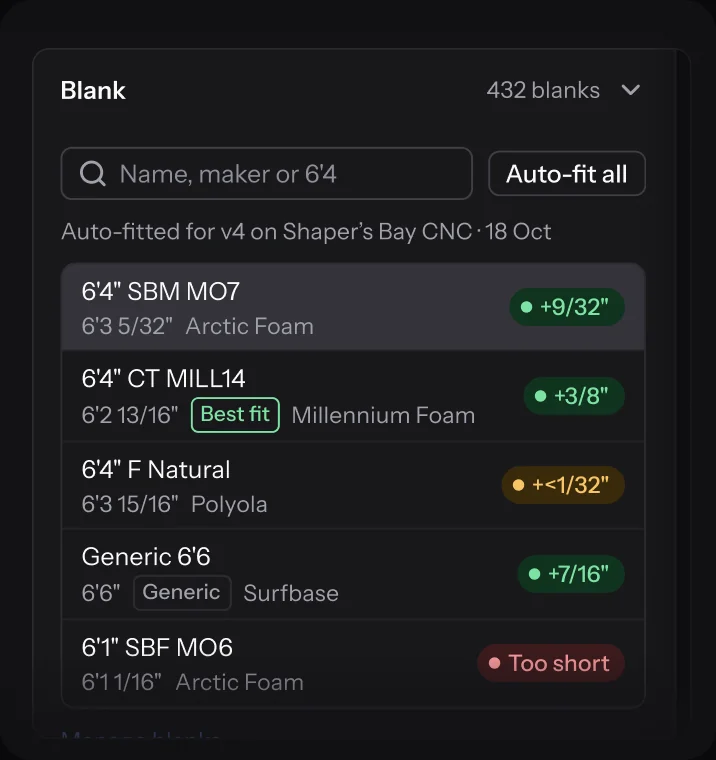
- 429 production blanks to fit against, plus your own
- Auto-fit all ranks every blank for this version
- Goes stale when the design, blank or machine changes
Cut files
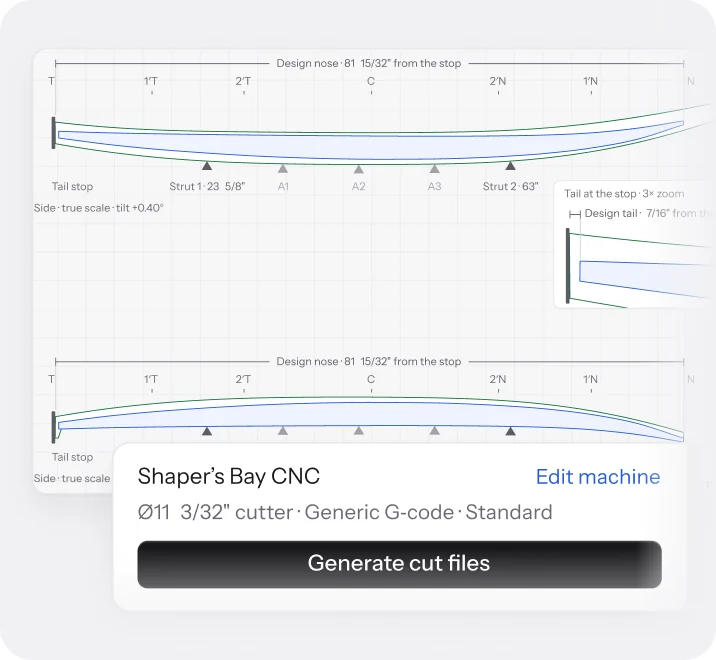
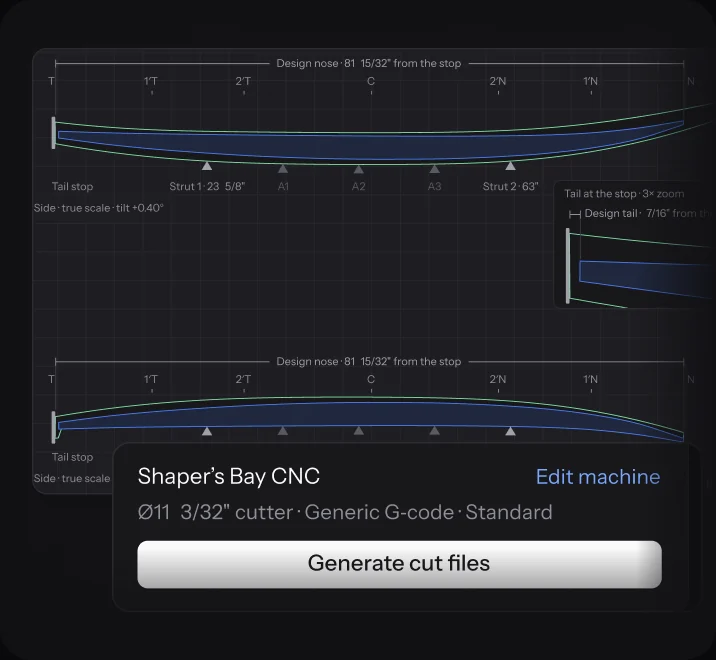
G-code from a green fit.
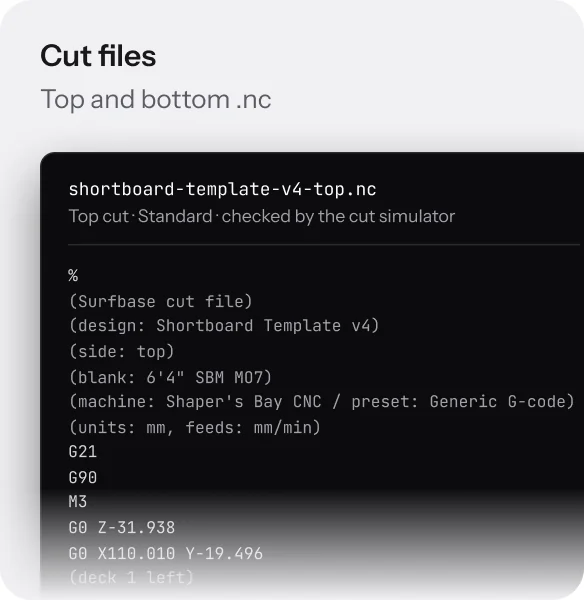
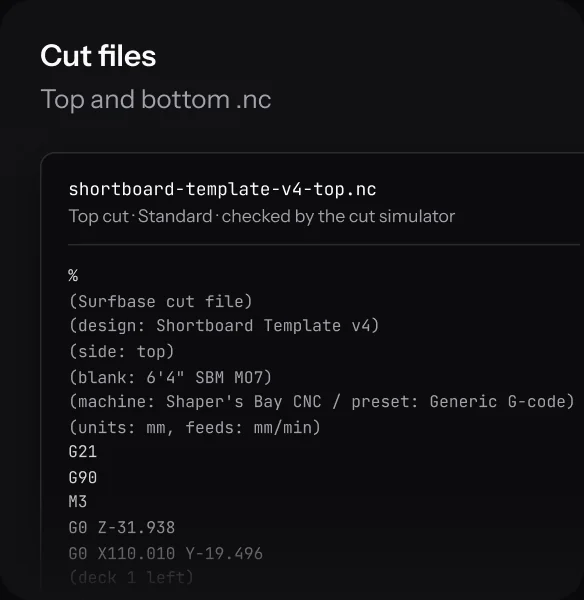
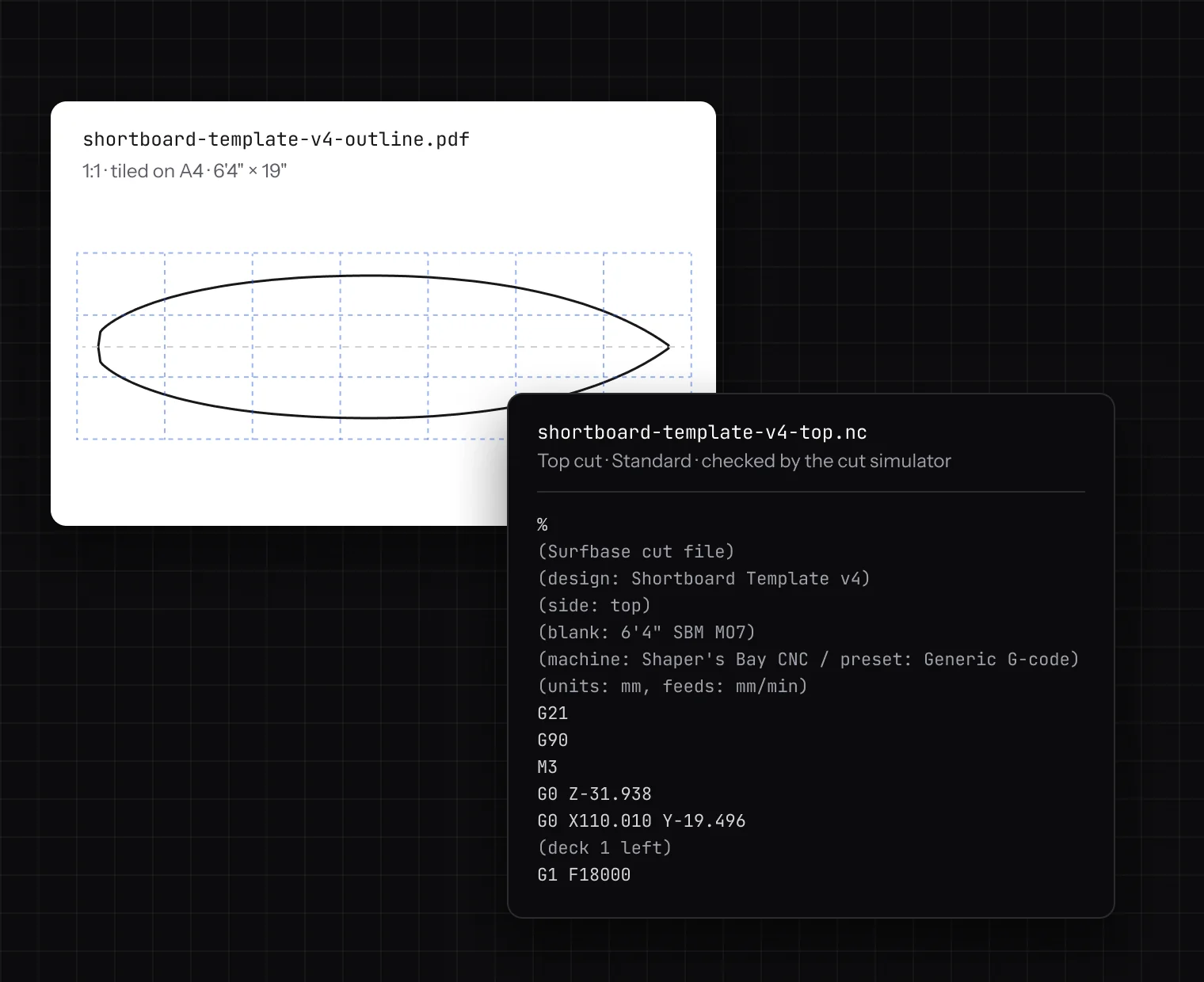
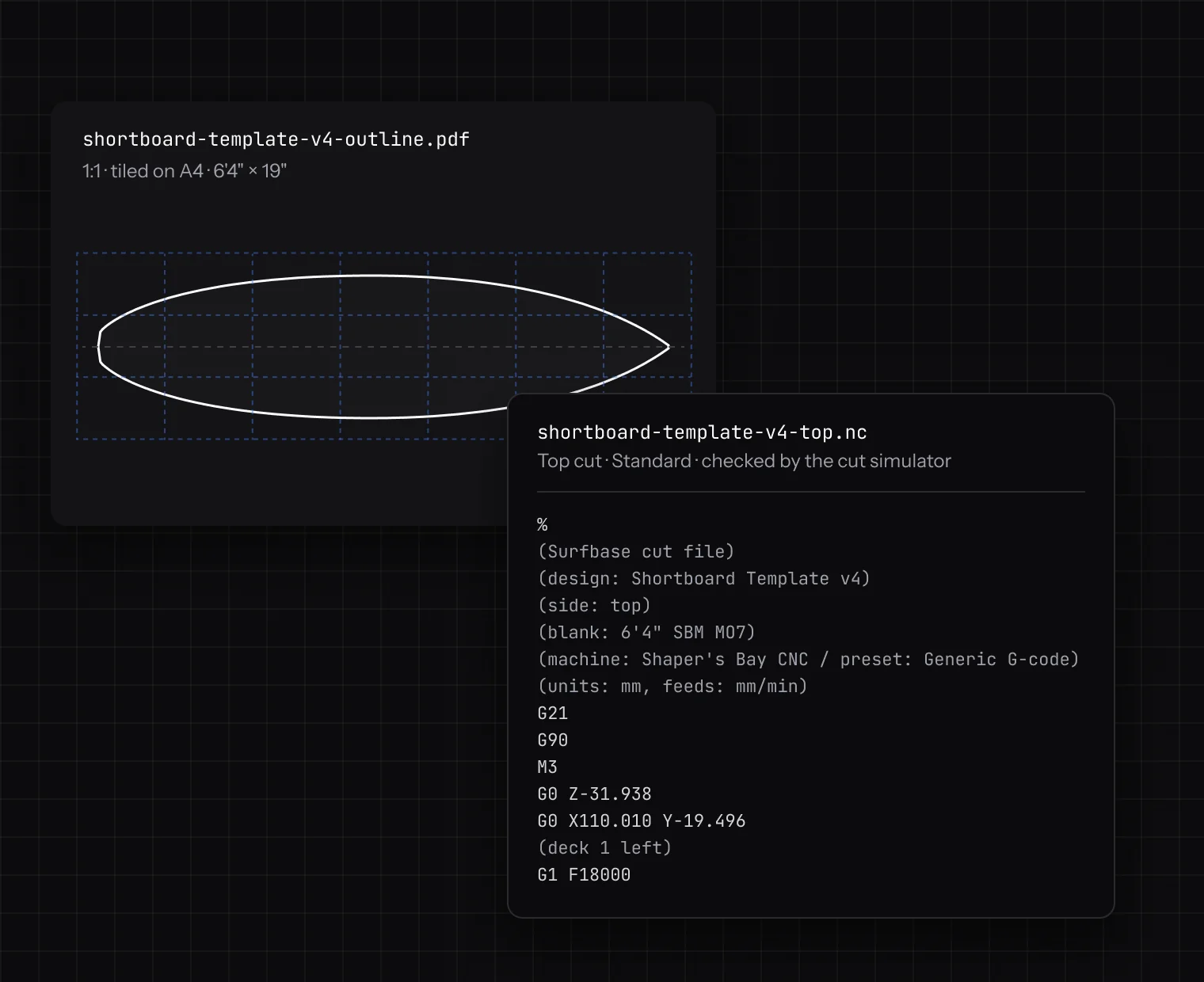
When the fit is green, generate the top and bottom cuts as .nc files. A cut simulator checks every pass against the blank before the files are ready to download.
- Fast, Standard or Fine, with the time each one takes
- Double-cut stringer and tail relief when you want them
- Generic G-code in millimetres, set up per machine
Exports
Every file the floor asks for.
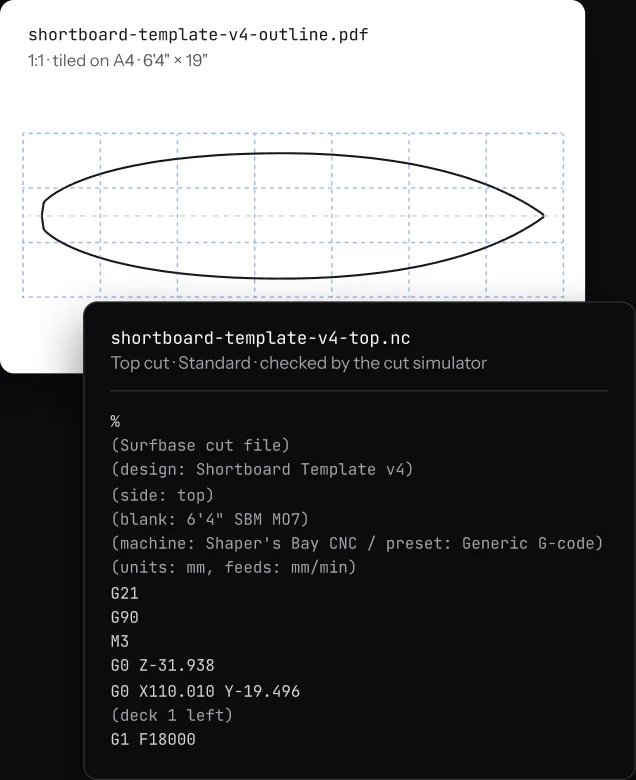
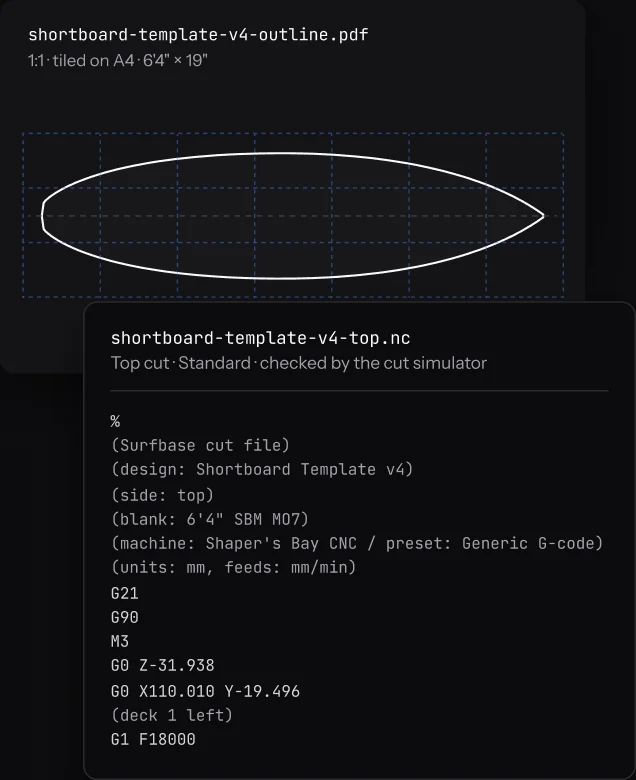
Cut files for the machine, a 1:1 outline for the template wall, a spec sheet for the glasser and a 3D model for the rack. Paid plans export without a monthly limit.
- G-code
- Top and bottom .nc cuts
- Outline PDF
- 1:1 on A4 to A0, tiled
- Spec sheet
- Every measurement on one page
- Curves
- DXF, Curves PDF, Shape3d or AkuShaper
- 3D model
- STL, OBJ, GLB, glTF or STEP
- .surf
- The whole design, to share
CNC machines
Every machine in the shop.
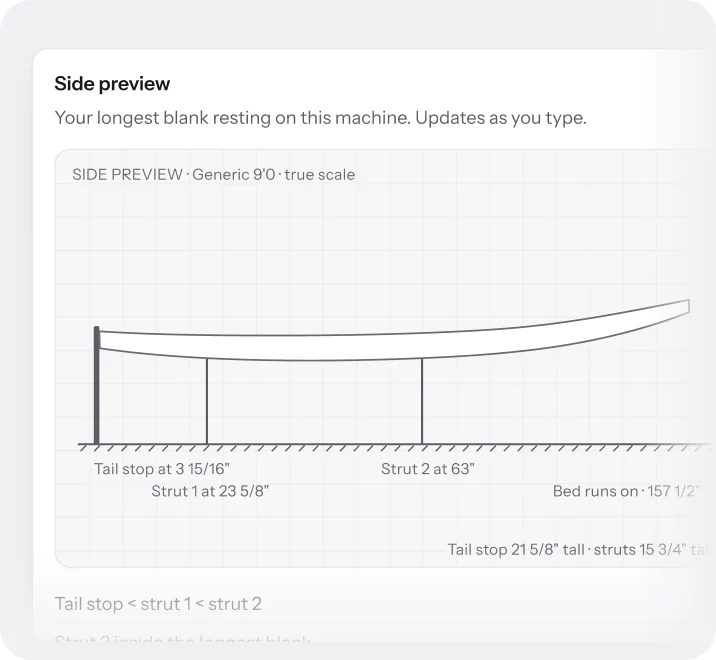
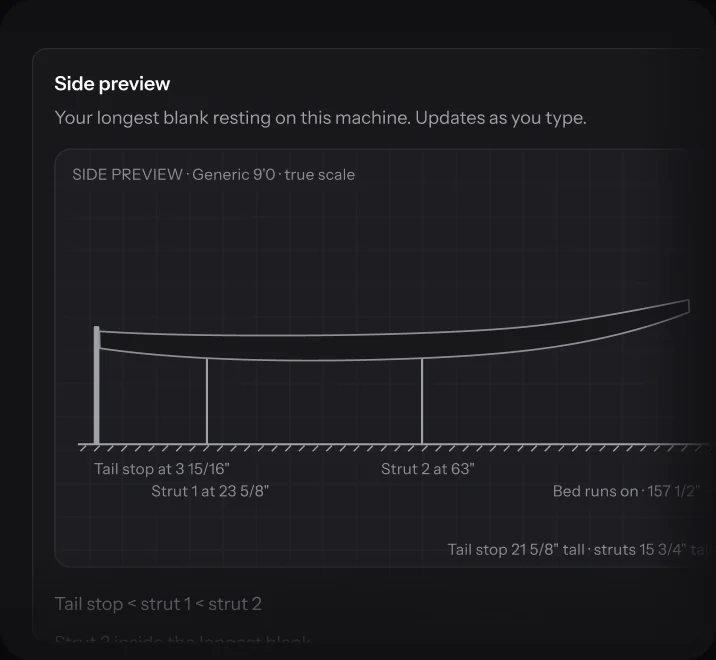
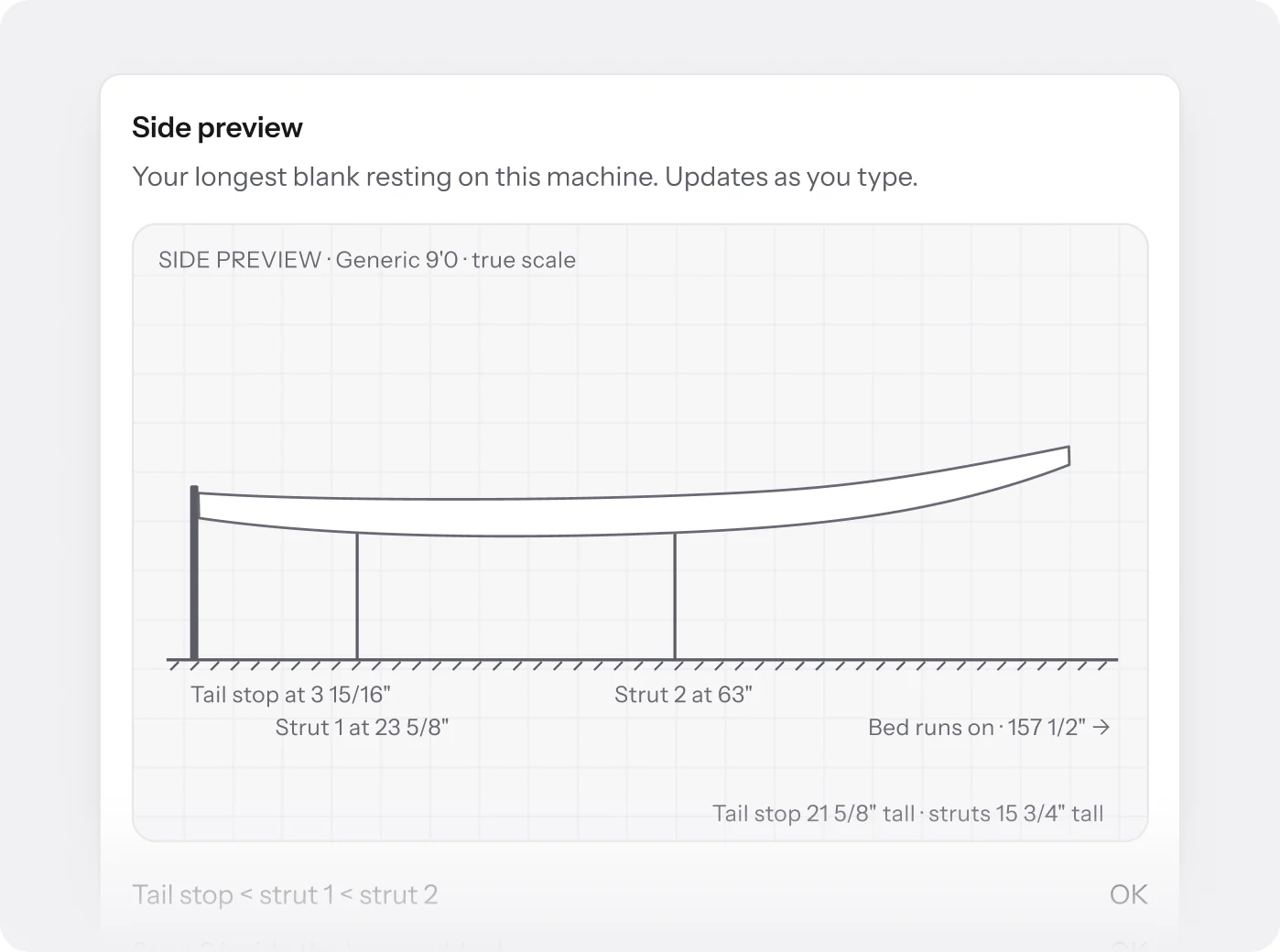
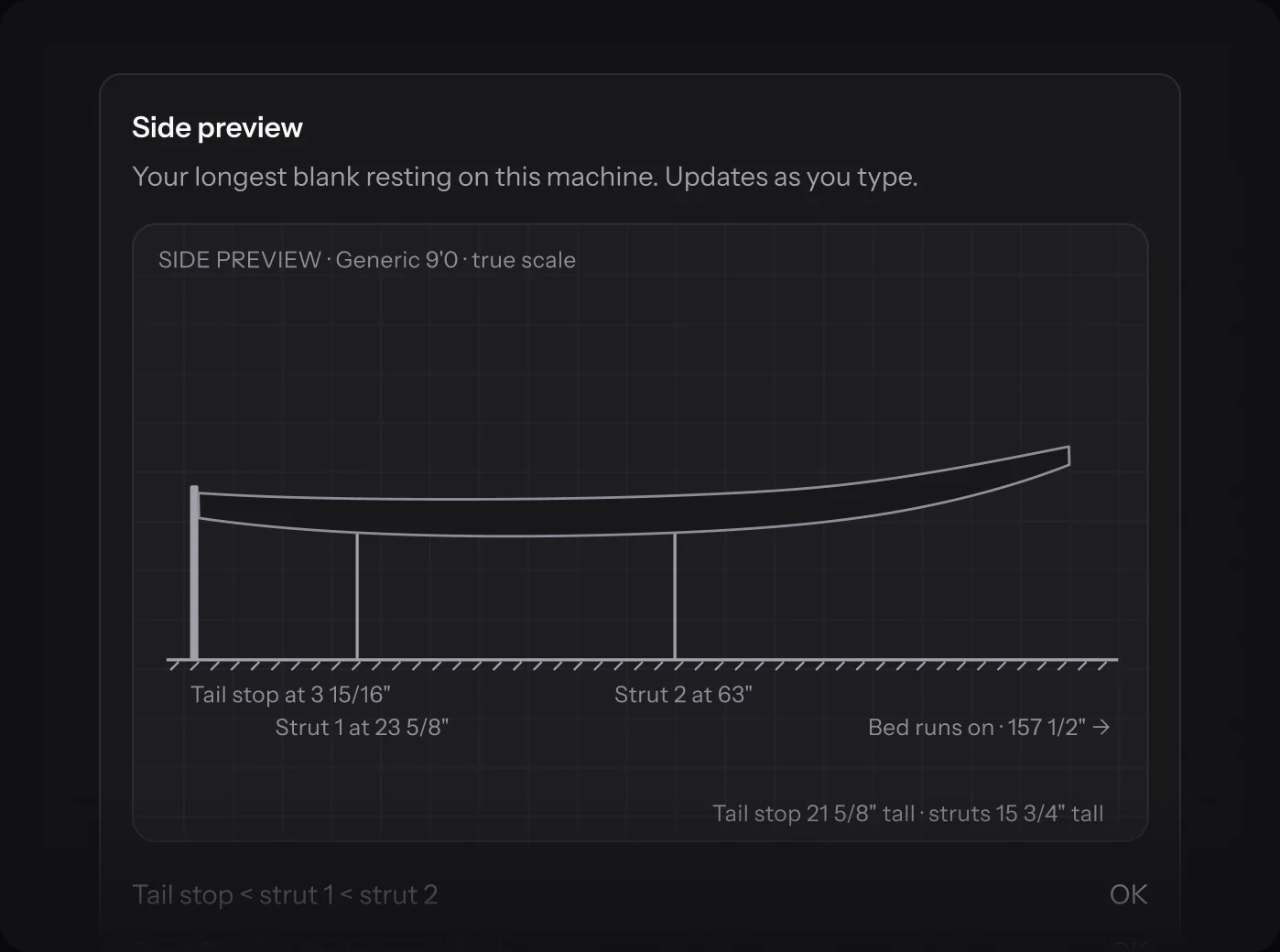
Set each machine up once: bed length, tail stop, struts, cutter and actuators. The side preview rests your longest blank on it as you type, so a wrong number shows before a fit uses it.
- As many machines as you run, each with its own settings
- Owners and admins edit them, the floor reads them
- Every fit and cut file names the machine it was made on
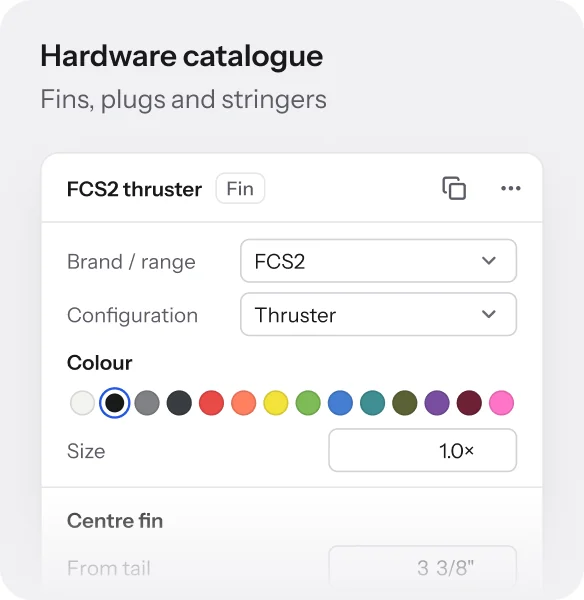
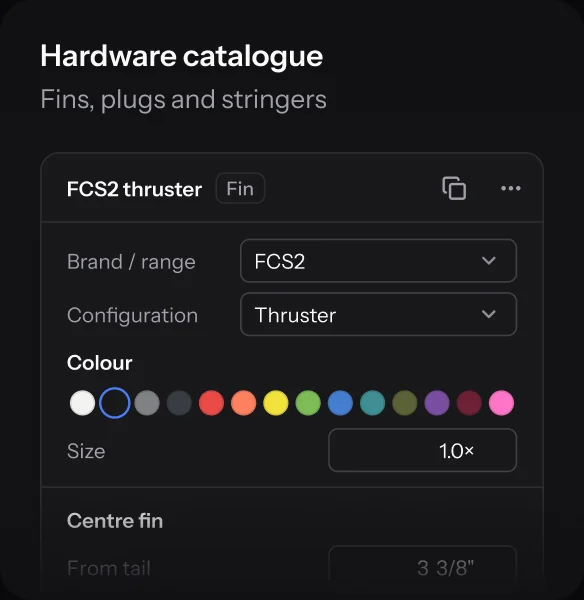
Hardware catalogue
Fins and plugs, to scale.
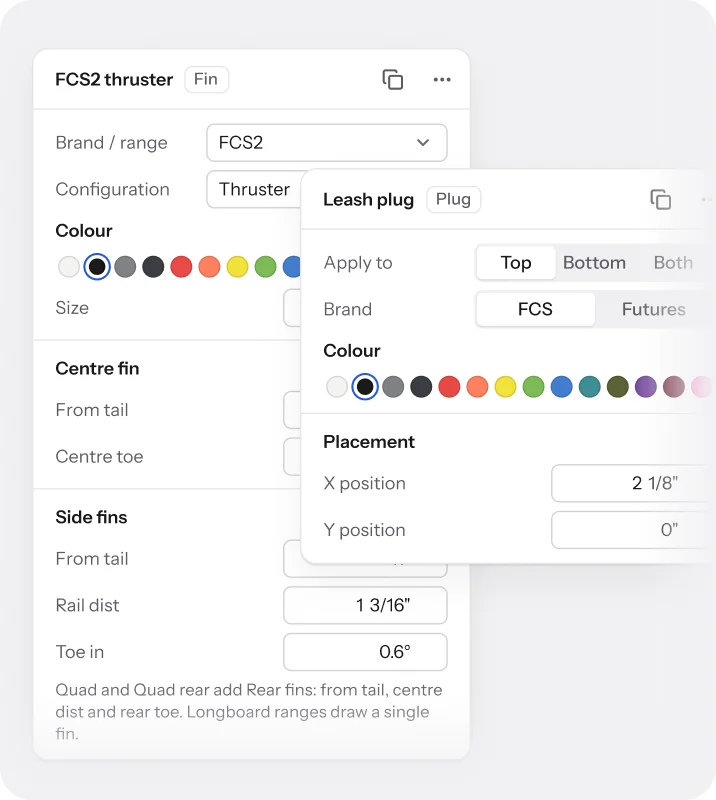
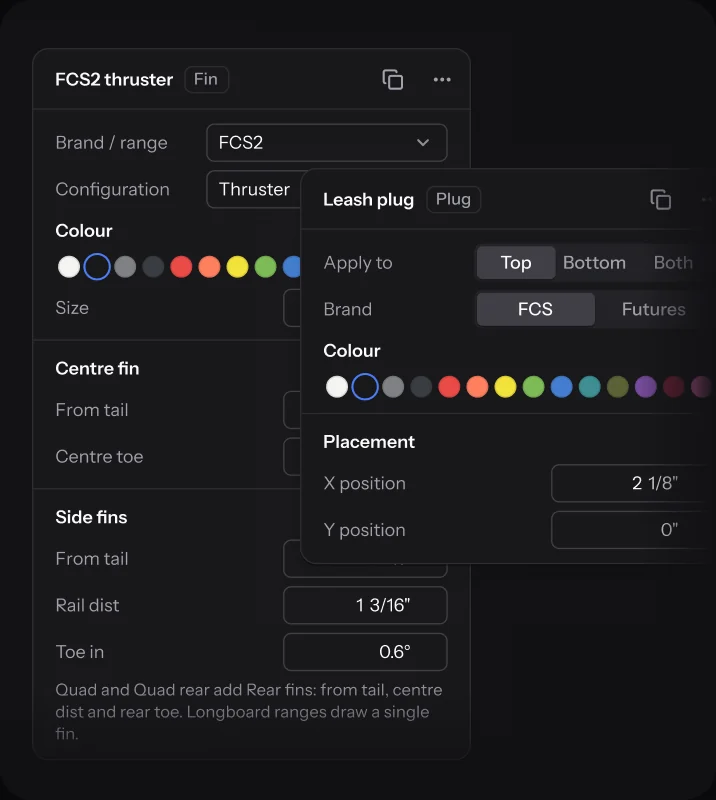
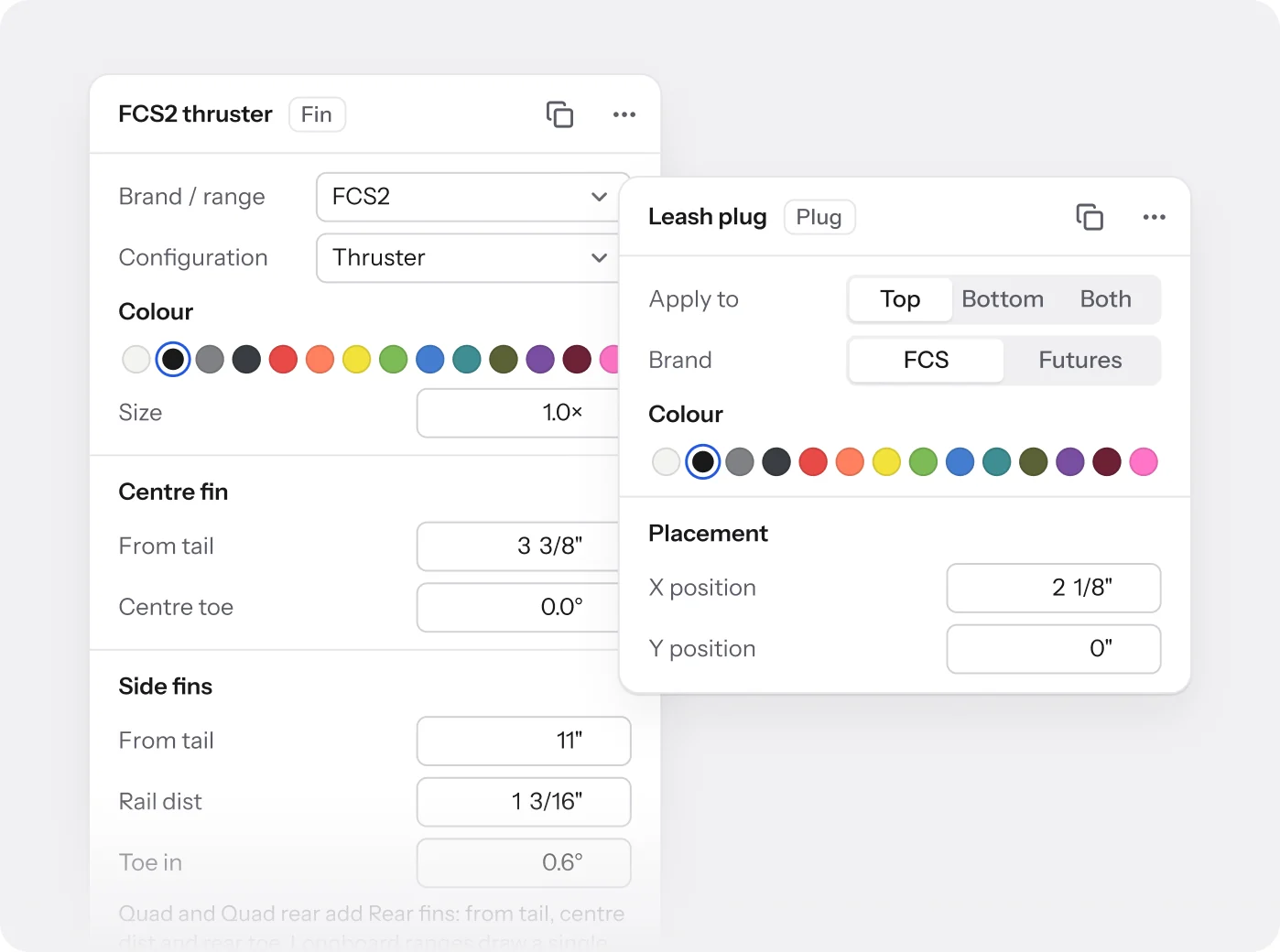
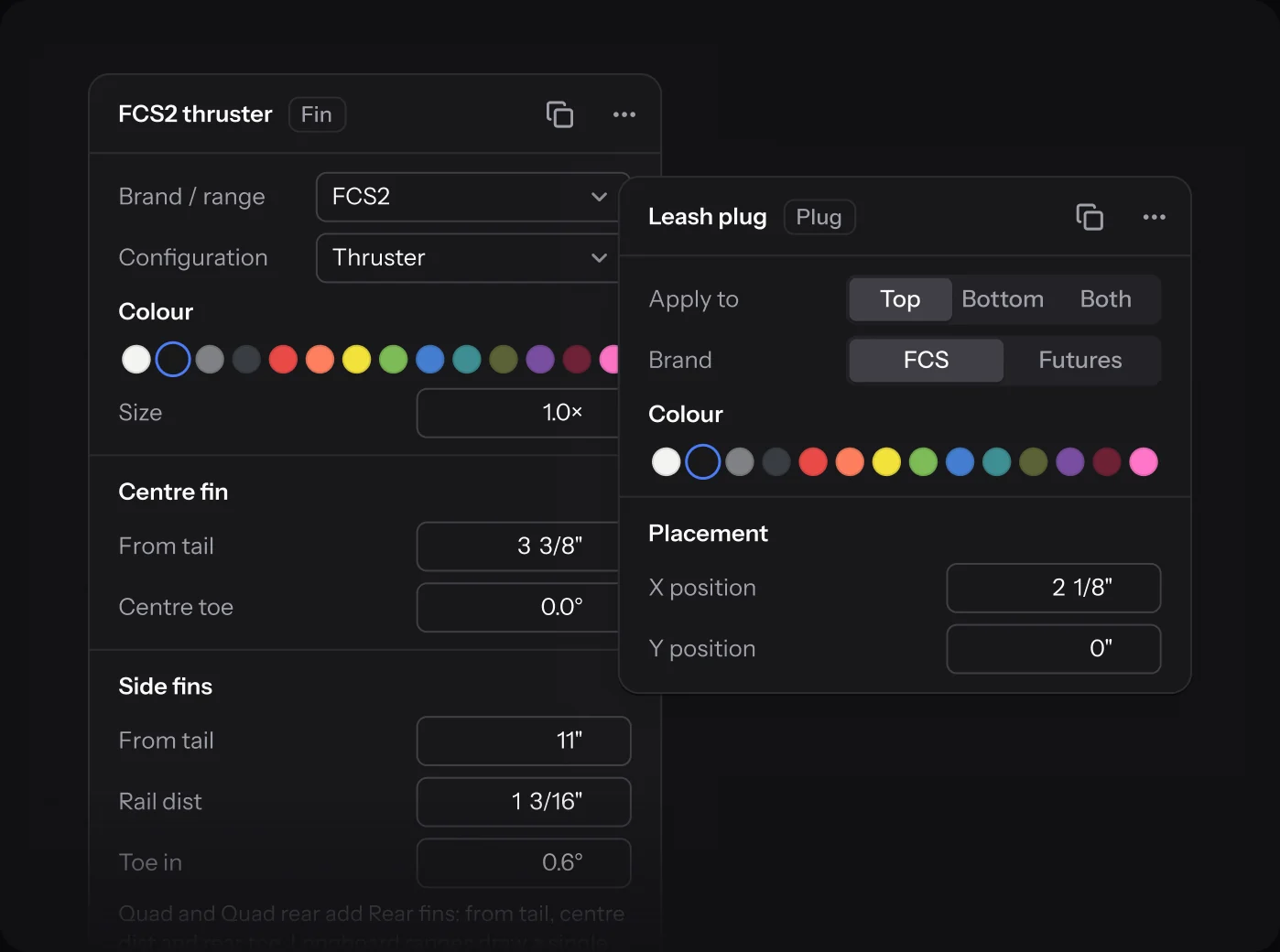
Place fin systems, leash plugs, vents and stringers from the catalogue, by dragging or by the numbers. They sit on the outline and the 3D model at their real footprint, on every plan.
- FCS, Futures and box systems, from surf to windsurf
- Leash plugs, vents, and cedar or carbon stringers
- Cloths, rail tapes and finishes in the same library
Brands and white-label
One workshop, every label.
Run every label you make from one workspace, each with its own store, domain and emails.
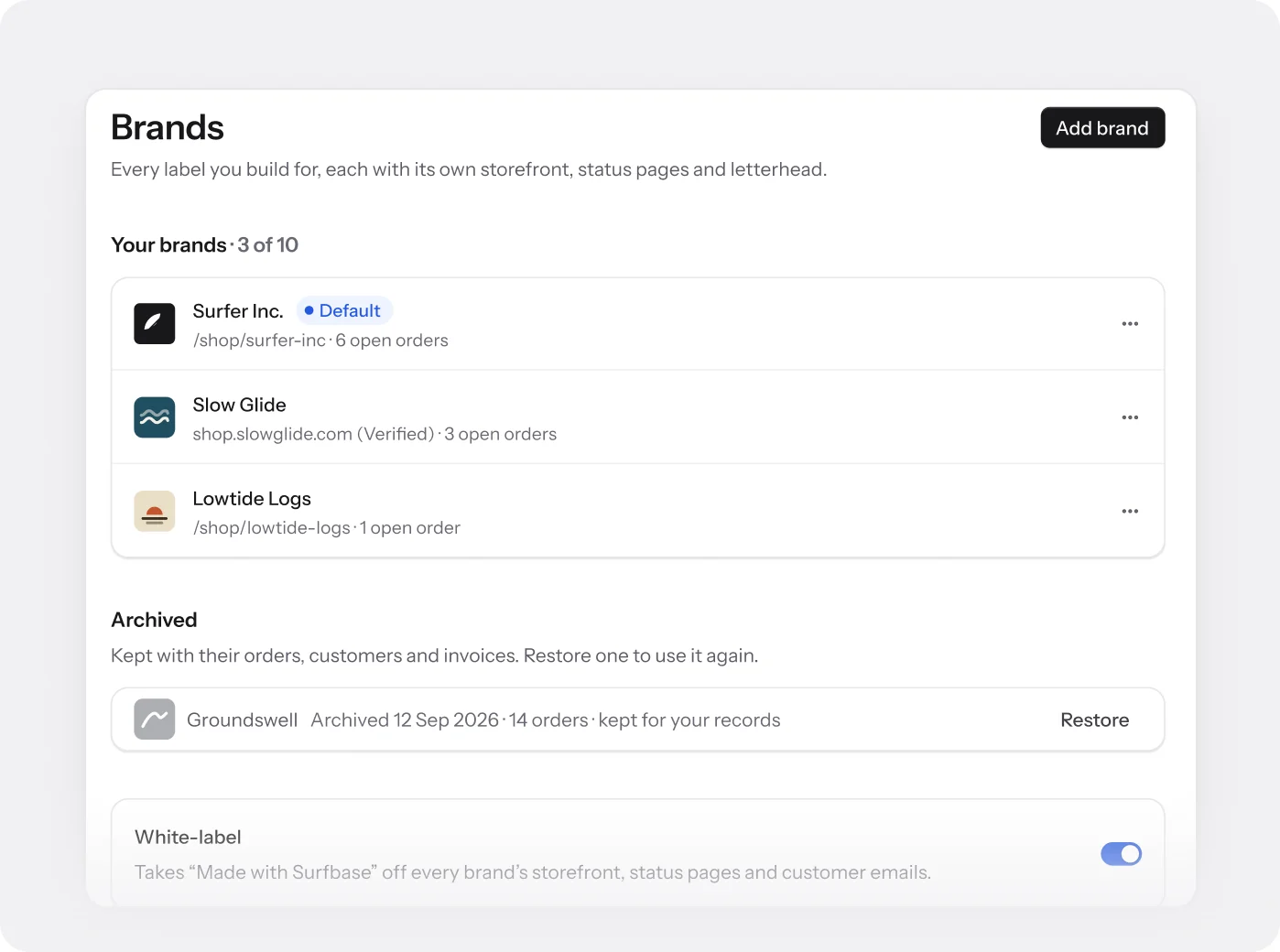
Brands
Up to ten brands, one floor.
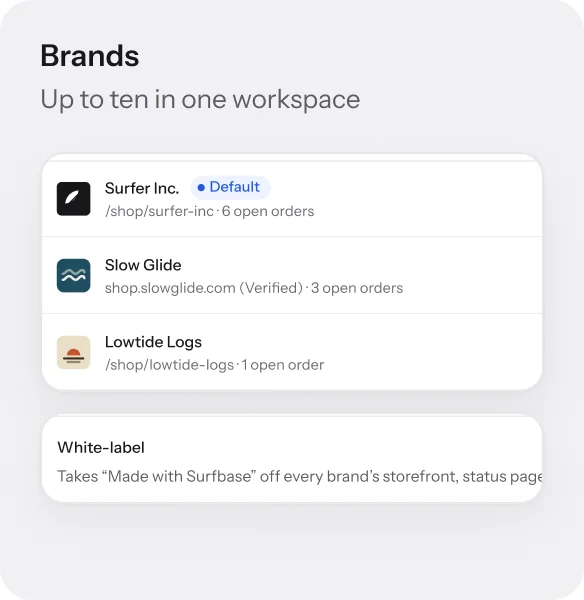
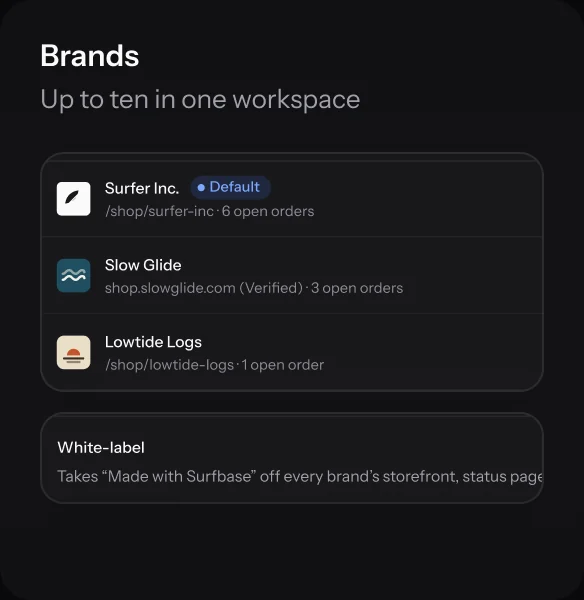
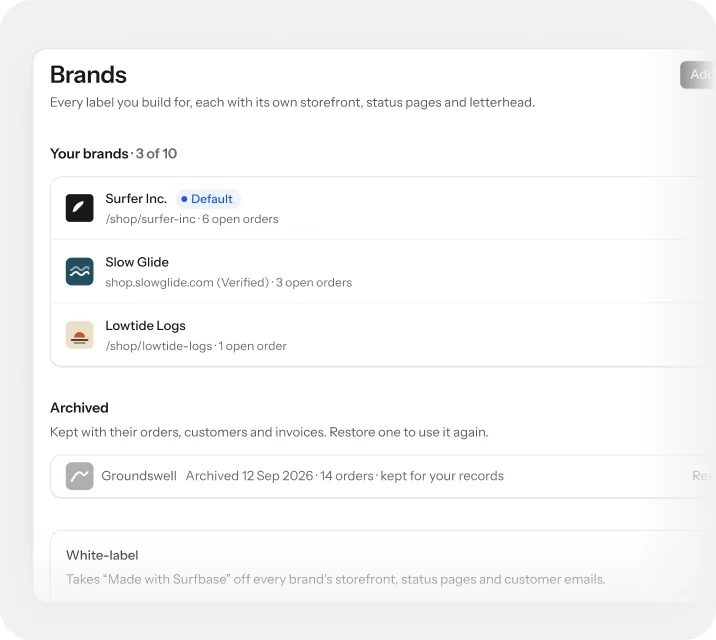
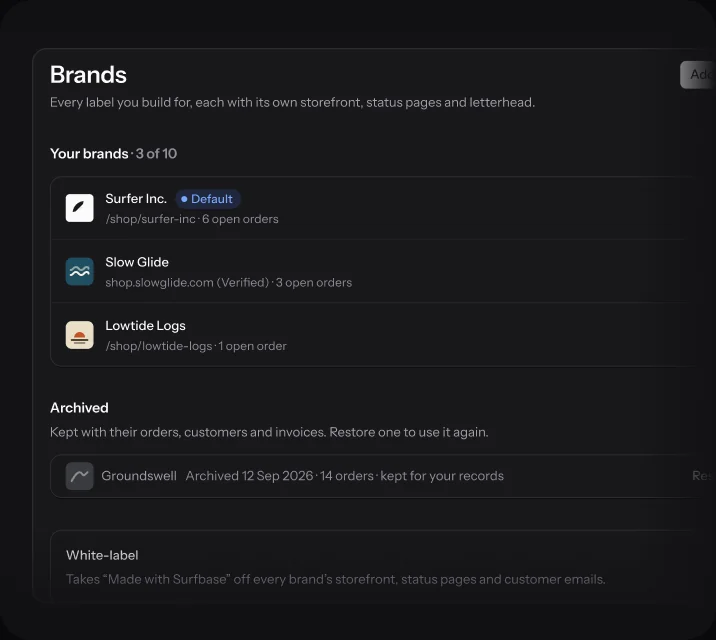
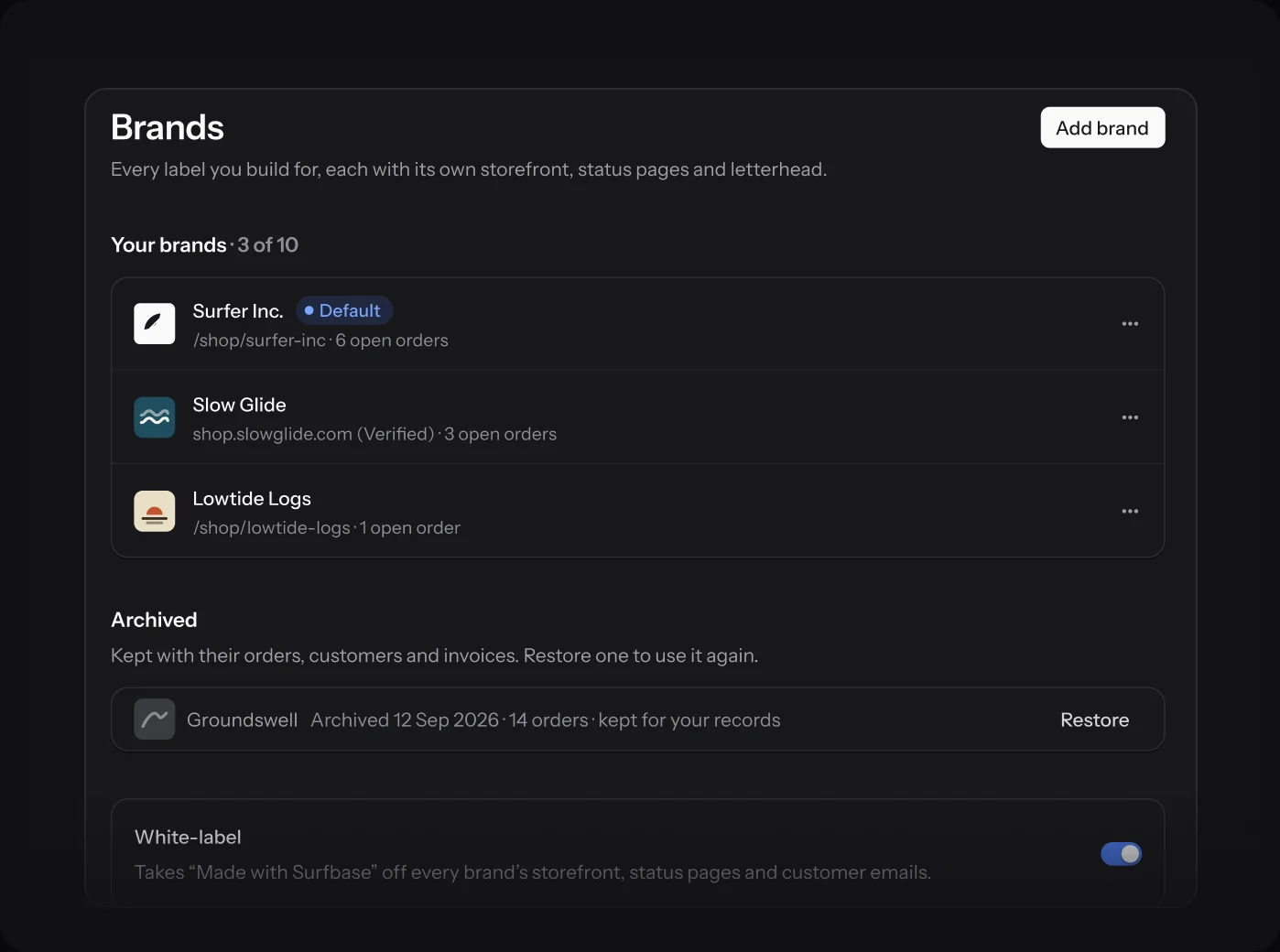
Add a brand for each label you build. Each gets its own storefront, order status pages and invoice letterhead, while the boards share one production floor and one team.
- Pick the brand on each order, and its invoices follow
- Archive a brand and keep its orders and invoices
- Your default brand counts as one of the ten
Domains and email
Its own address, its own name.
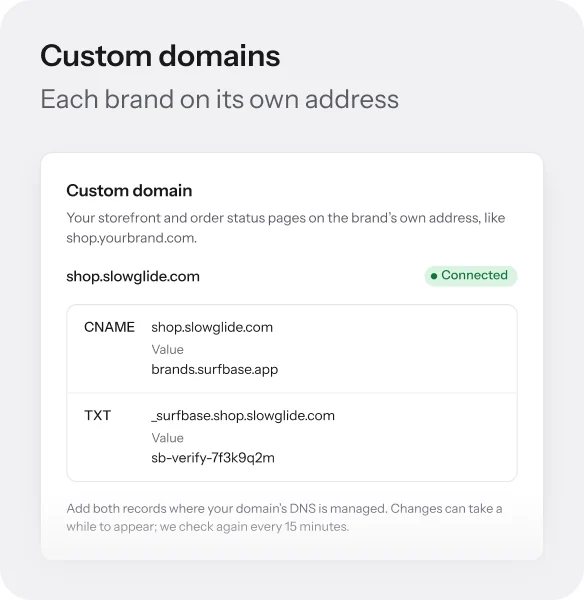
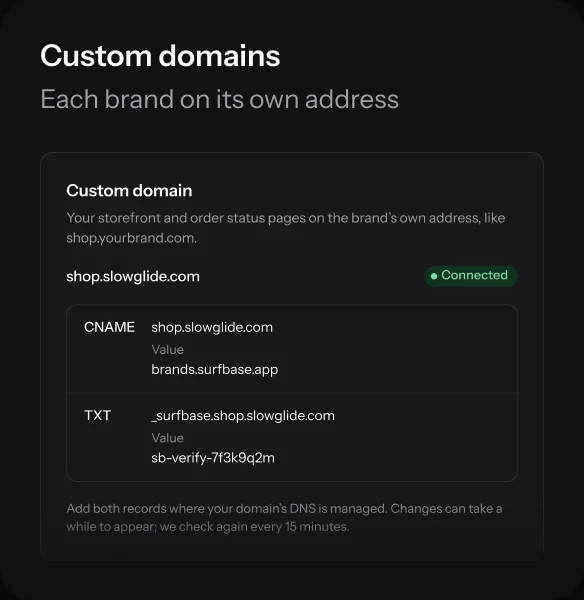
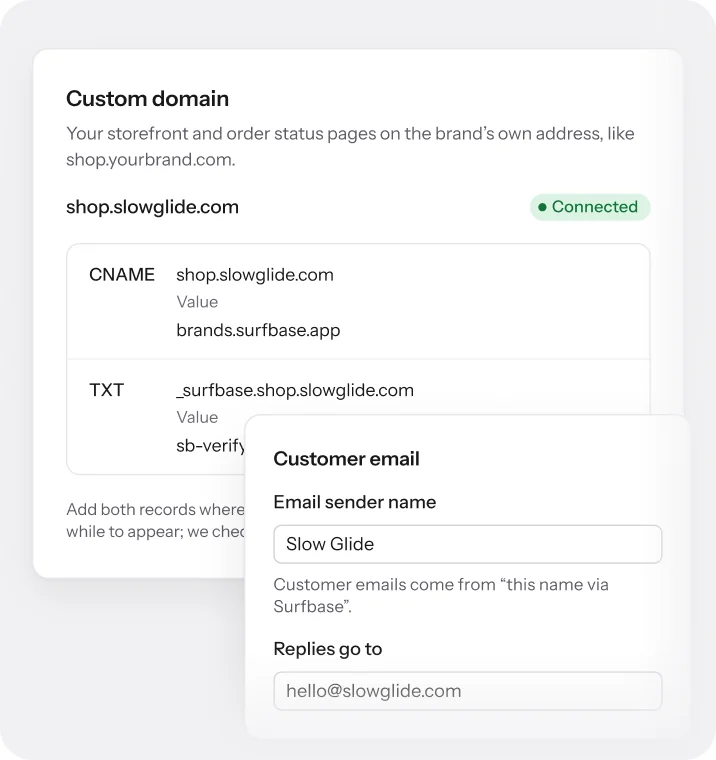
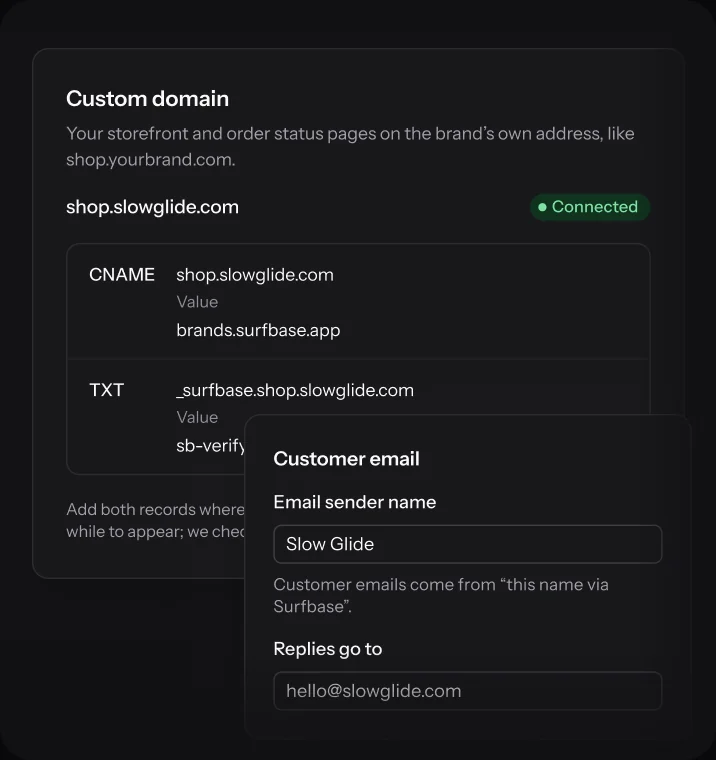
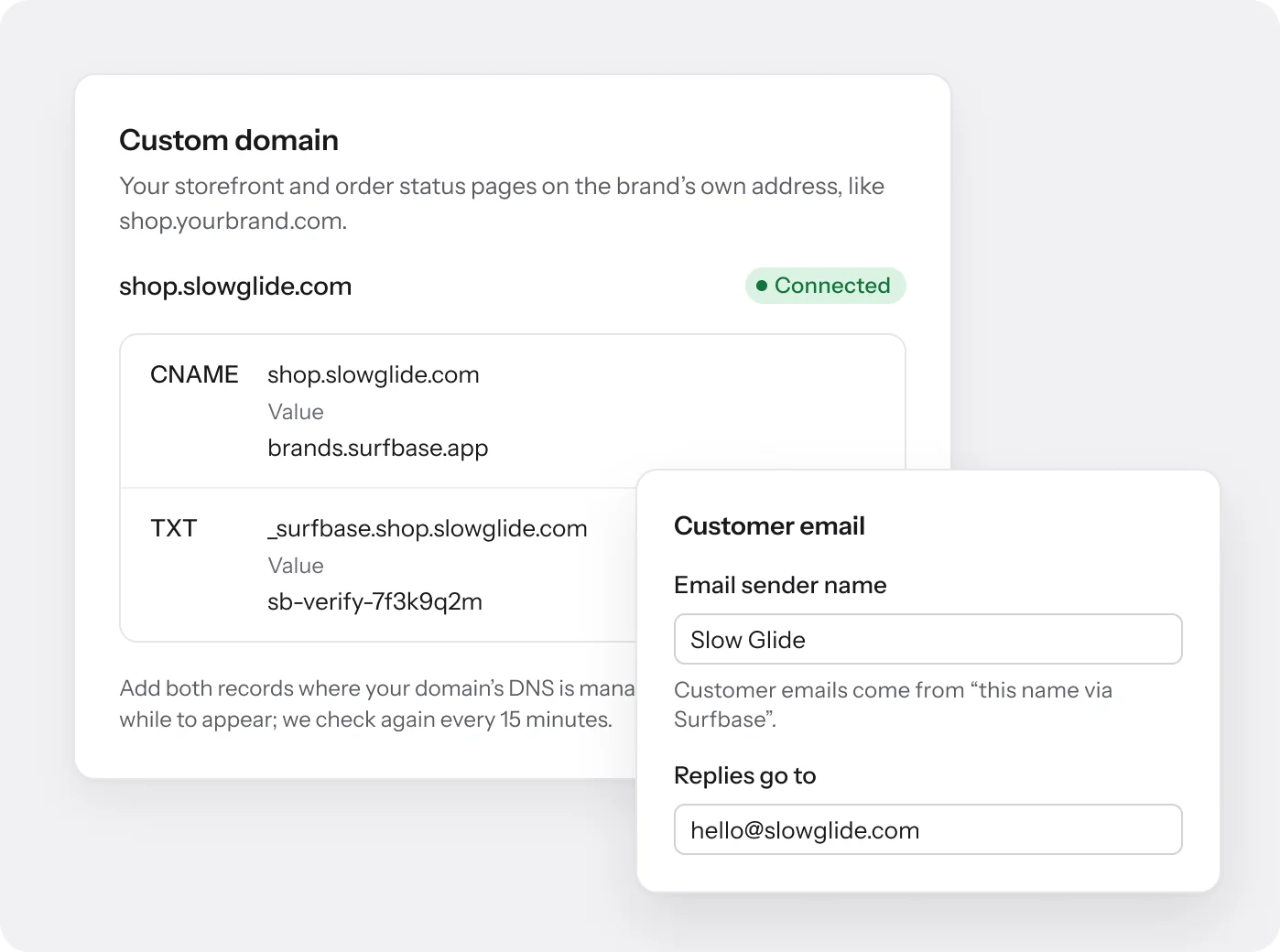
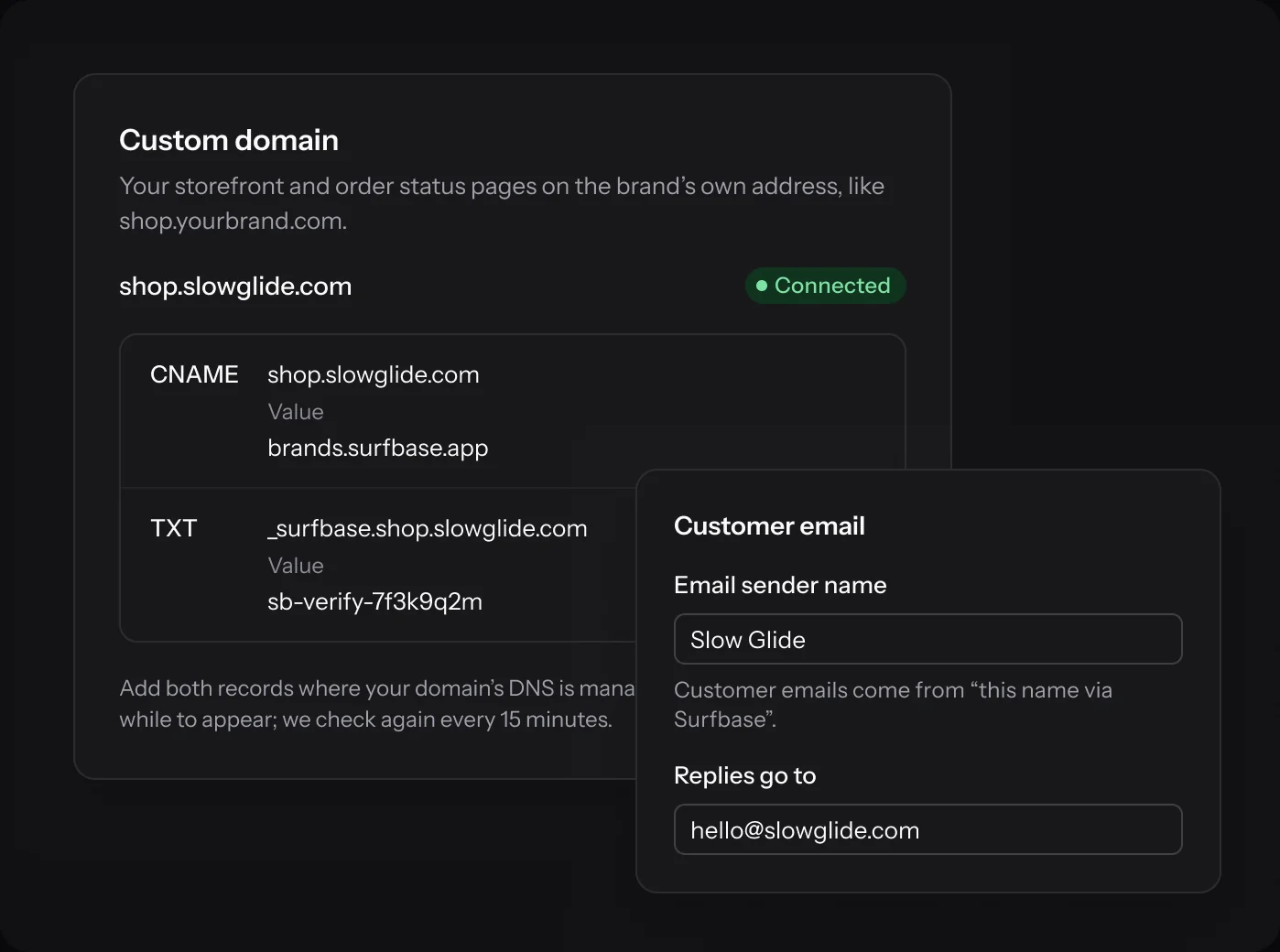
Put a brand’s store and status pages on its own domain, like shop.yourbrand.com. Customer emails go out under the brand’s name, and replies land in its inbox.
- CNAME and TXT records, checked every 15 minutes
- The certificate is issued for you
- Emails come from “Brand via Surfbase”
White-label store
Your store, not ours.
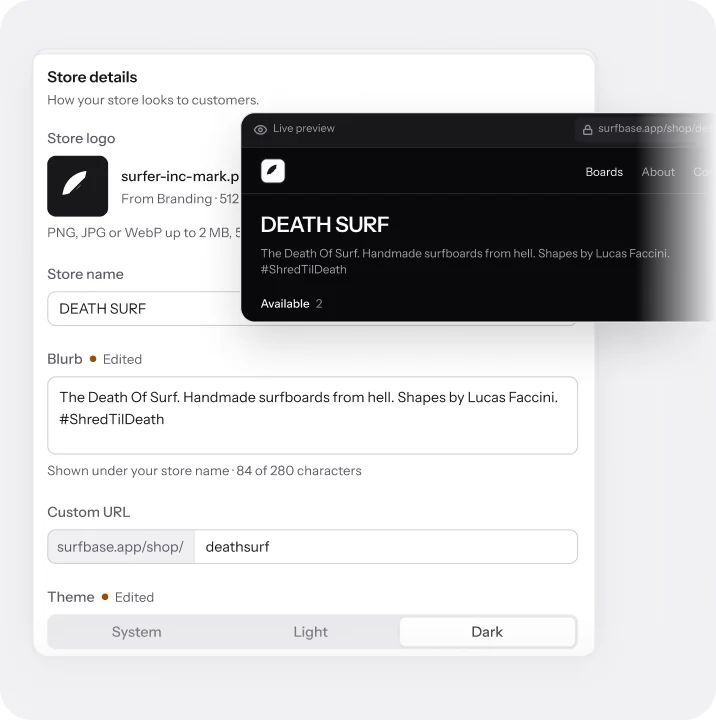
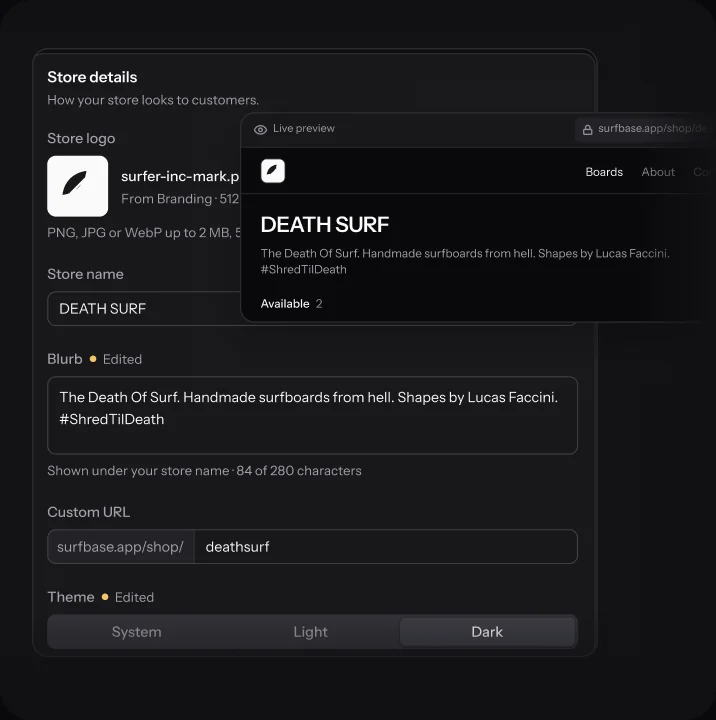
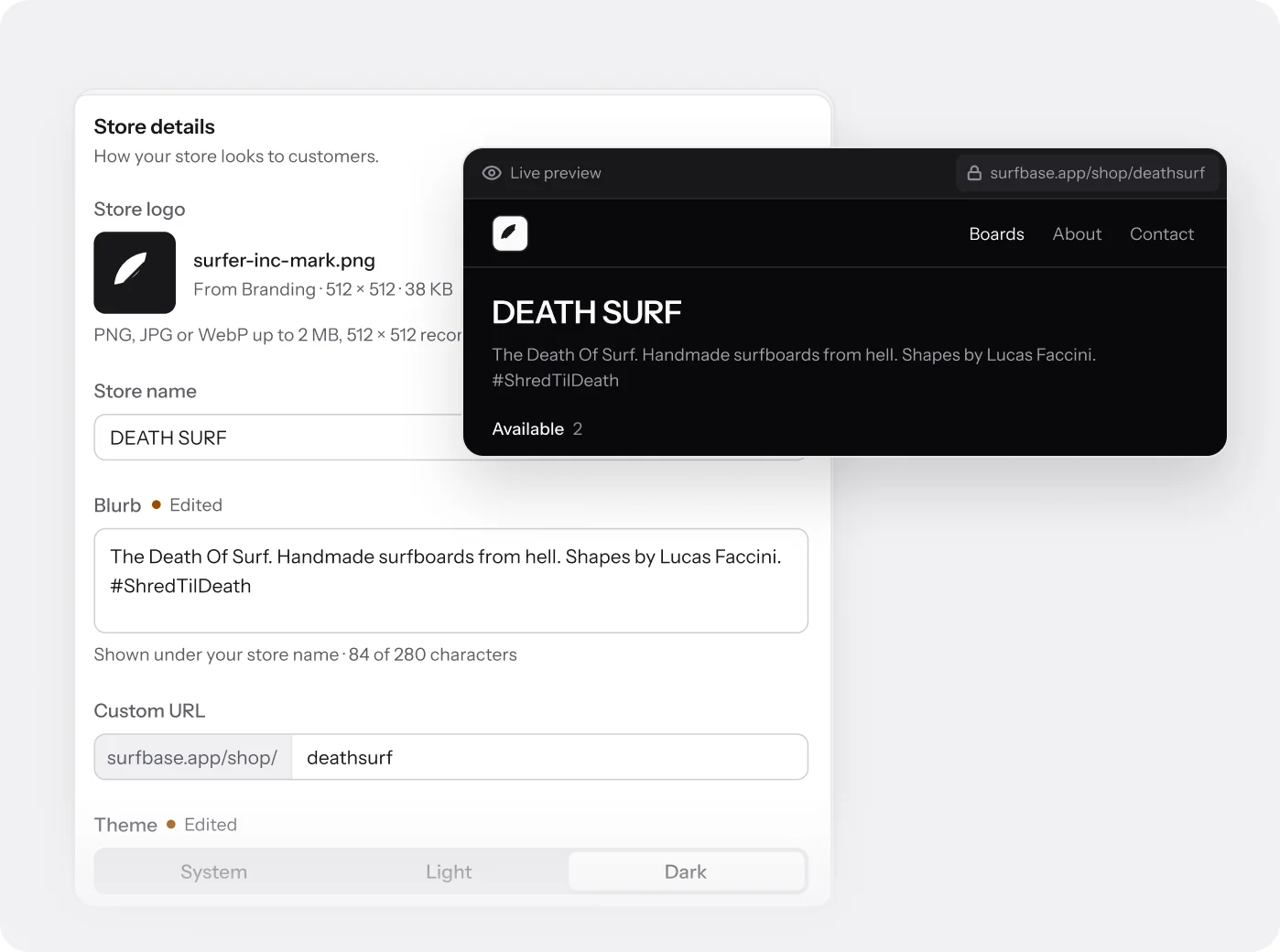
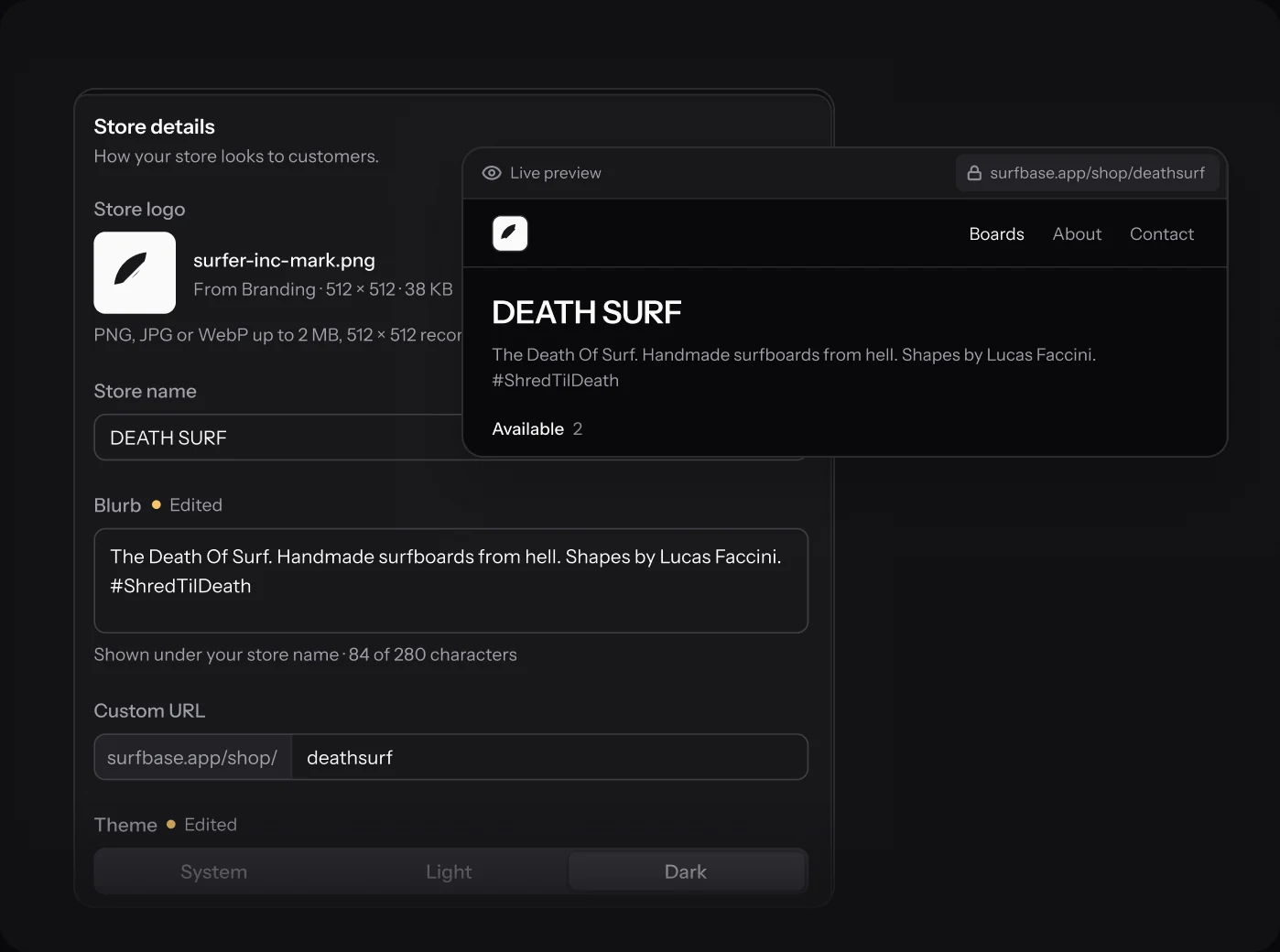
Set each store’s name, logo, blurb, web address and theme, and watch the live preview change as you type. Turn on white-label and “Made with Surfbase” comes off every page and email.
- About and Contact pages, location and custom orders
- Light, Dark or System theme
- Your own Stripe checkout, 0% Surfbase fee
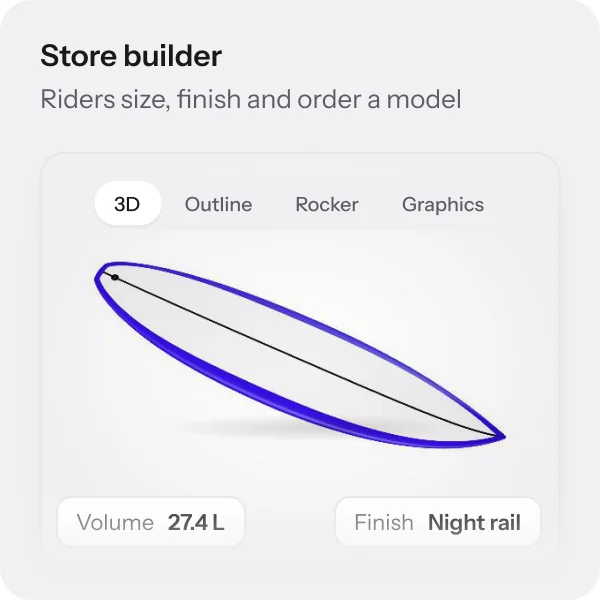
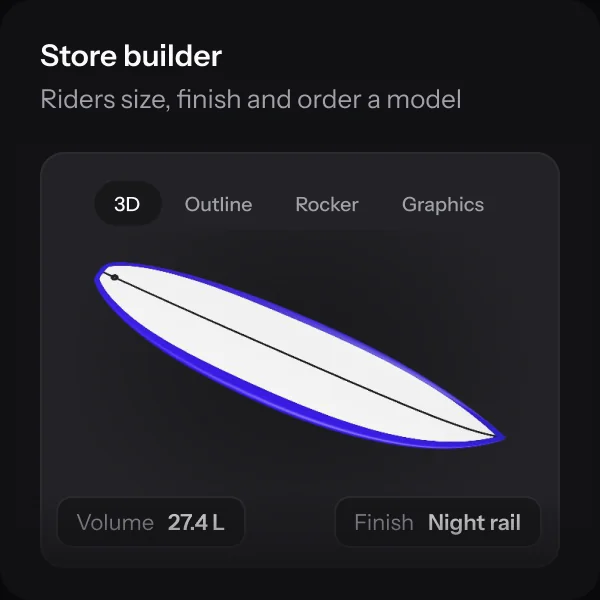
Store builder
Riders size it. You shape it.
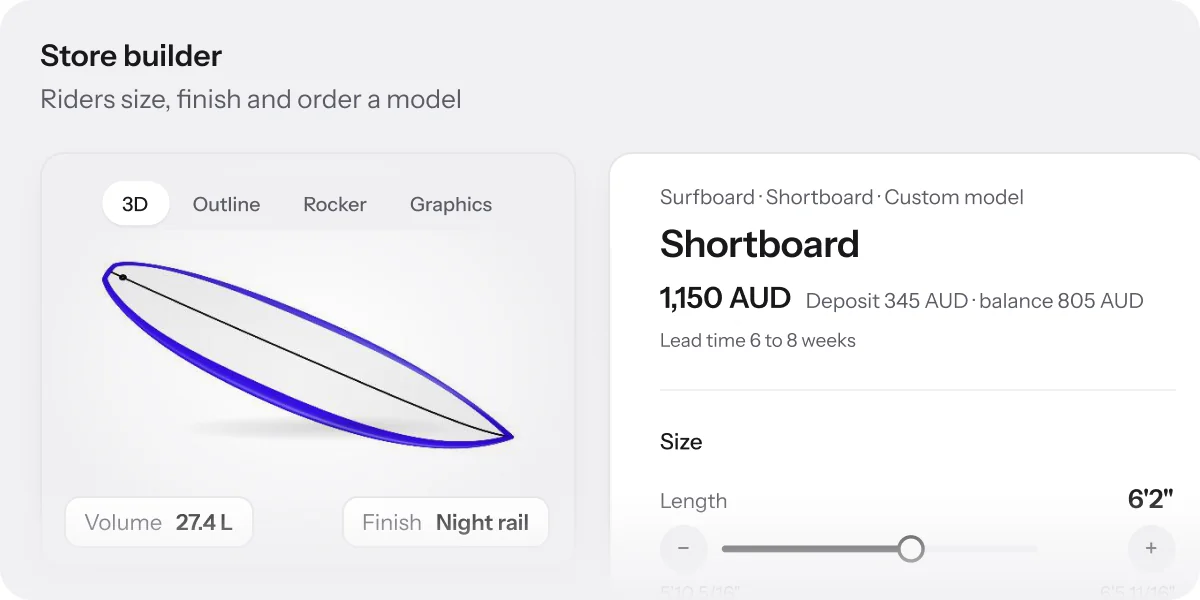
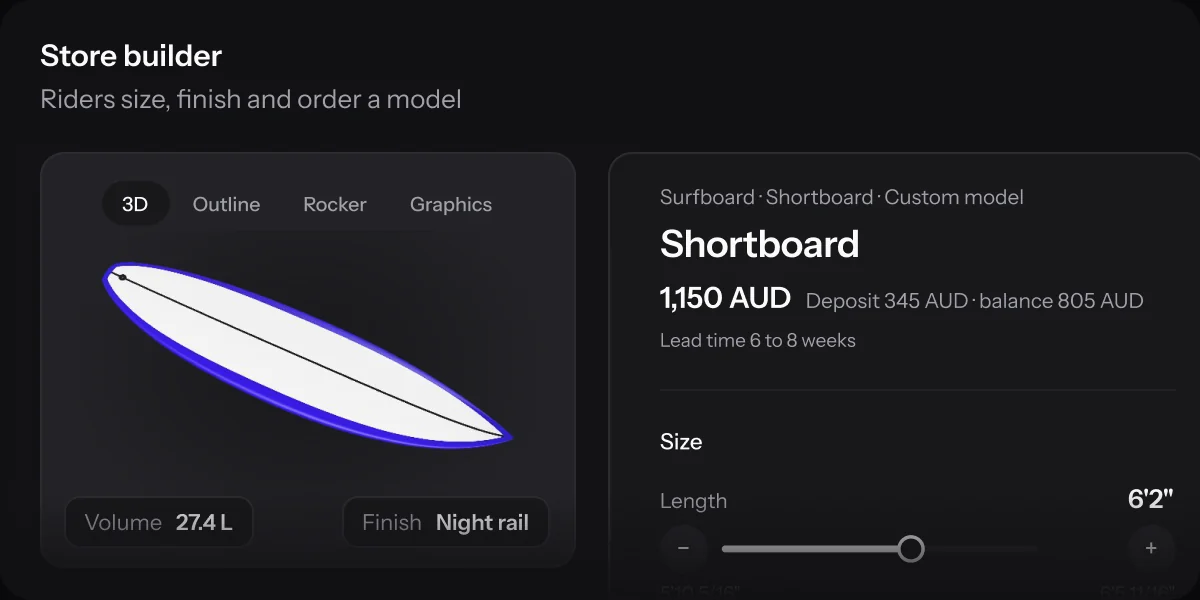
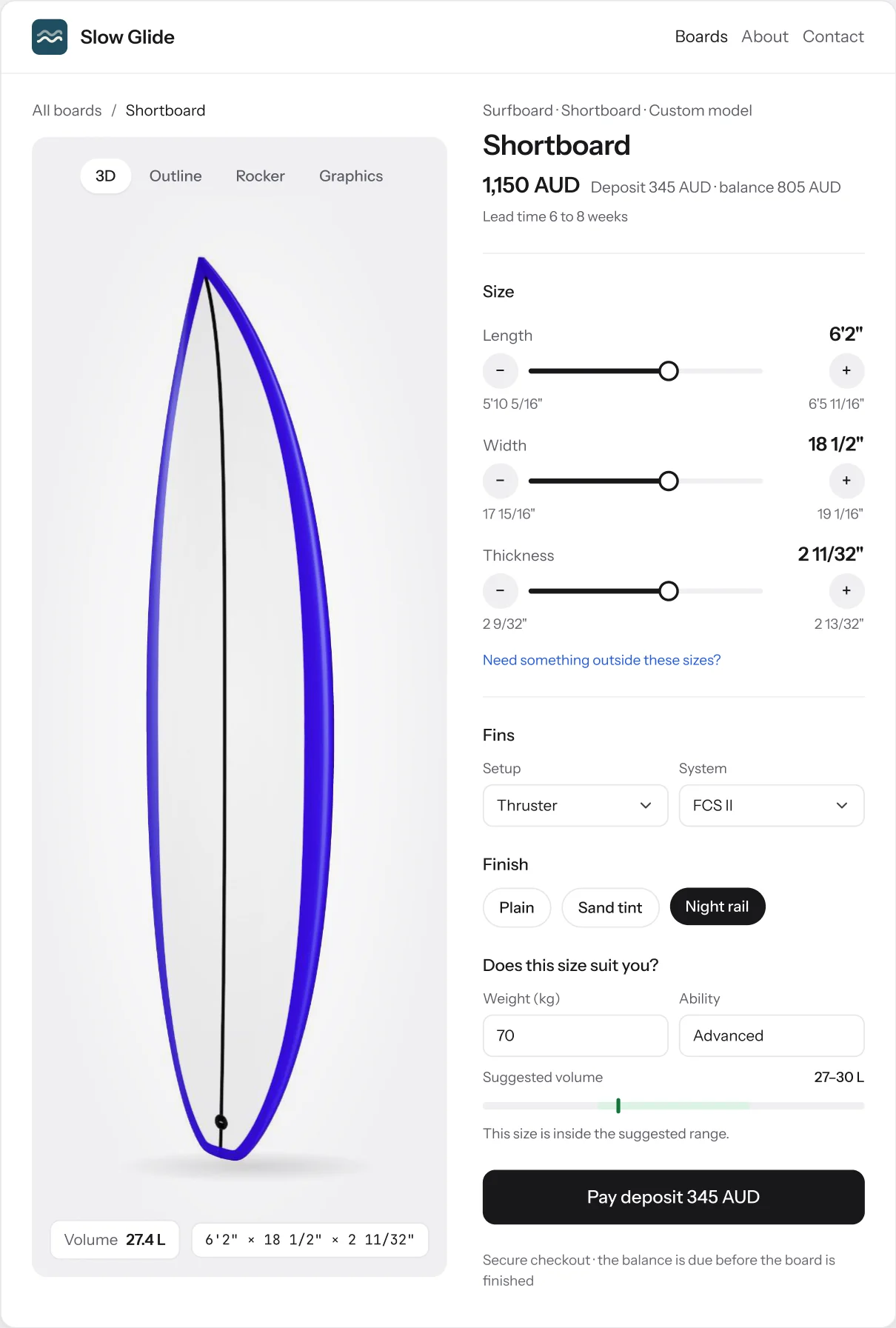
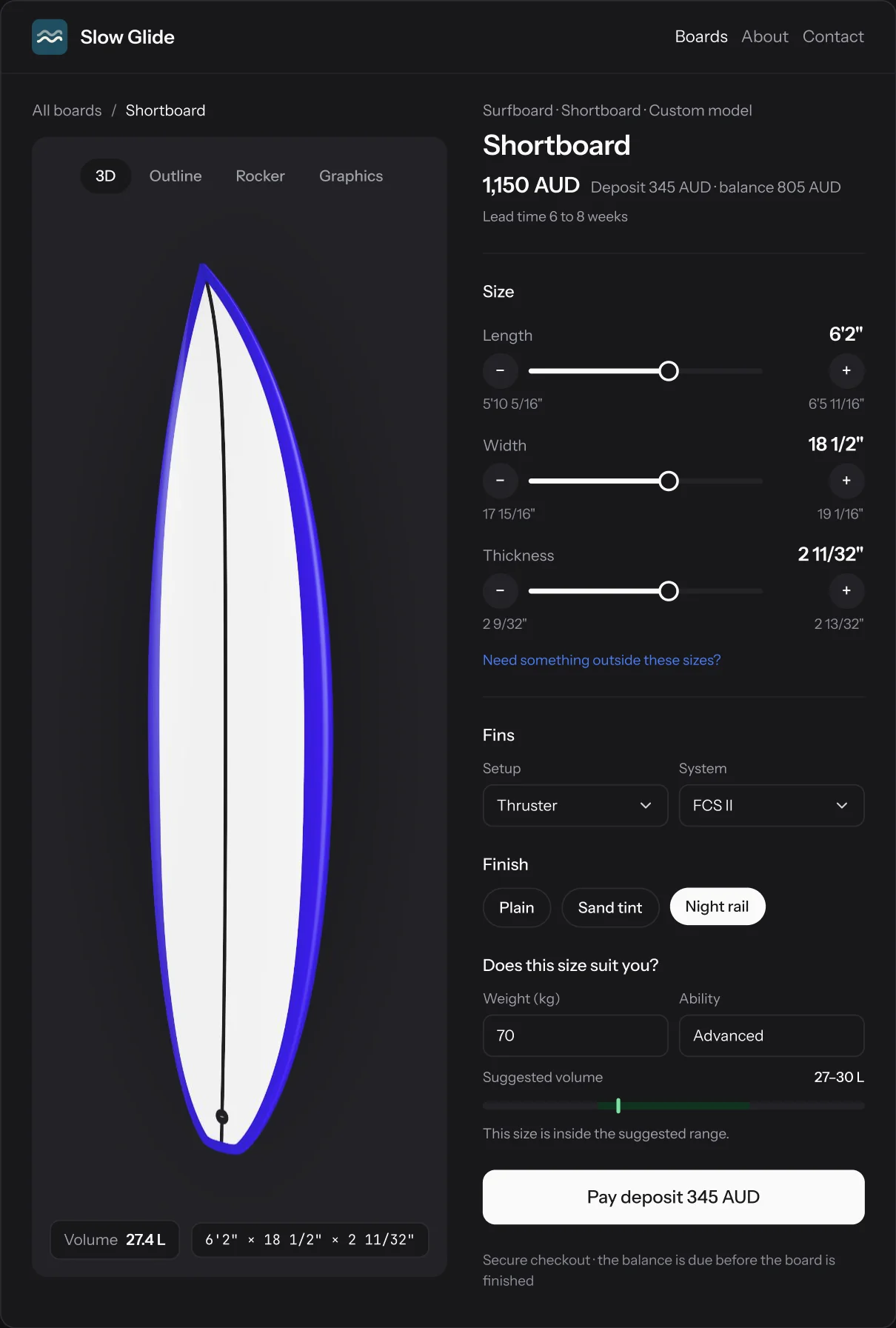
Publish a design as a model with the sizes, fins and finishes you’ll build. Riders move length, width and thickness inside your ranges, see the board and its volume change, and pay a deposit, on your store or in your Shopify theme. The order lands on your floor, pinned to the model.
- Size
- Only inside the ranges you set
- Fit
- Suggested volume from weight and ability
- Finish
- Your fins and graphics templates
- Checkout
- Deposit through your Stripe, 0% fee
- Accept
- Becomes a design, ready to fit and cut
- Plans
- 5 models on Workshop, unlimited on Factory
The Factory plan
And the whole floor, unlimited.
Factory lifts the limits on designs, orders, seats, store boards and Shopify listings.
- Production tracking Your stages, QR scans and a status page for every rider.
- Orders and invoices Deposits, payment links and invoices on each brand’s letterhead.
- Online store and Shopify Your own Stripe checkout and the Shopify app, with no listing cap.
- Team and roles Unlimited seats, with Owner, Admin and Member roles.
FAQ
Questions about
factory work.
Which CNC machines does it work with?
Any machine that runs generic G-code in millimetres. Enter its bed, tail stop, struts, cutter and actuators once in Settings, and every fit and cut file uses them.
Is G-code on Workshop too?
Workshop fits designs to blanks on all your machines. Cut files are an add-on there, at A$29 a month, and included on Factory.
Can I fit my own blanks?
Yes. Add your own next to the 429 production blanks in the library, and the Machine tab fits against both.
How many brands can I run?
Up to ten in one workspace, your default brand included. Each has its own store, status pages, letterhead and email name.
Do brand emails come from my domain?
They go out as “Brand via Surfbase” from our address, and replies go to the brand’s inbox. The store and status pages can use the brand’s own domain.
What does Factory cost?
A$249 a month, GST included, or ten months’ price for a year. Everything on this page is included.
Still have a question?
A person on the team will write back.
Run your factory on Surfbase.
Factory is A$249 a month, GST included. Start free, and upgrade when the bay is ready.