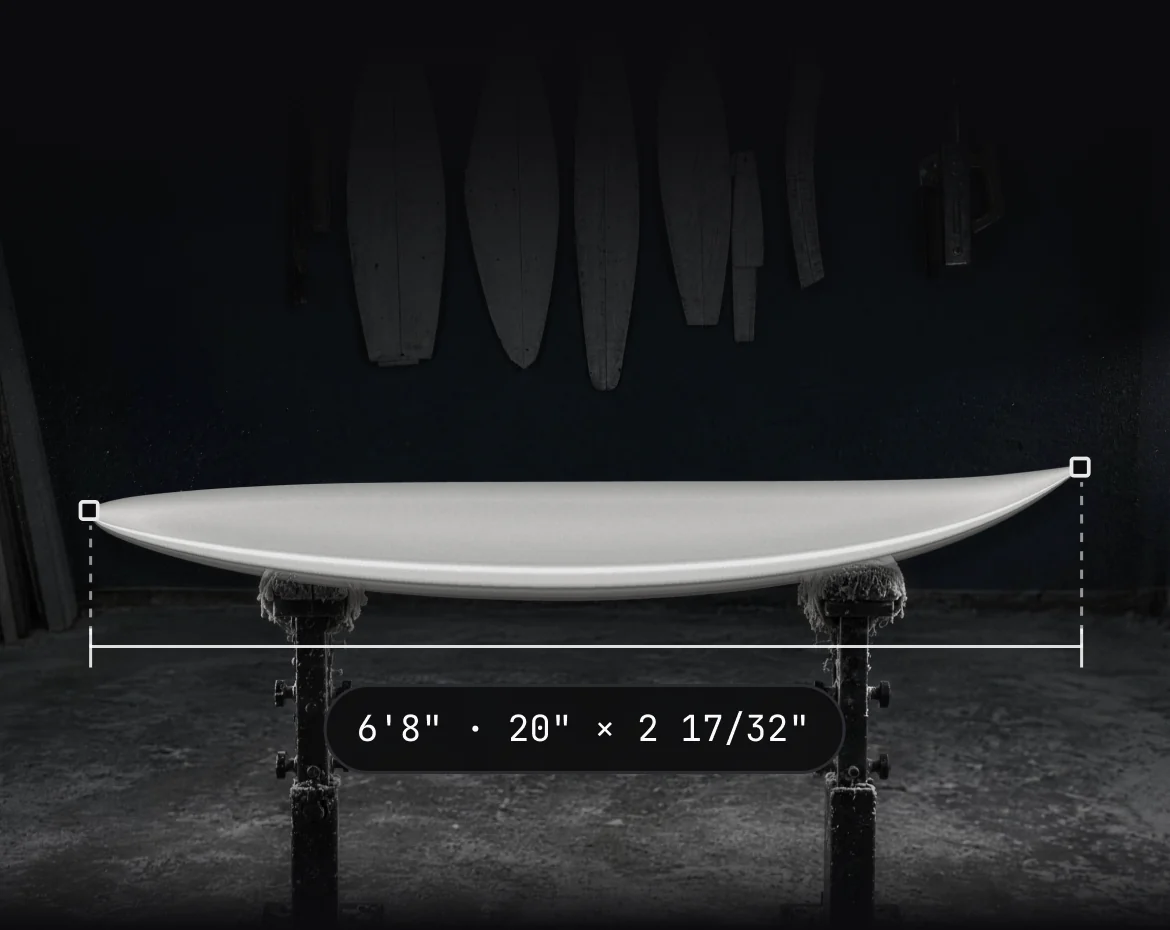

Orders
Quote, deposit, invoice, done.
Every order is built from a design version, with the quote, the payments and the invoice on one page. Send a payment link and the money lands in your own Stripe account.
Orders and invoicing start on Basic
From quote to pickup
Every dollar, on the order.
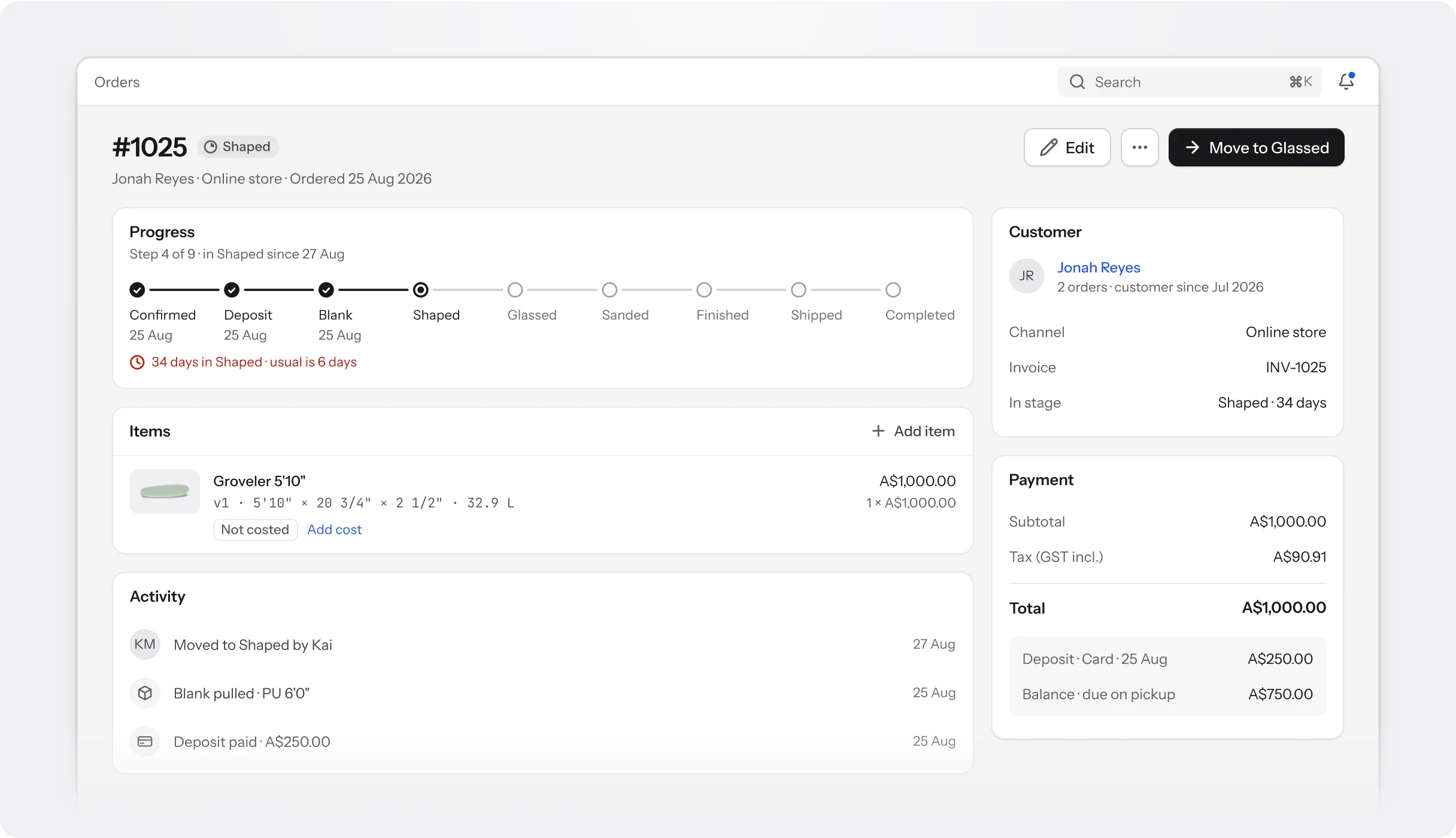
Quotes, deposits, balances and invoices sit on the order, next to the board they pay for.
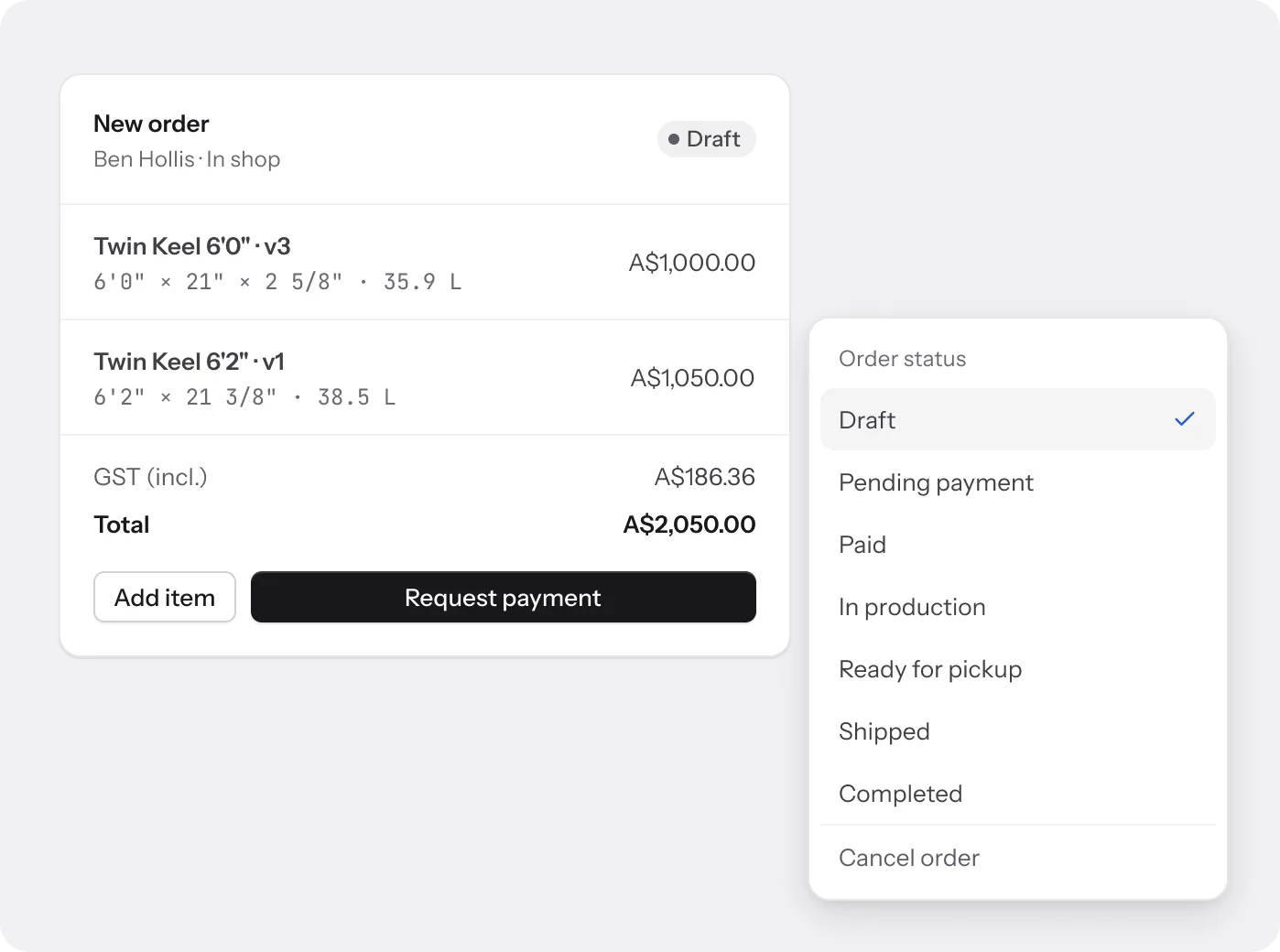
Quotes and statuses
Start with a quote.
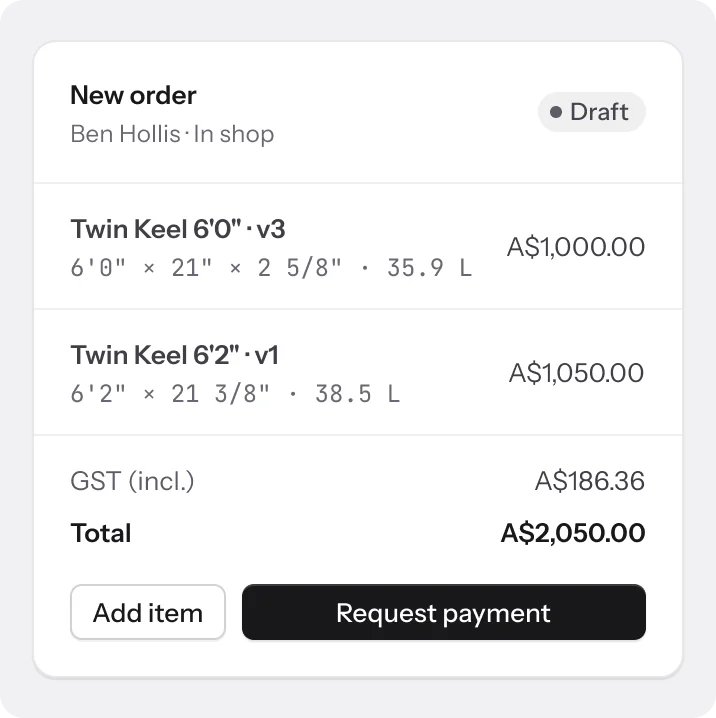
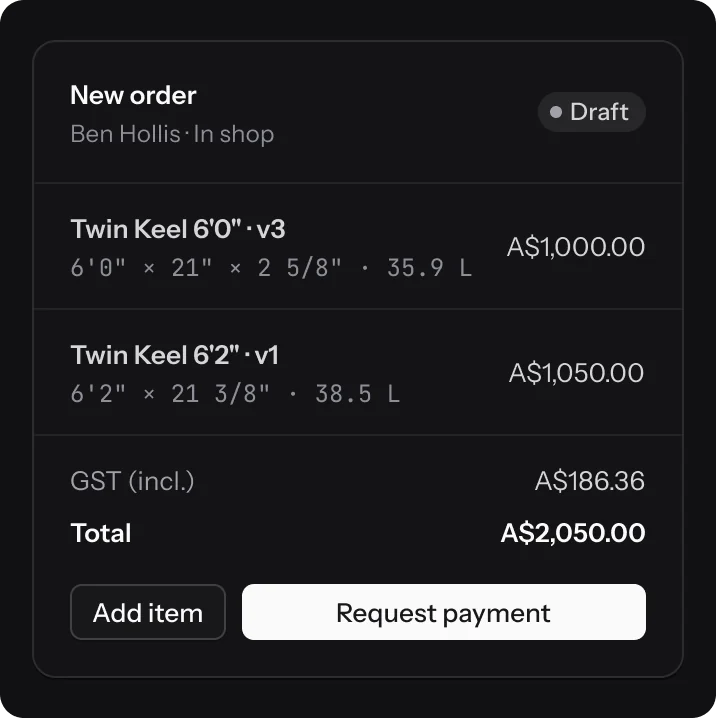
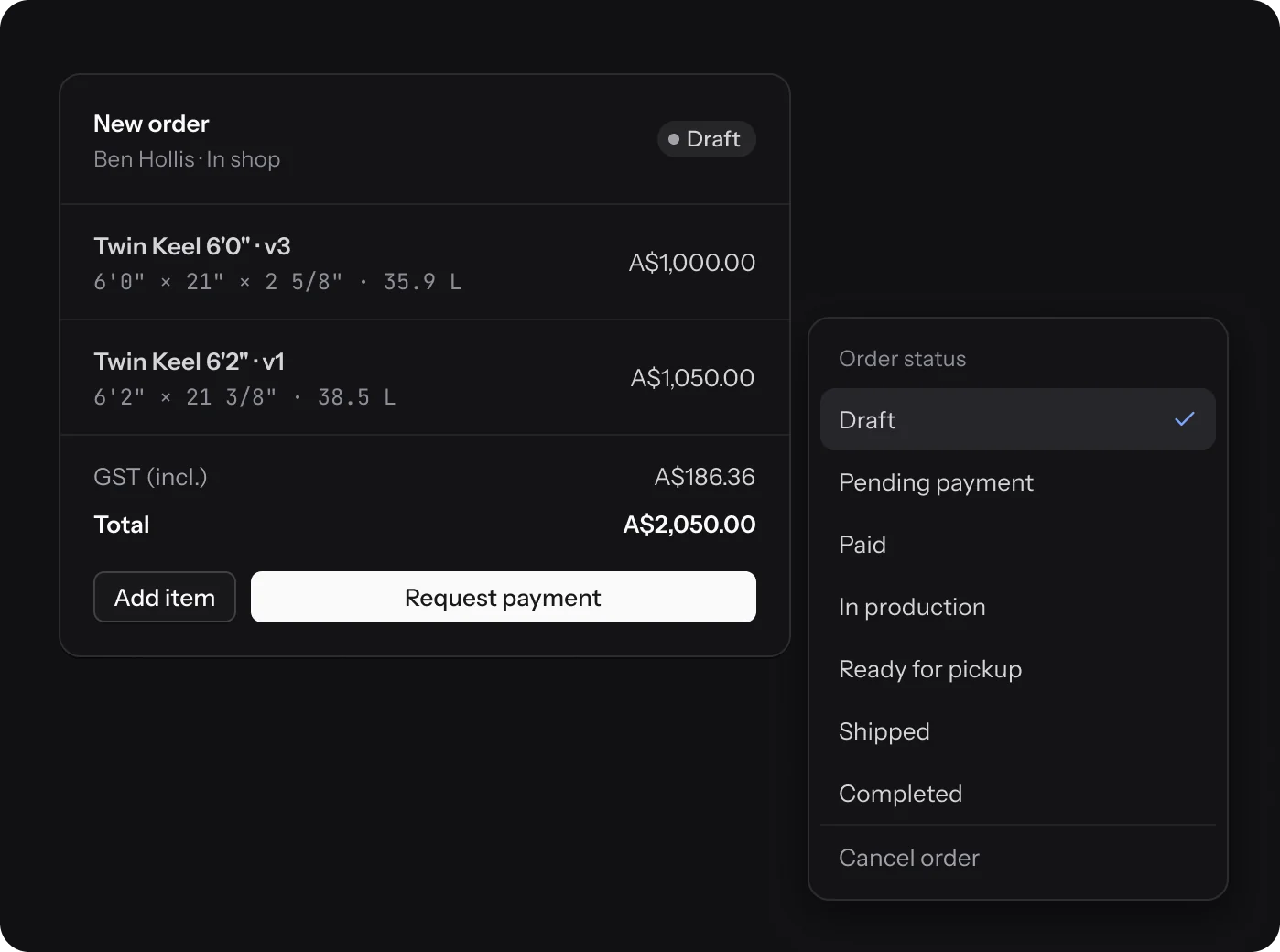
A draft order is your quote. Add design versions or stock boards, set the price, and request payment when it’s ready. Then it moves from Paid to In production, Ready for pickup or Shipped, and Completed.
- Lines lock once payment is requested
- Cancel any order before it’s completed
- Shop, store, enquiry and Shopify orders in one list
Payments
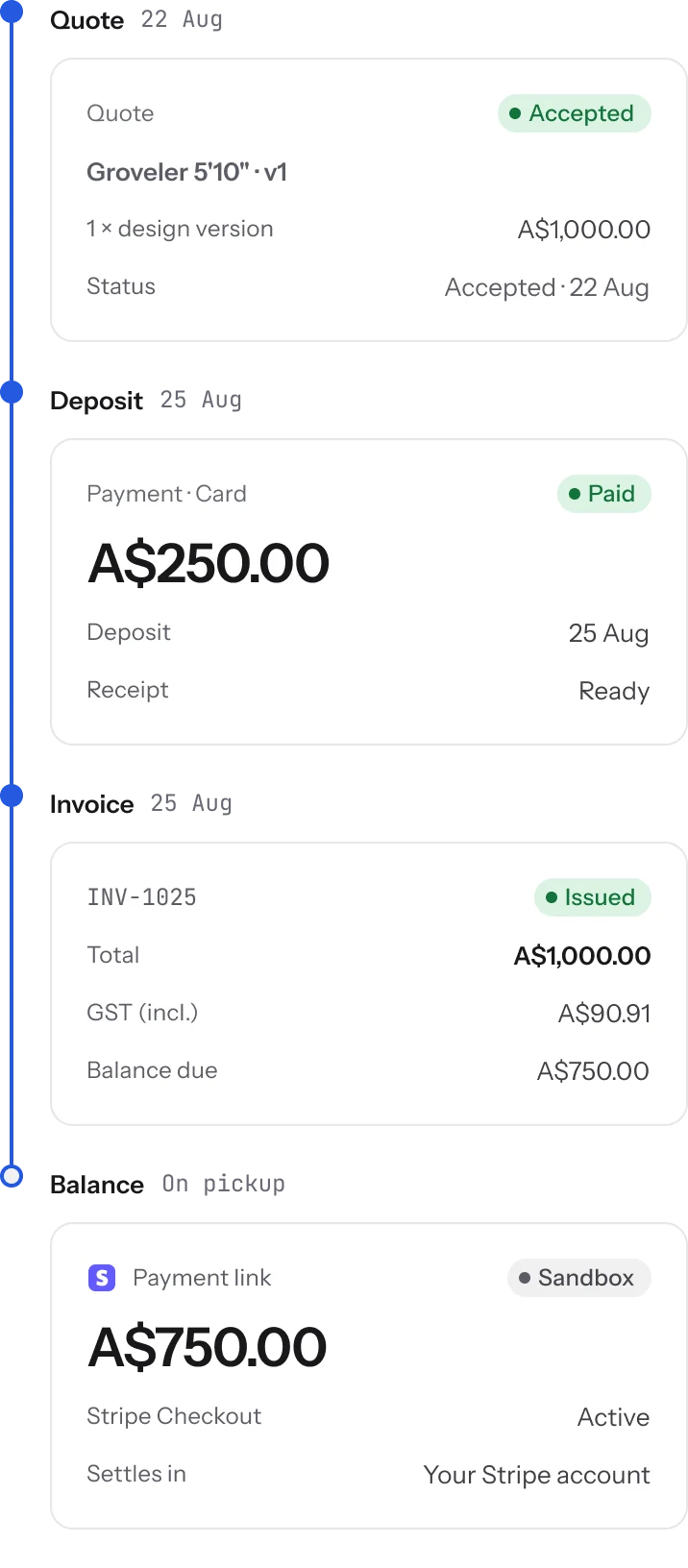
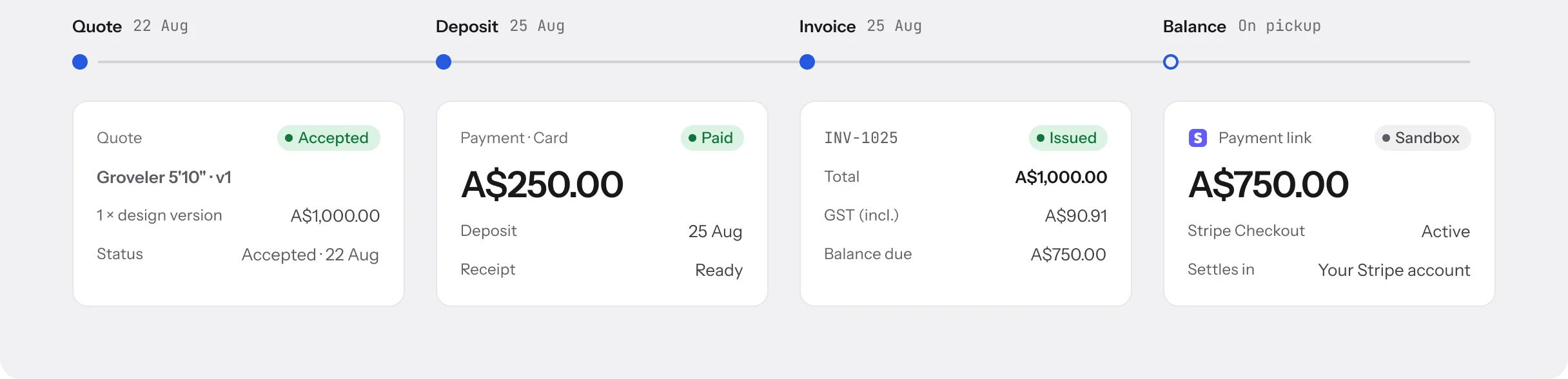
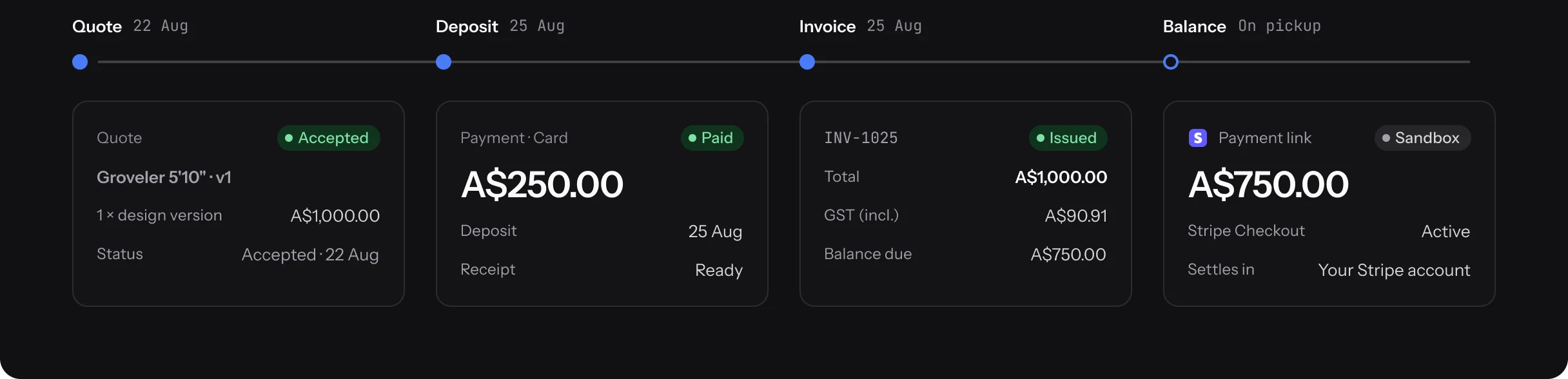
Quote, deposit, invoice, balance.
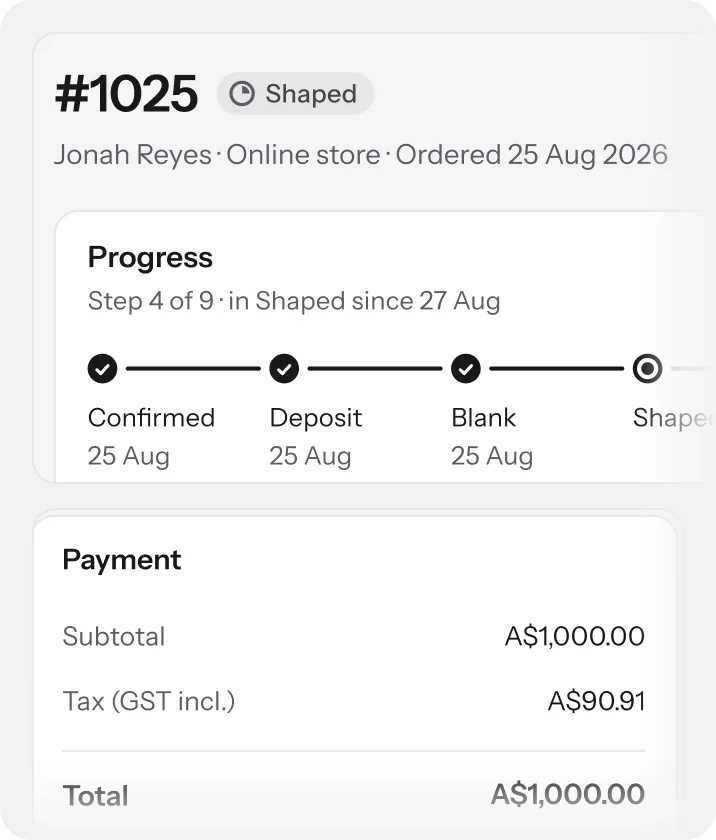
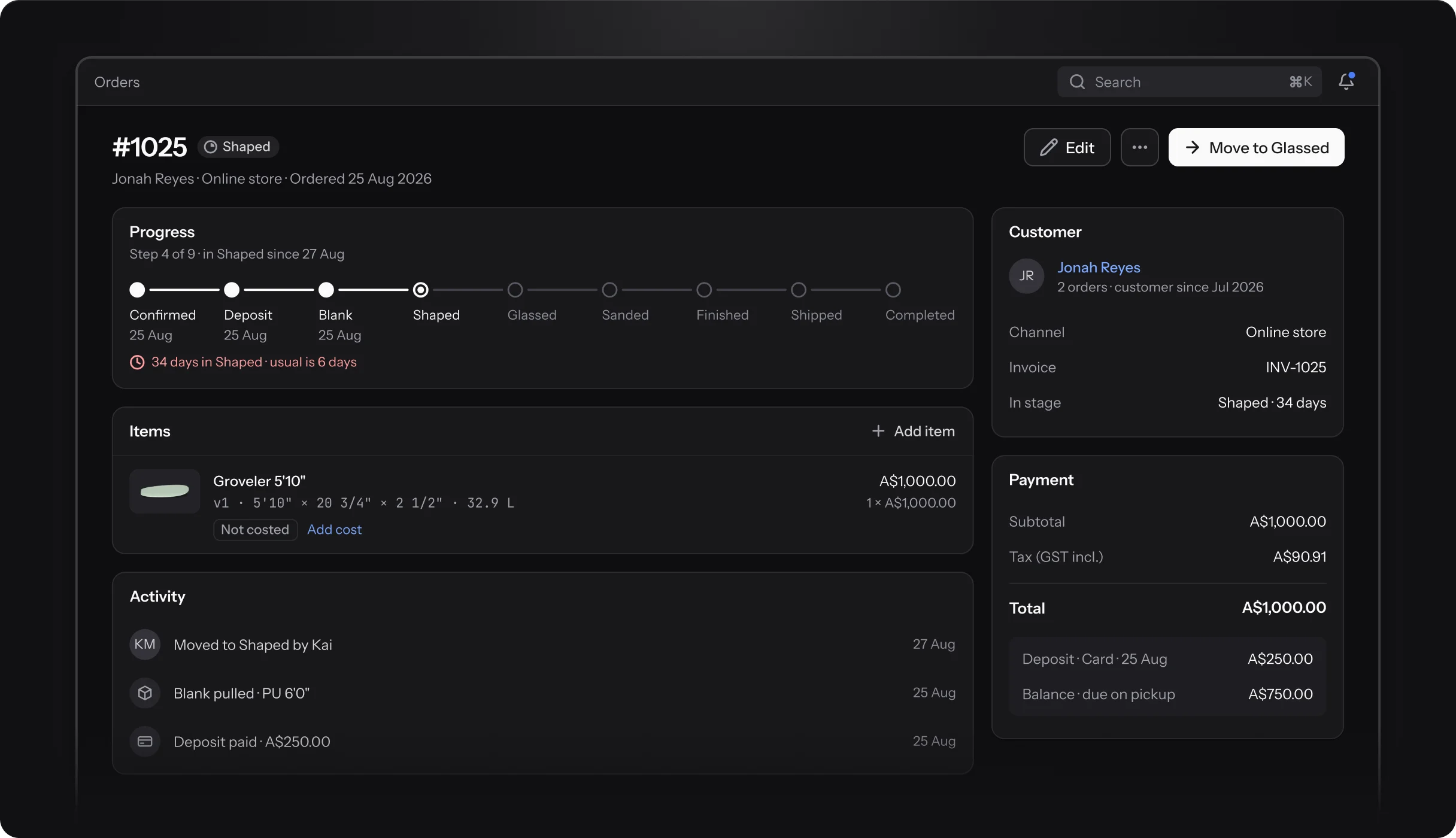
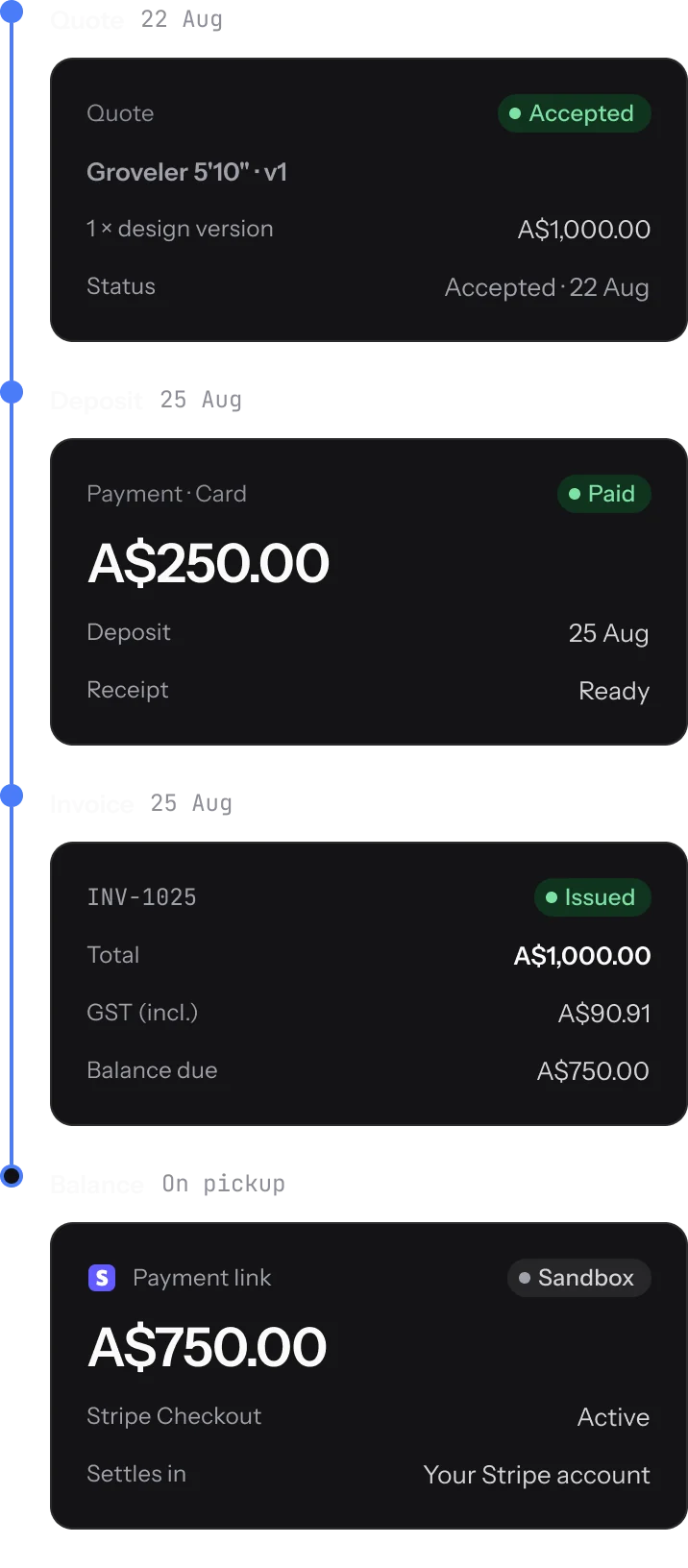
Order #1025 for Jonah Reyes, from the first quote to the last payment. Every step is recorded on the order.
A$750.00 due on pickup · A$250.00 paid
Invoices
Invoices that add up.
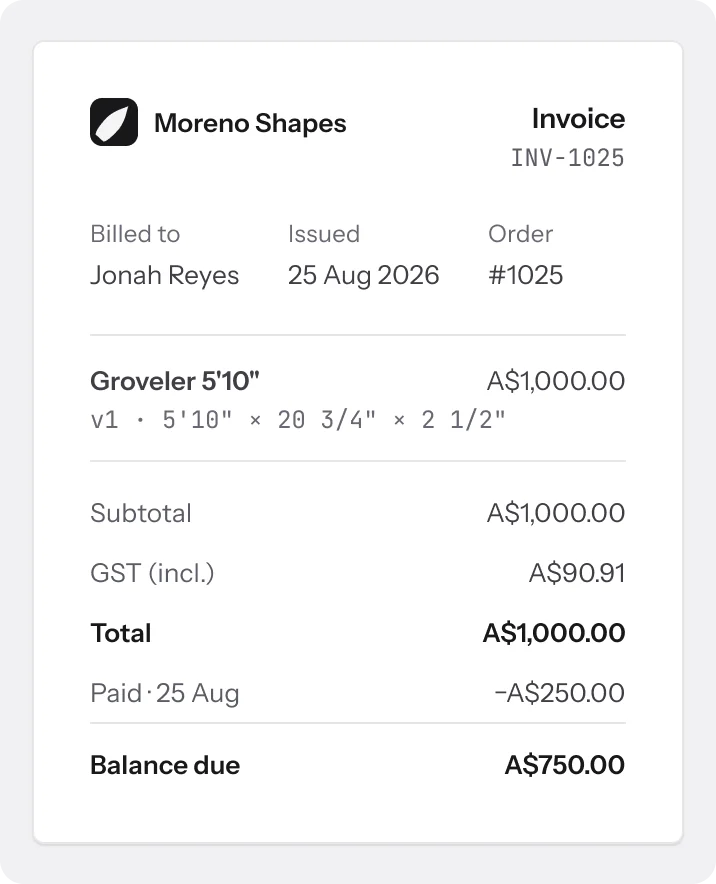
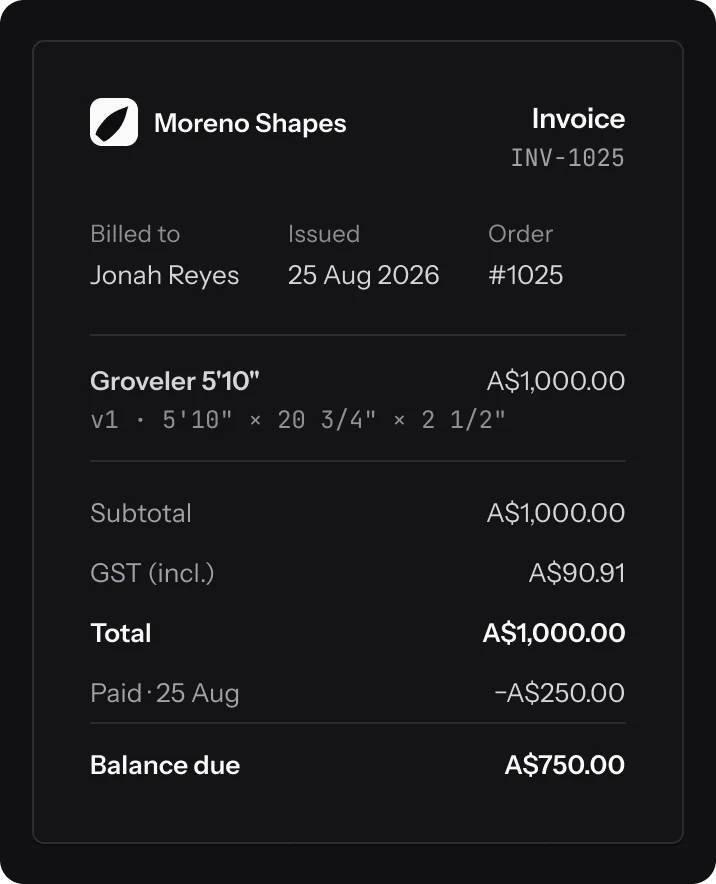
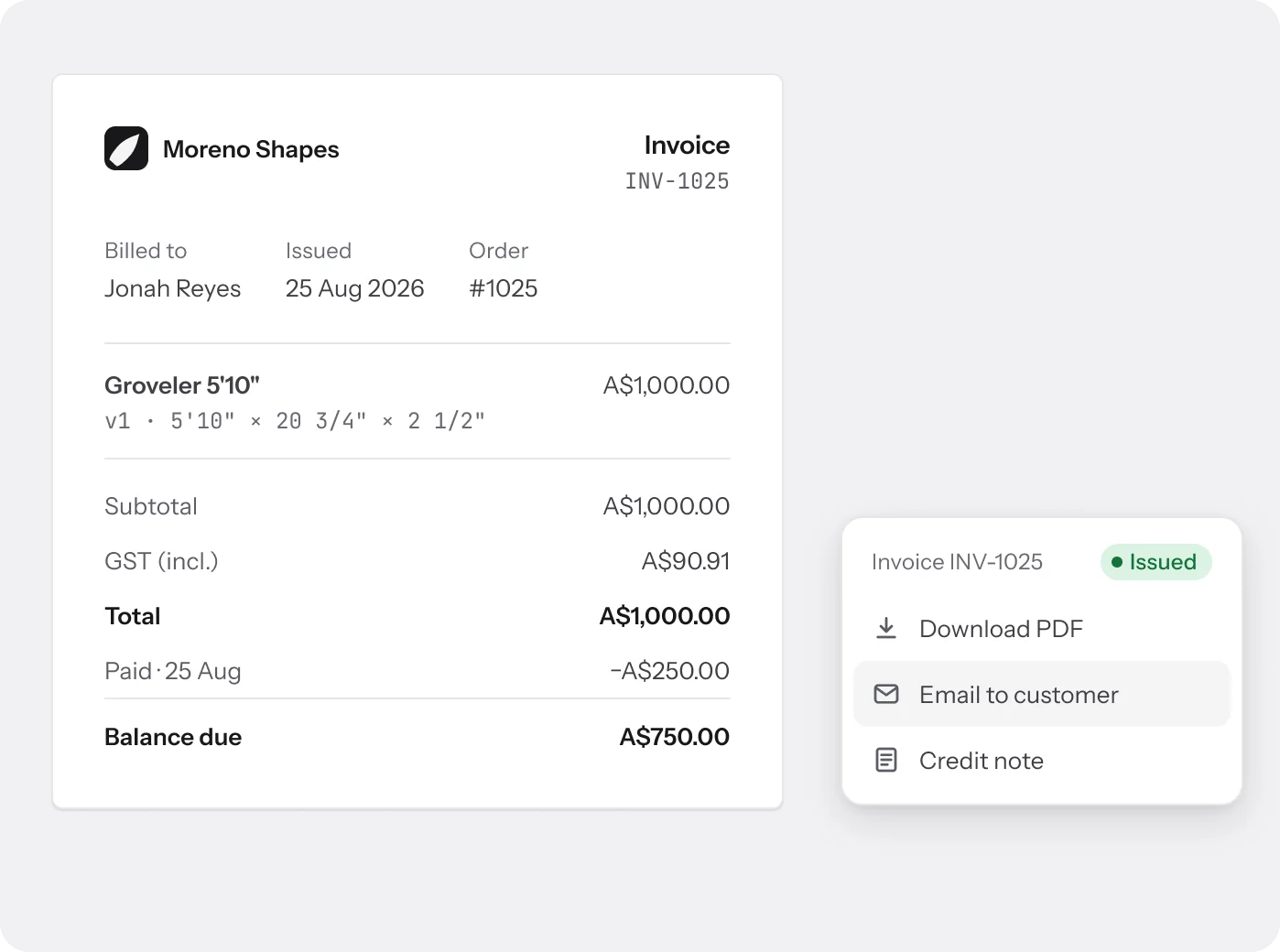
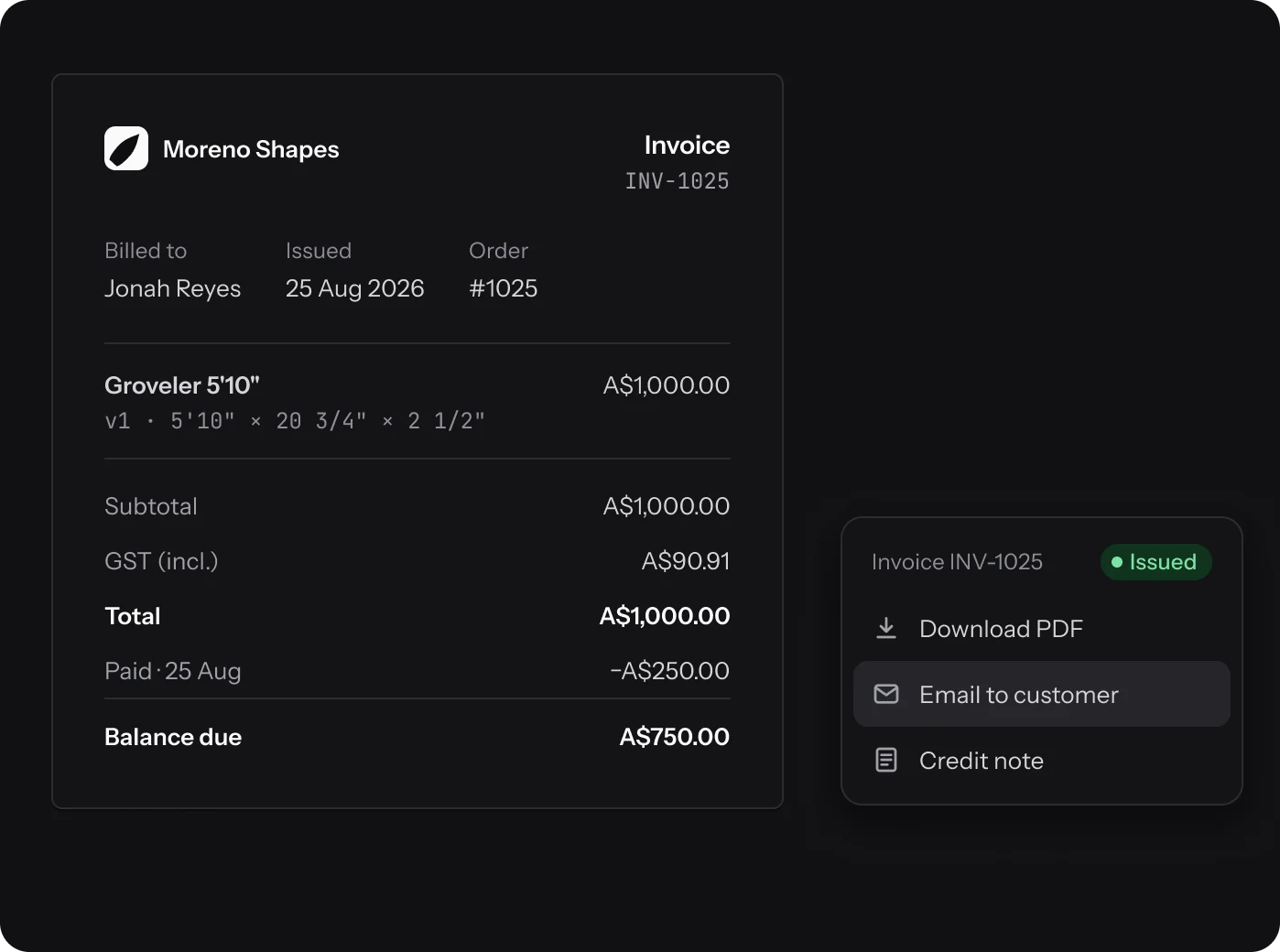
Issue a numbered invoice from the order, then download the PDF or email it to the customer. Every payment gets a receipt.
- Your own prefix, numbered per shop
- Issued invoices lock; changes go on a credit note
- An invoiced order is cancelled, never deleted
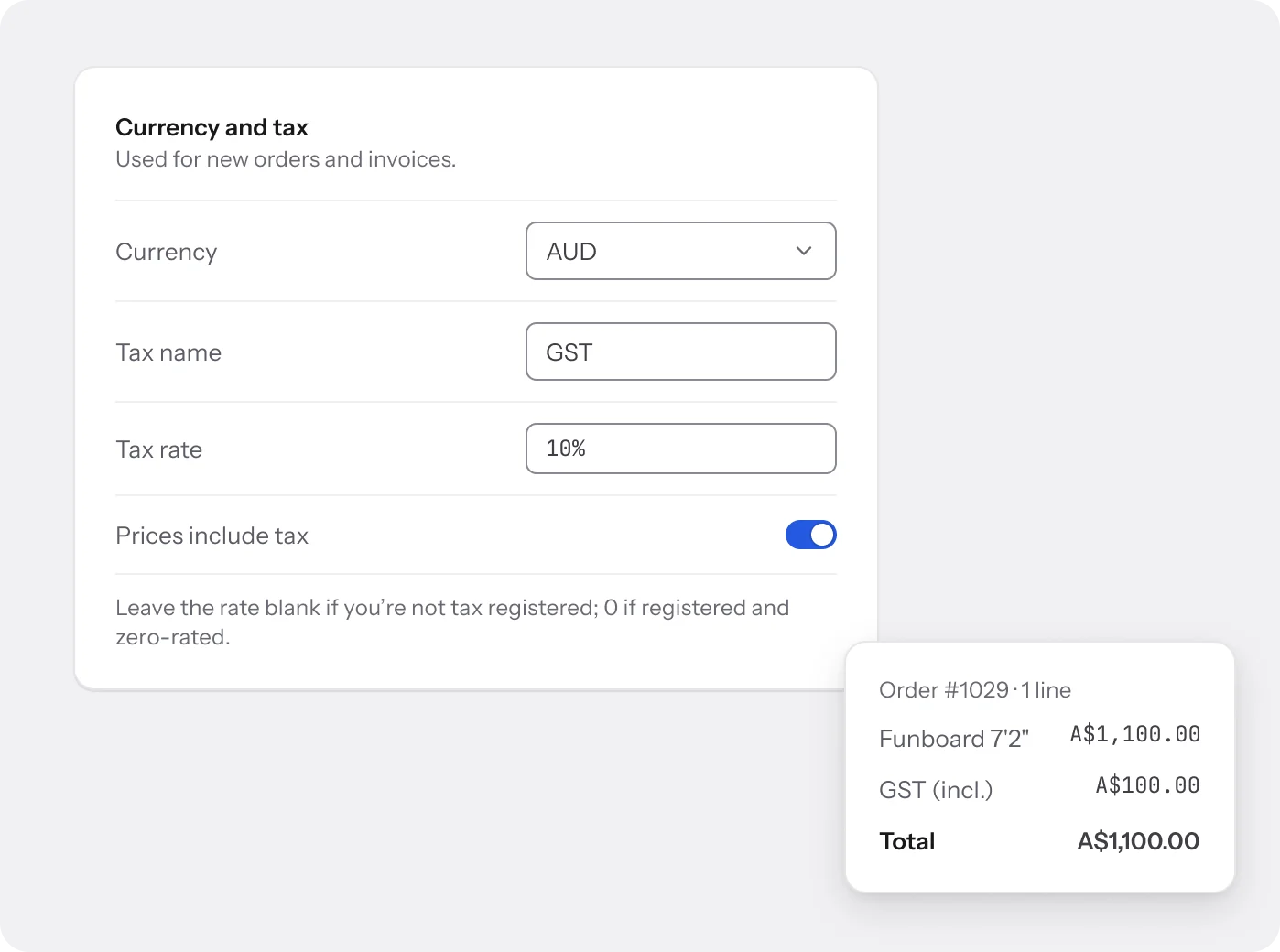
Currency and tax
Your currency, your tax.
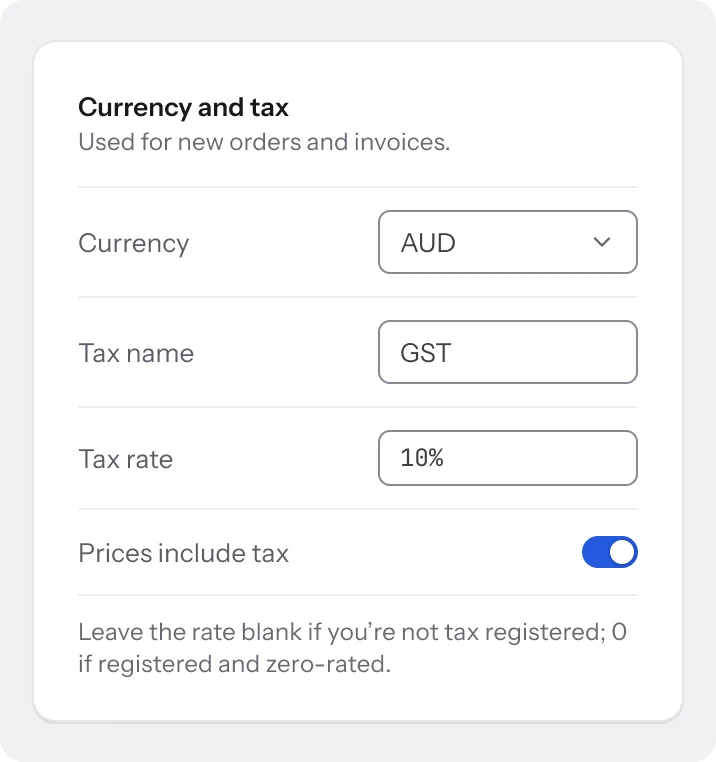
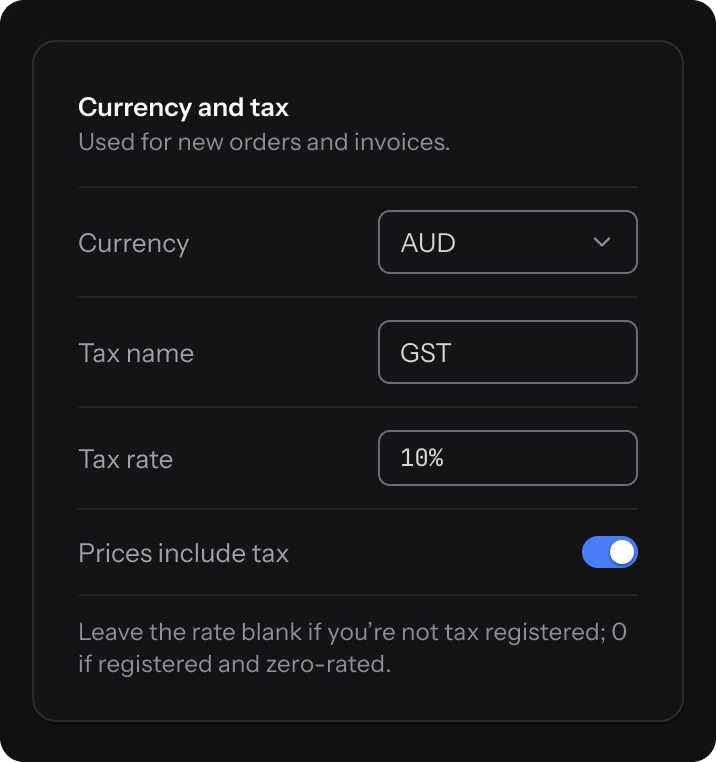
Set the shop’s currency and tax once. Tax is worked out per line and rounded in whole cents, with prices shown including or excluding tax.
- 19 currencies; each order keeps its own
- GST, VAT or any tax name and rate
- Override the tax on a single order
How it connects
Every order points at a board.
An order is a design version, a customer and a set of payments. Each tool picks up its part.
- Design editor Each line is a design version, so the quote matches the board that gets shaped.
- Production tracking Paid orders go to the floor, and the order shows each stage as it moves.
- Customers Every order lands on the customer’s profile, with their lifetime spend.
- Online store Store checkouts arrive as paid orders, and enquiries as drafts.
FAQ
Questions about
orders.
Do I need Stripe?
No. Record cash, bank transfer or card payments by hand. Connect Stripe to send payment links and take cards in your own account.
Is Stripe live yet?
Card payments currently run in Stripe’s test mode, so you can try payment links and checkout end to end without moving money.
Can I change an issued invoice?
No. An issued invoice is locked. Make the change on a credit note instead.
Can I delete an order?
Yes, until an invoice is issued. After that you cancel the order instead.
Which currencies can I use?
19, including AUD, NZD, USD, GBP and EUR. Each order keeps the currency it was created in.
Which plans include orders?
Basic includes 100 orders a month, Pro 500 and Business unlimited. Free is for designs only.
Still have a question?
A person on the team will write back.
Send your next quote from Surfbase.
Orders and invoicing start on Basic, at A$29 a month.