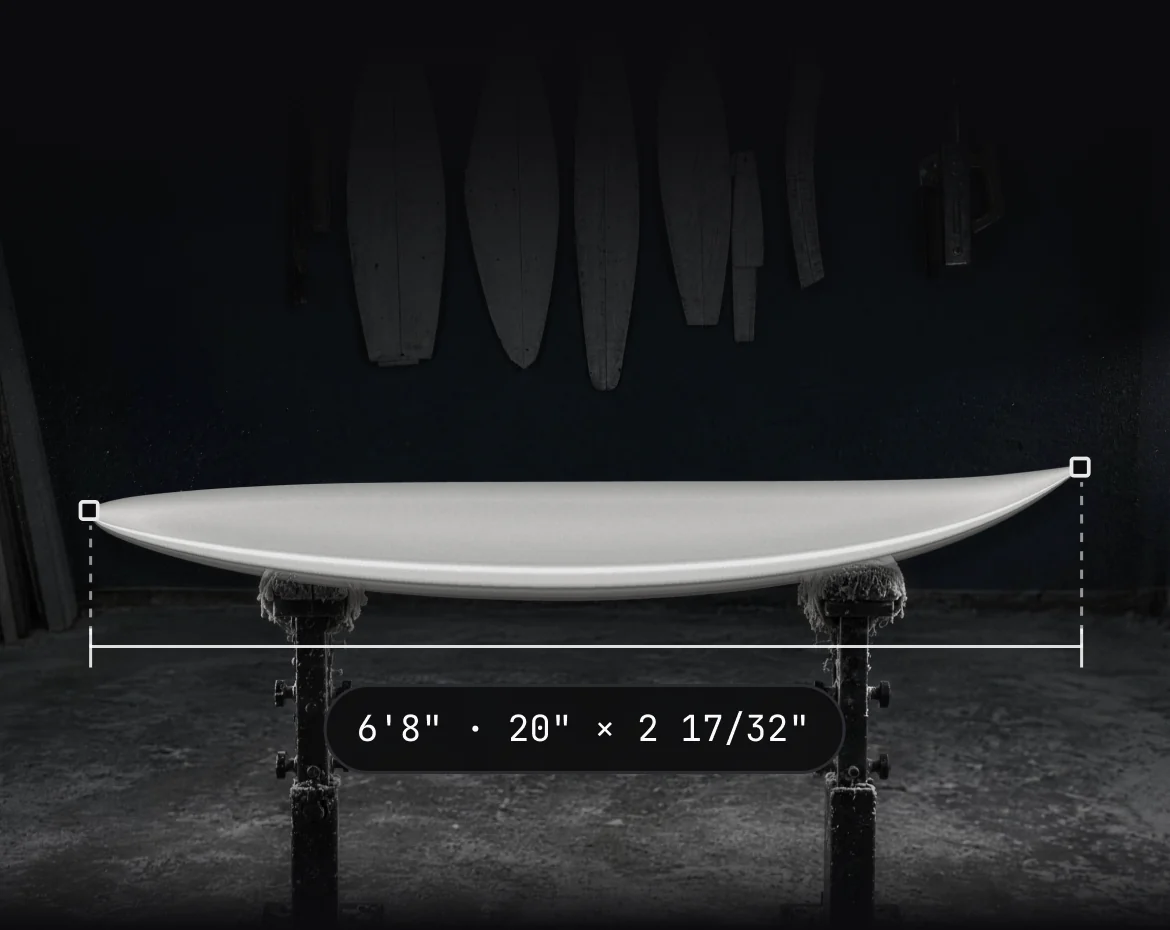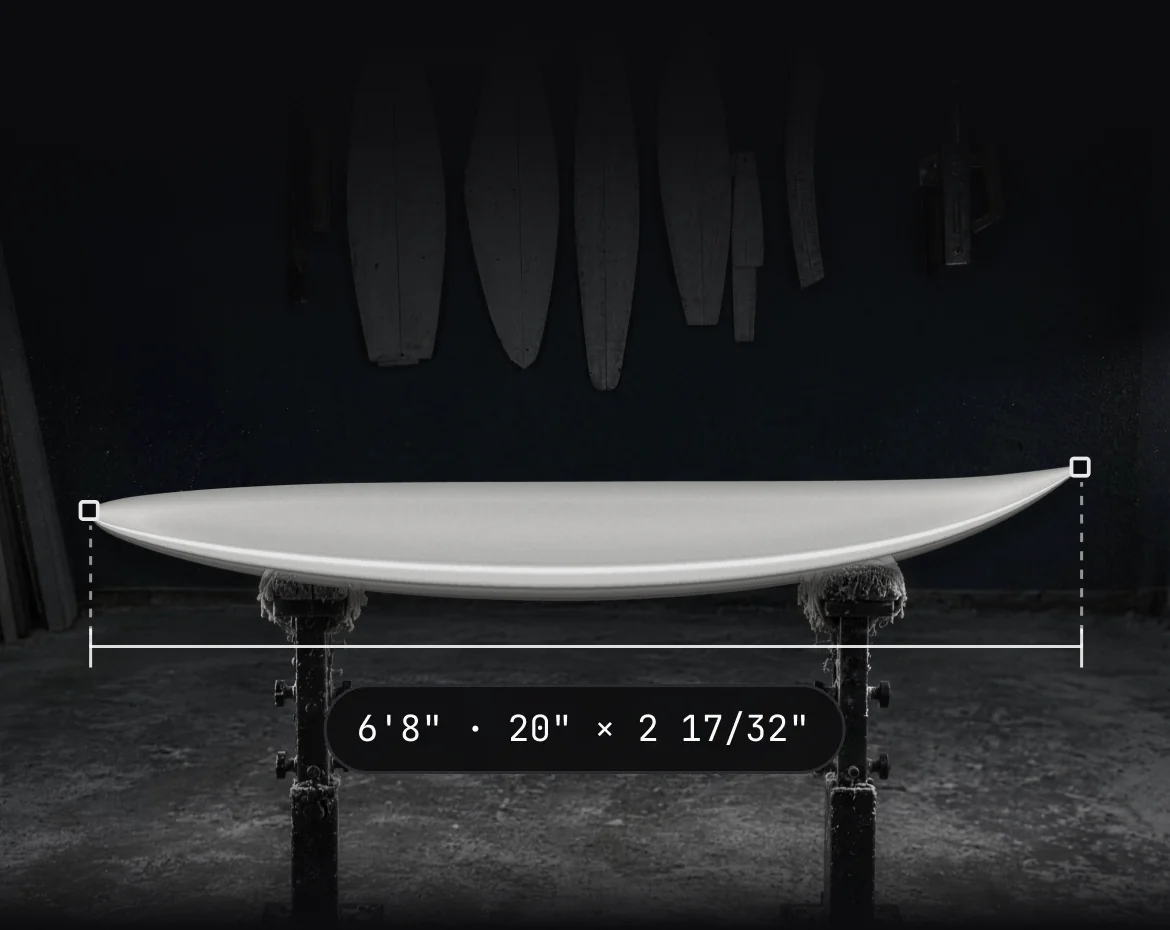

Design editor
Draw the board you’ll shape.
Outline, rocker and slices in shaper notation. Grade a size run, dress it in graphics and walk round it in AR before a blank is cut.
The design editor is on every plan, including Free
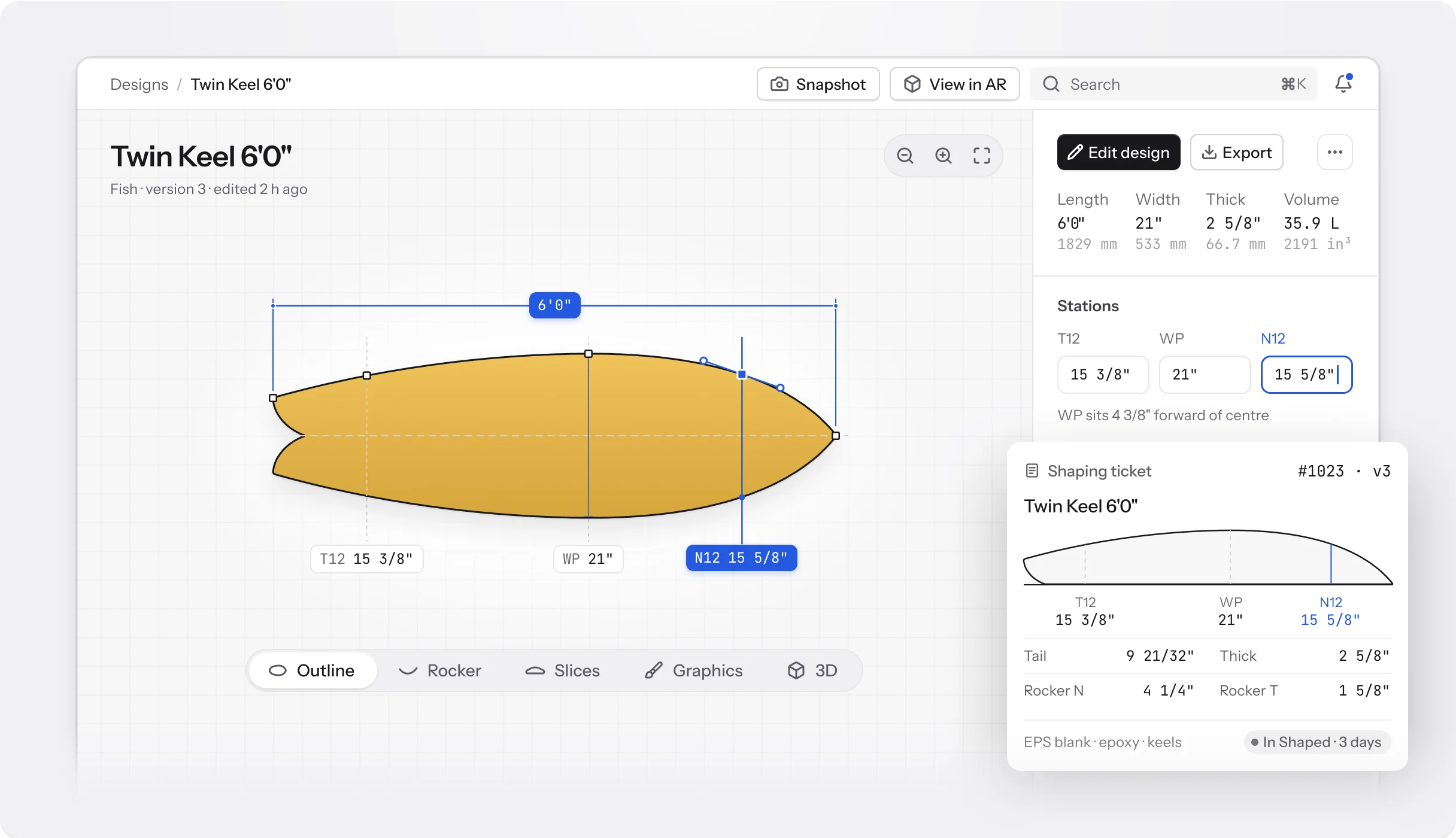
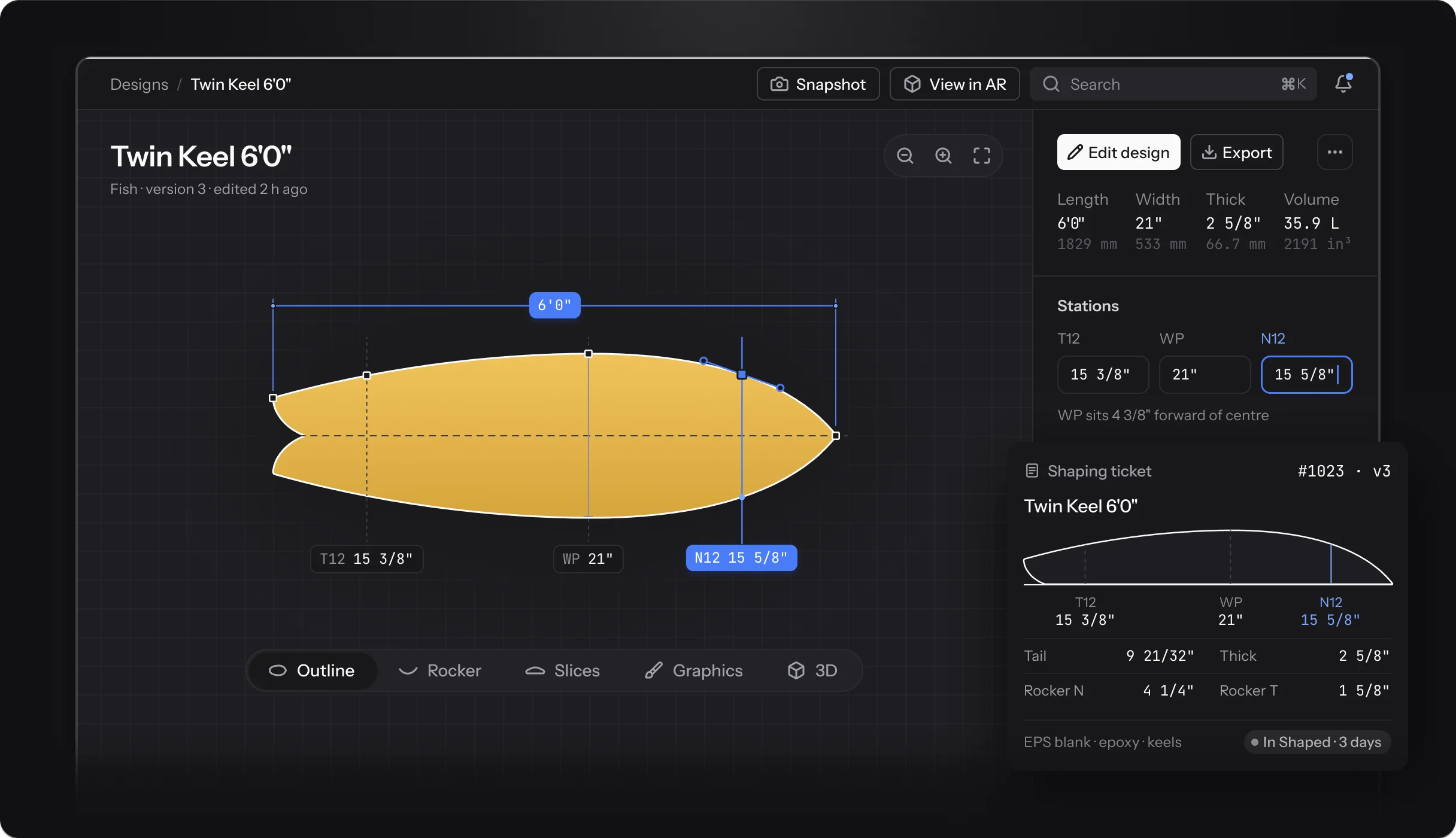
Inside the editor
Five views of one board.
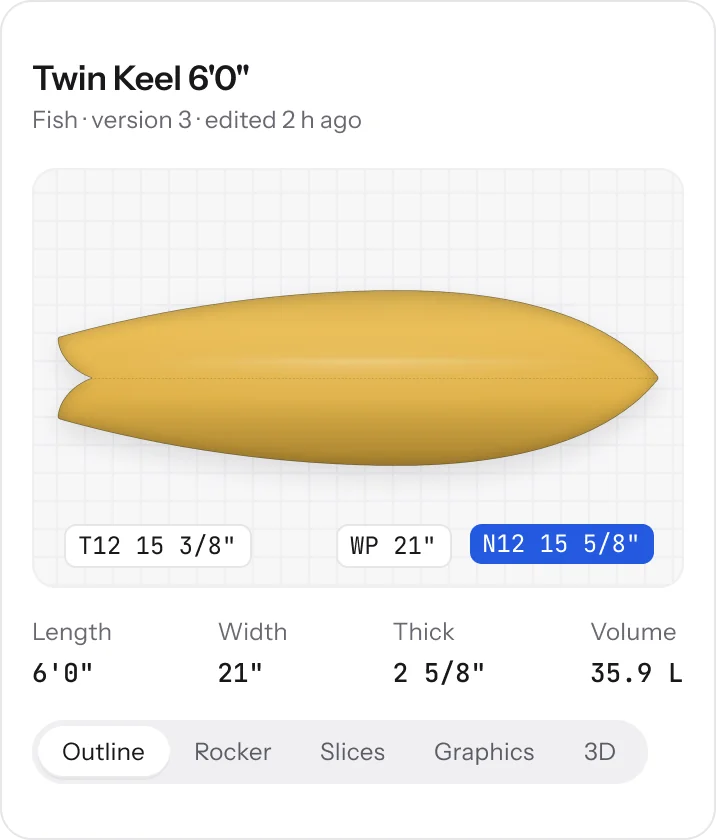
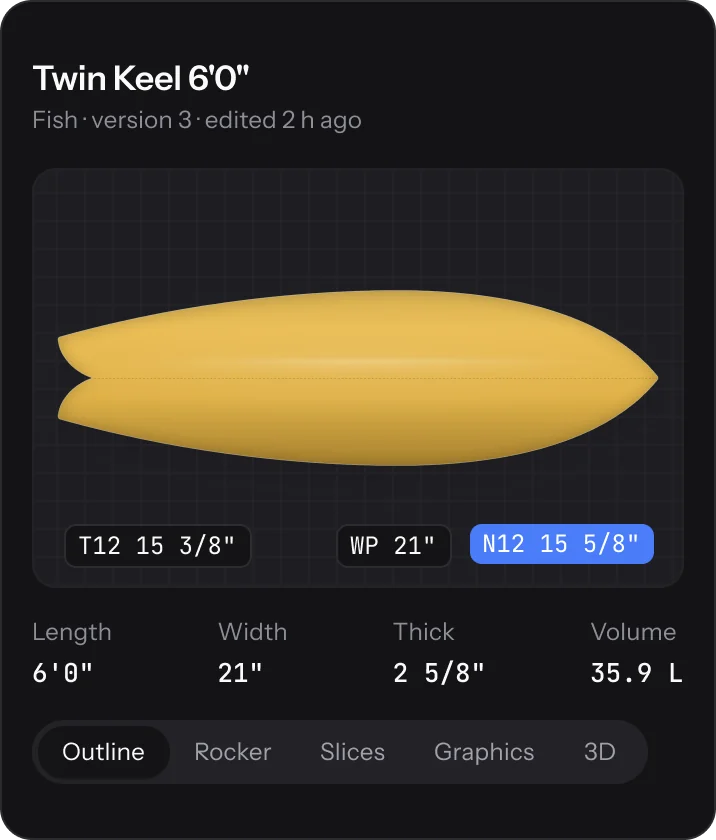
Outline, rocker, slices, graphics and 3D all read the same design. Change a station in one and the others follow, volume included.
Outline, rocker and slices
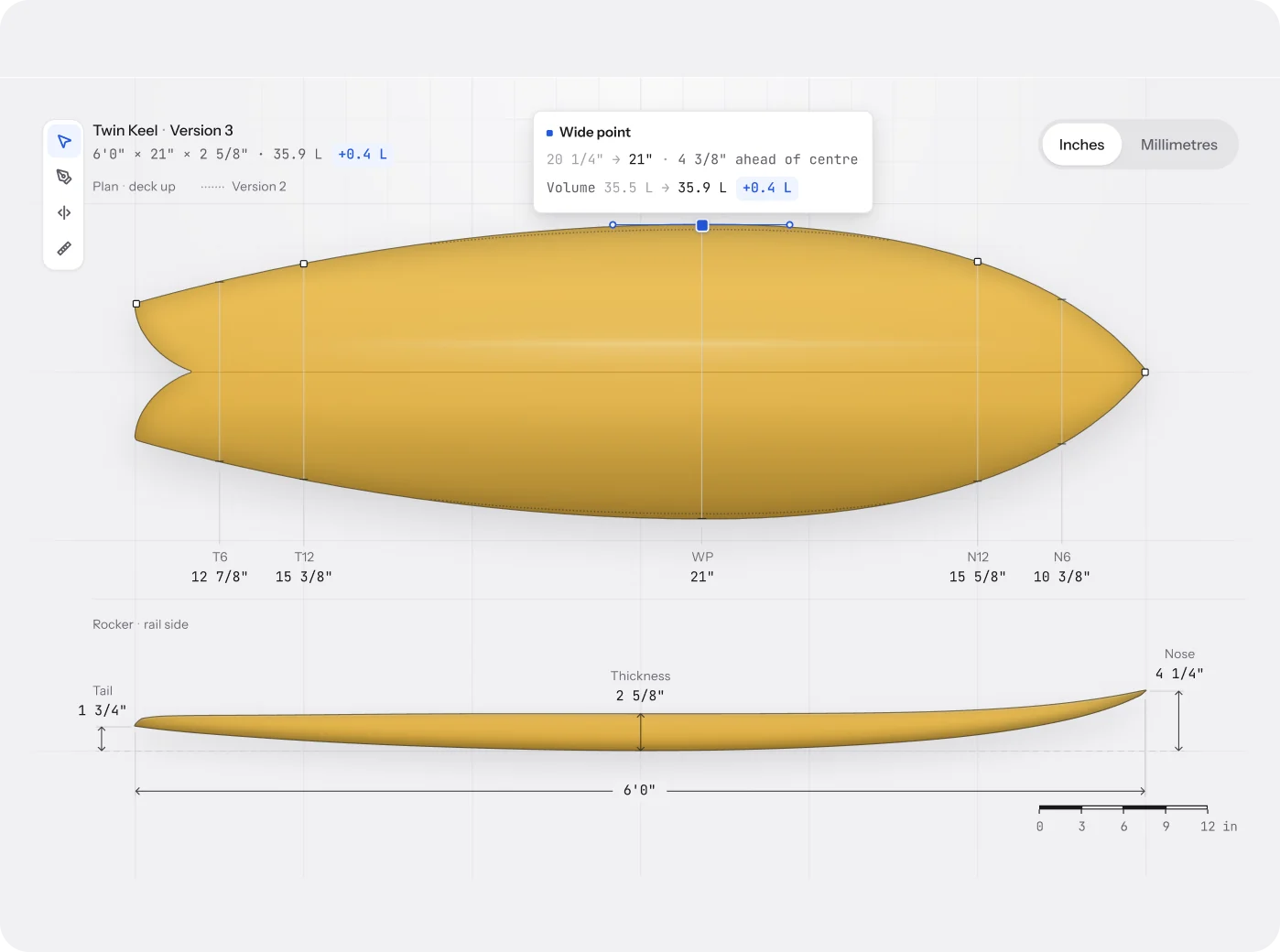
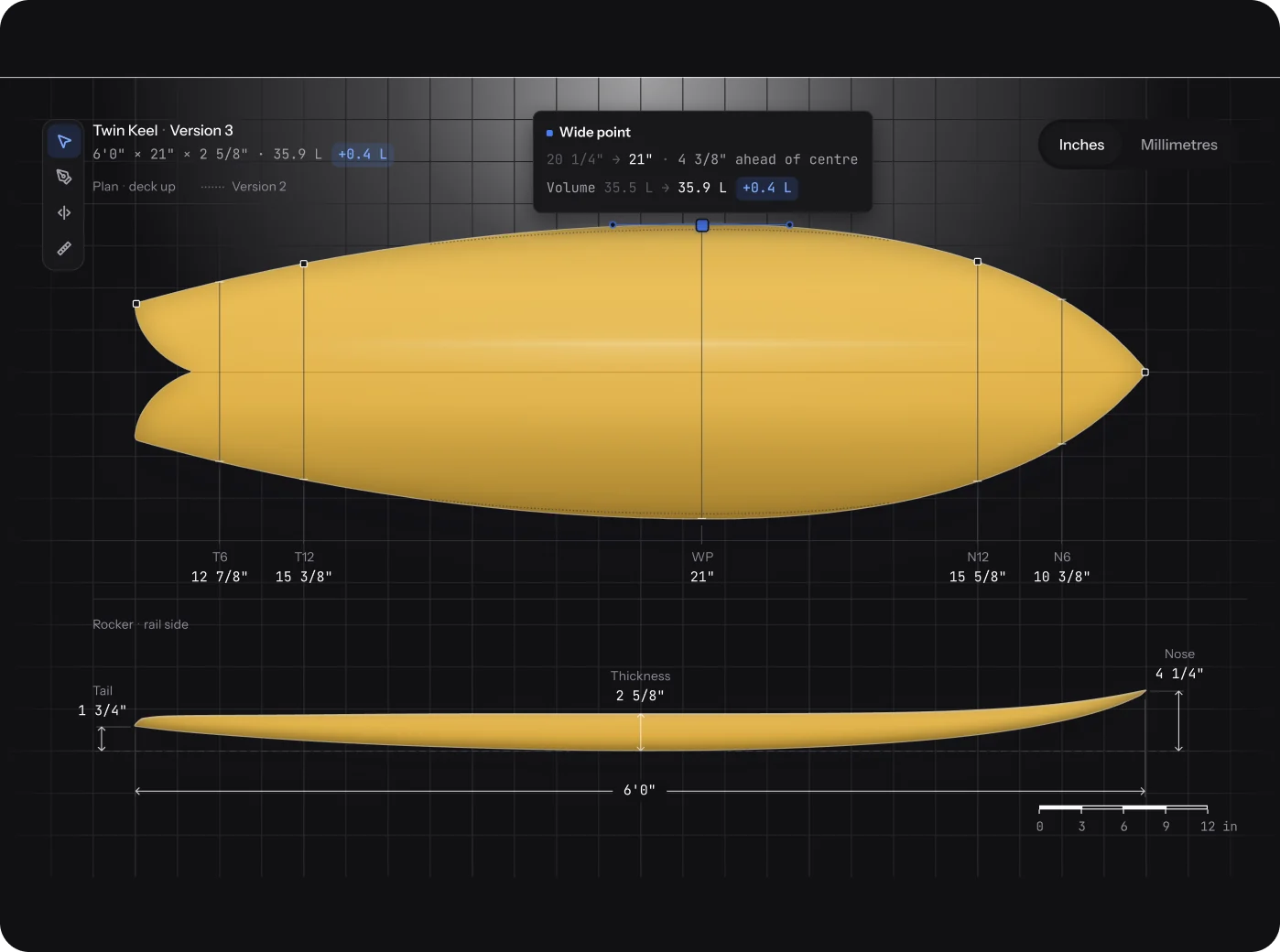
Mark it out like the blank.
Type T12, WP and N12, or drag the rail by its control points. Shape the bottom and the deck in the rocker view, then step through slices from tail to nose.
- Inches with fractions, inches, centimetres or millimetres
- Trace over a photo or scan of a template
- Overlay another design, nose to nose, at its own size
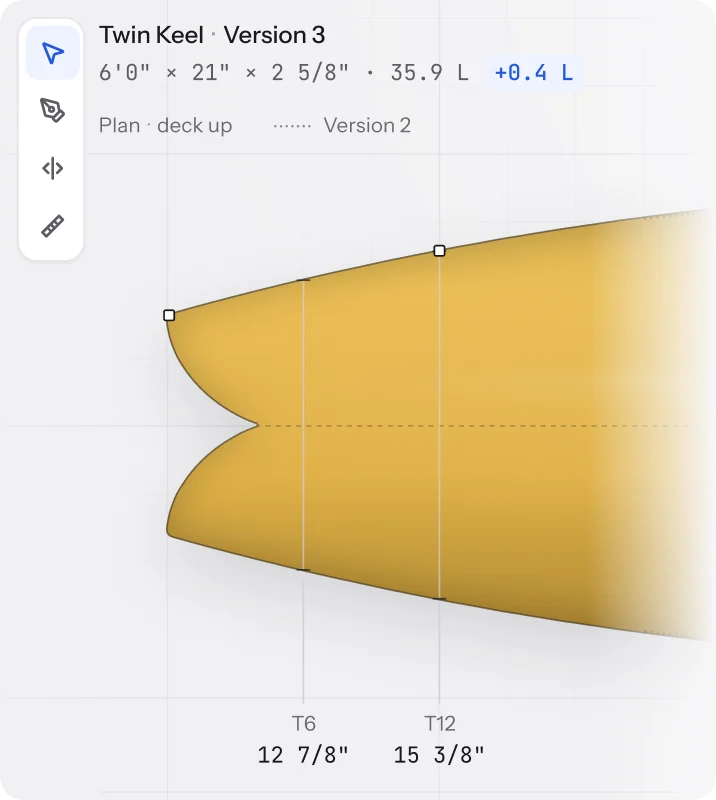
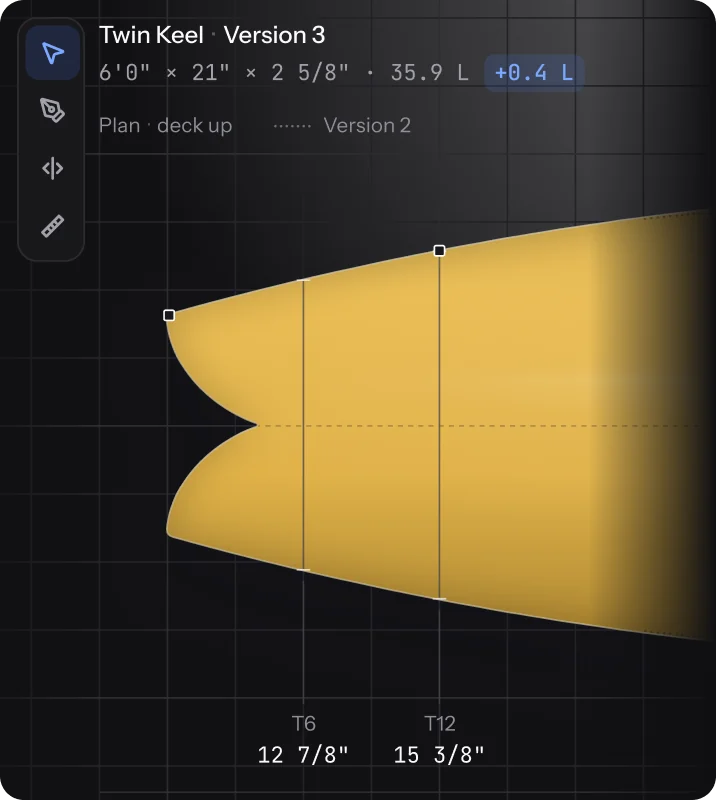
Graphics, 3D and AR
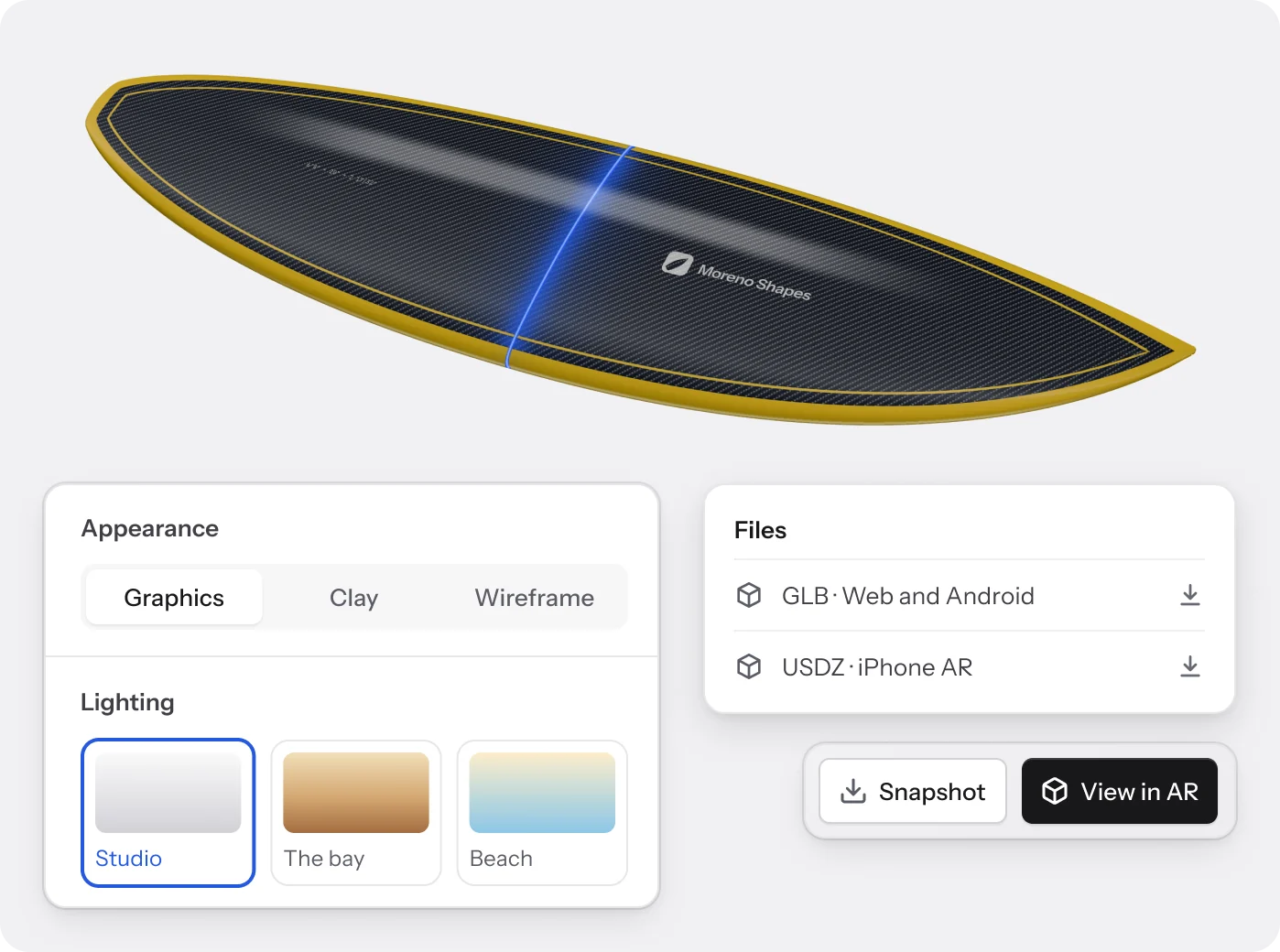
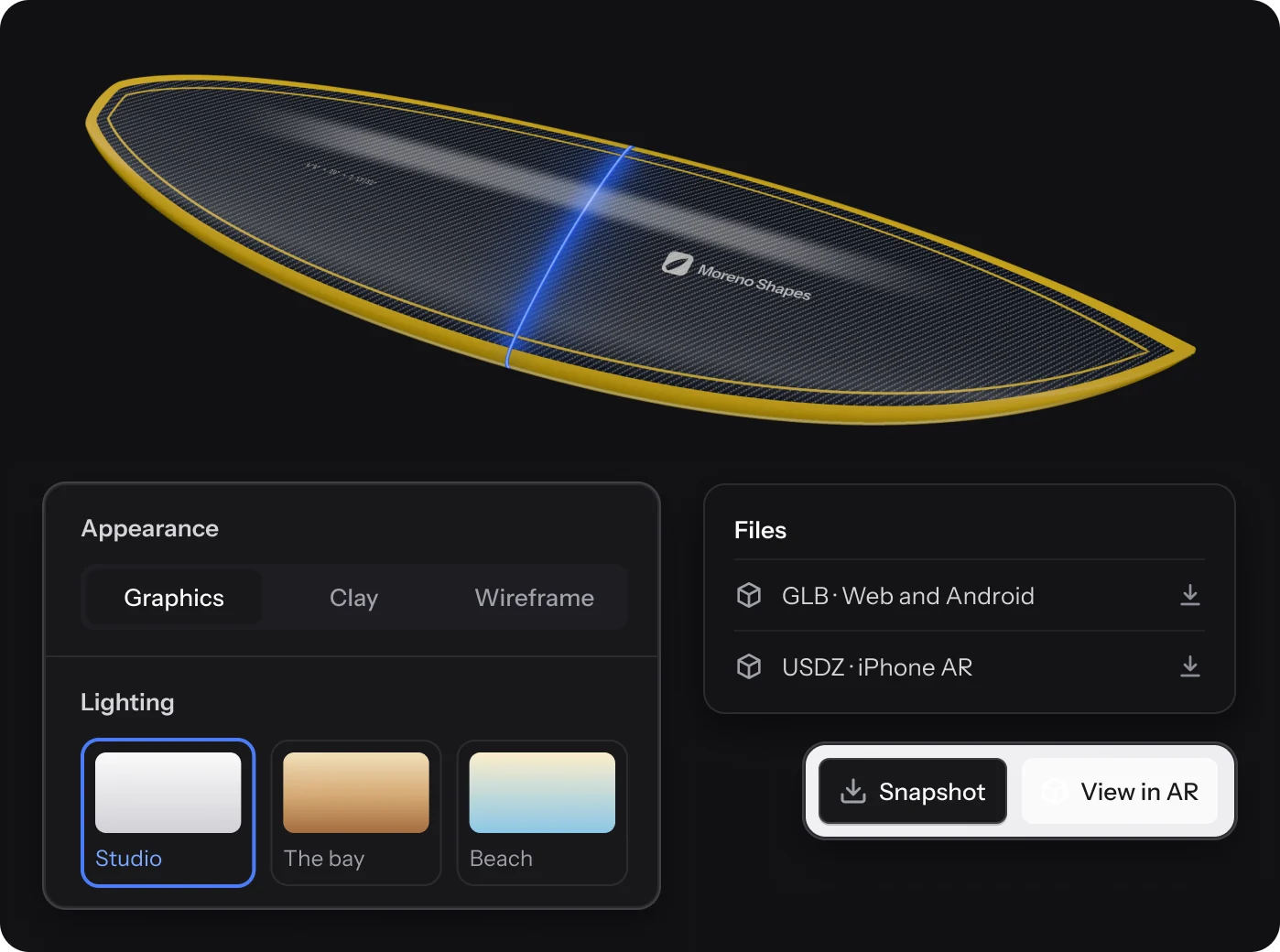
Dress it, then walk round it.
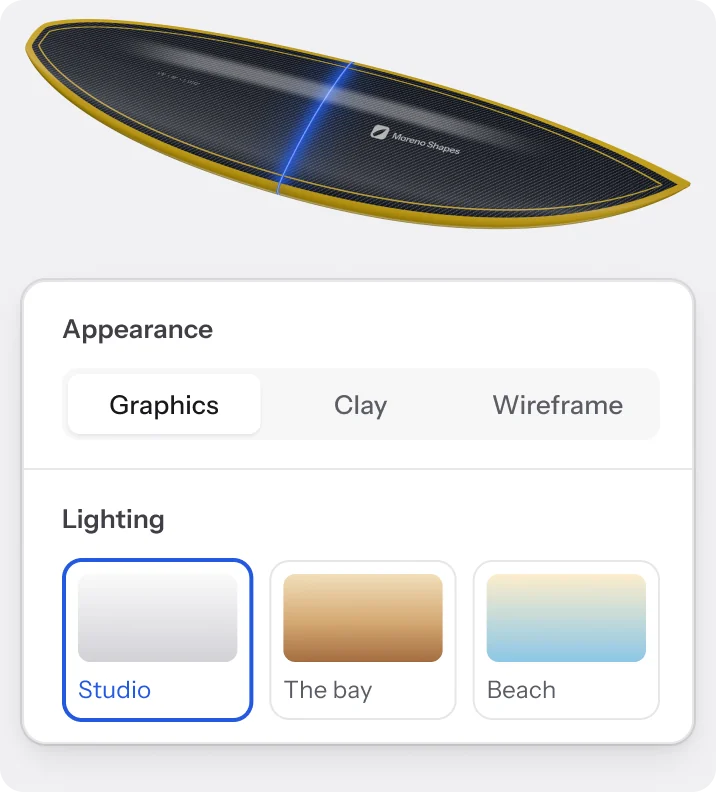
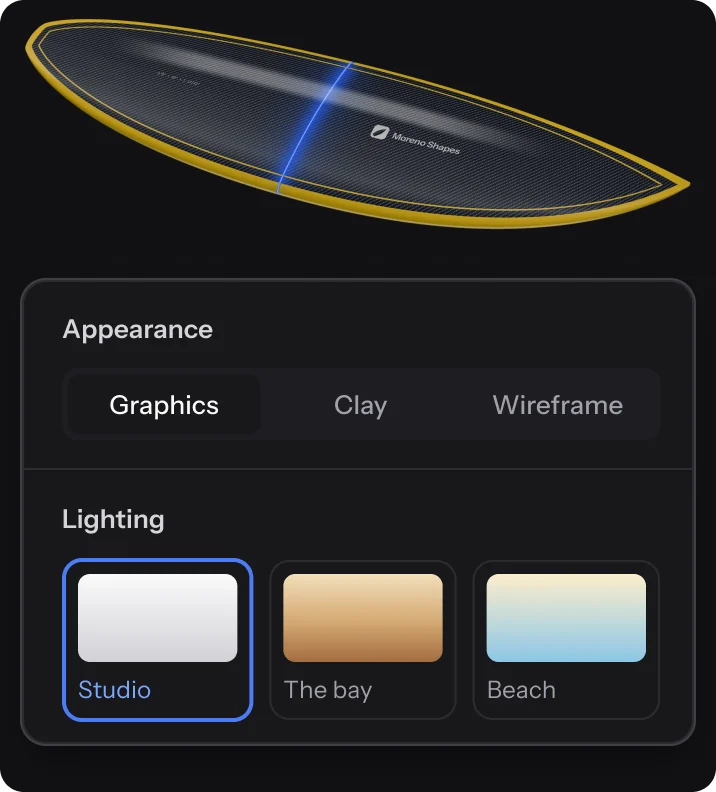
Build the skin from decals, sprays, pinlines and cloth, and see it on the board in 3D as you go. Put it in the room at full size before a blank is cut.
- Up to 20 layers, gloss or matte, saved as reusable skins
- View in AR on iPhone and Android, nothing to install
- Save any angle as a PNG with a clear background
Sizes and versions
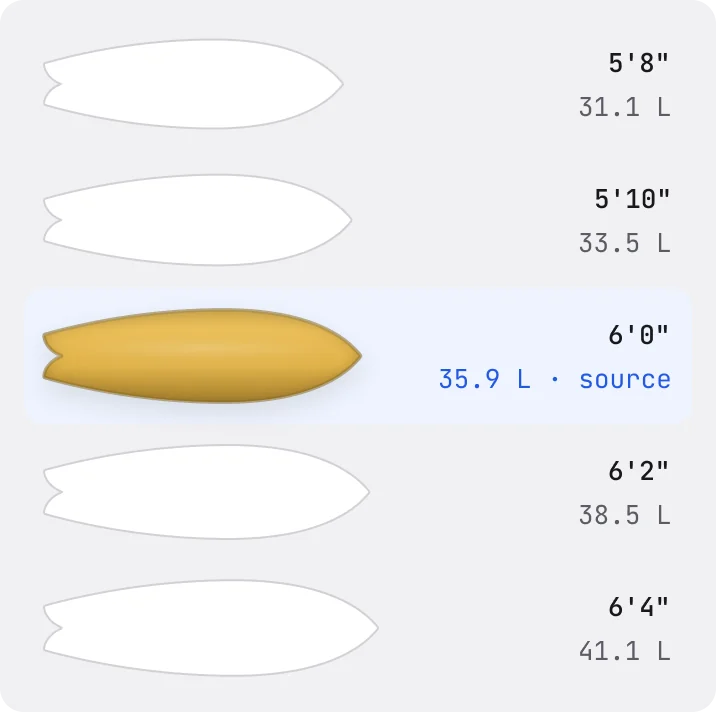
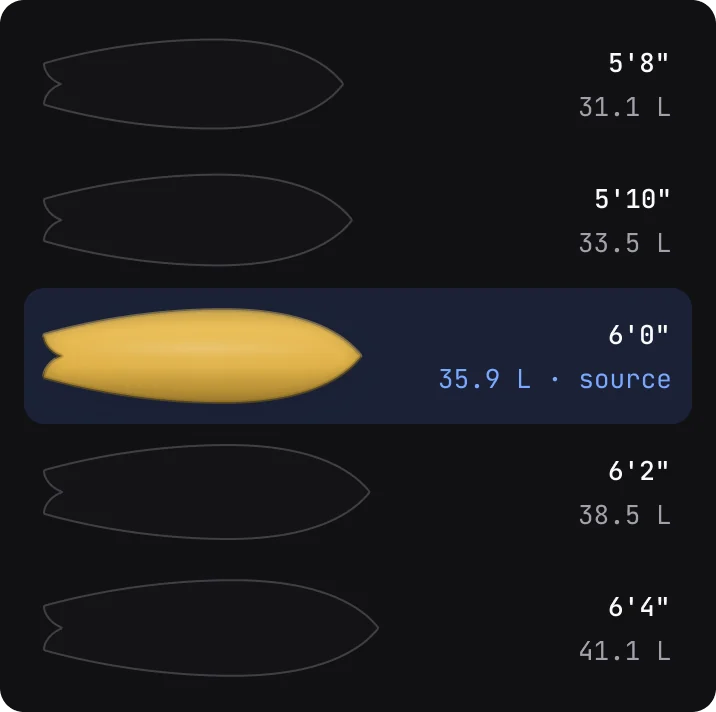
One shape, a whole run.
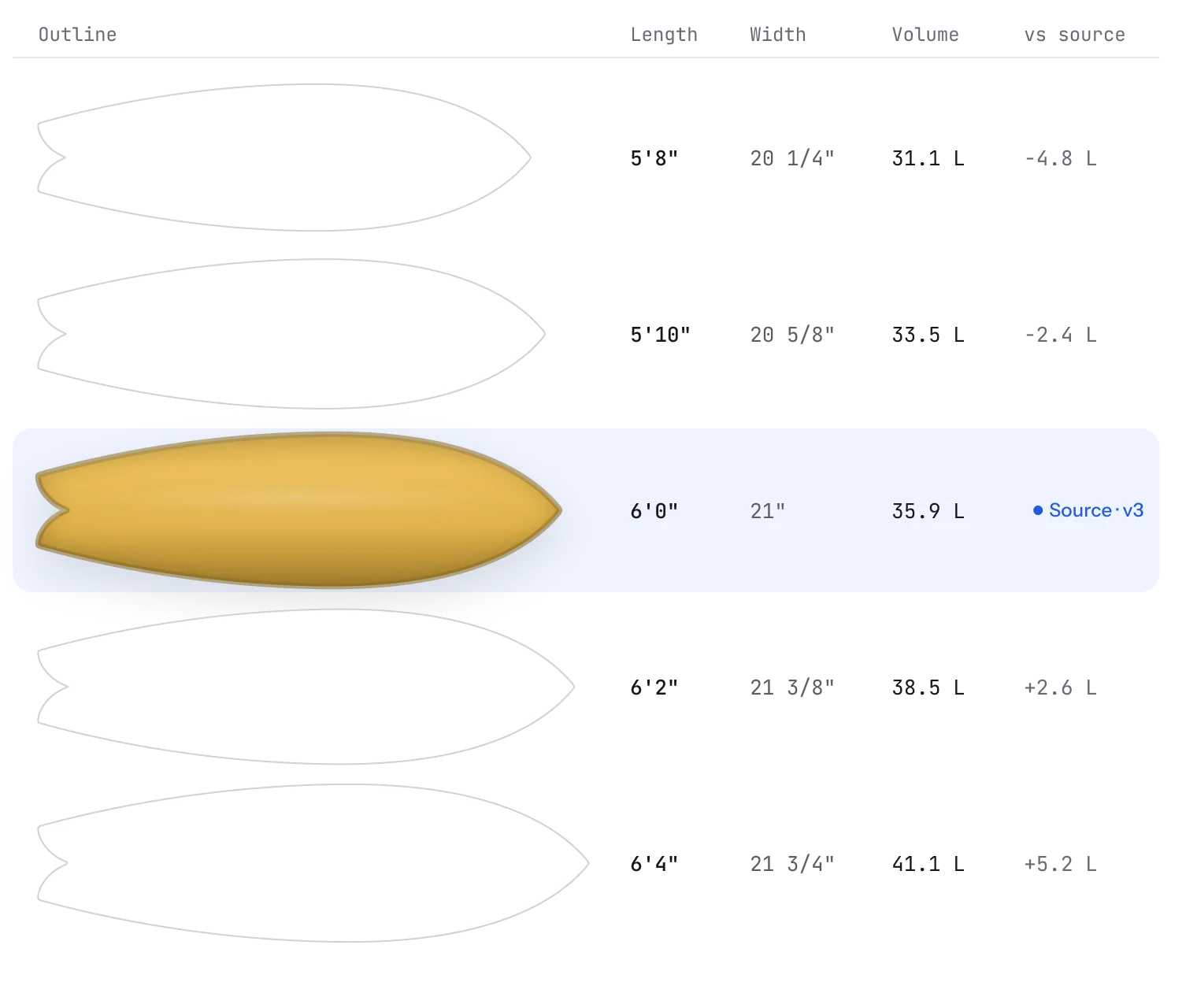
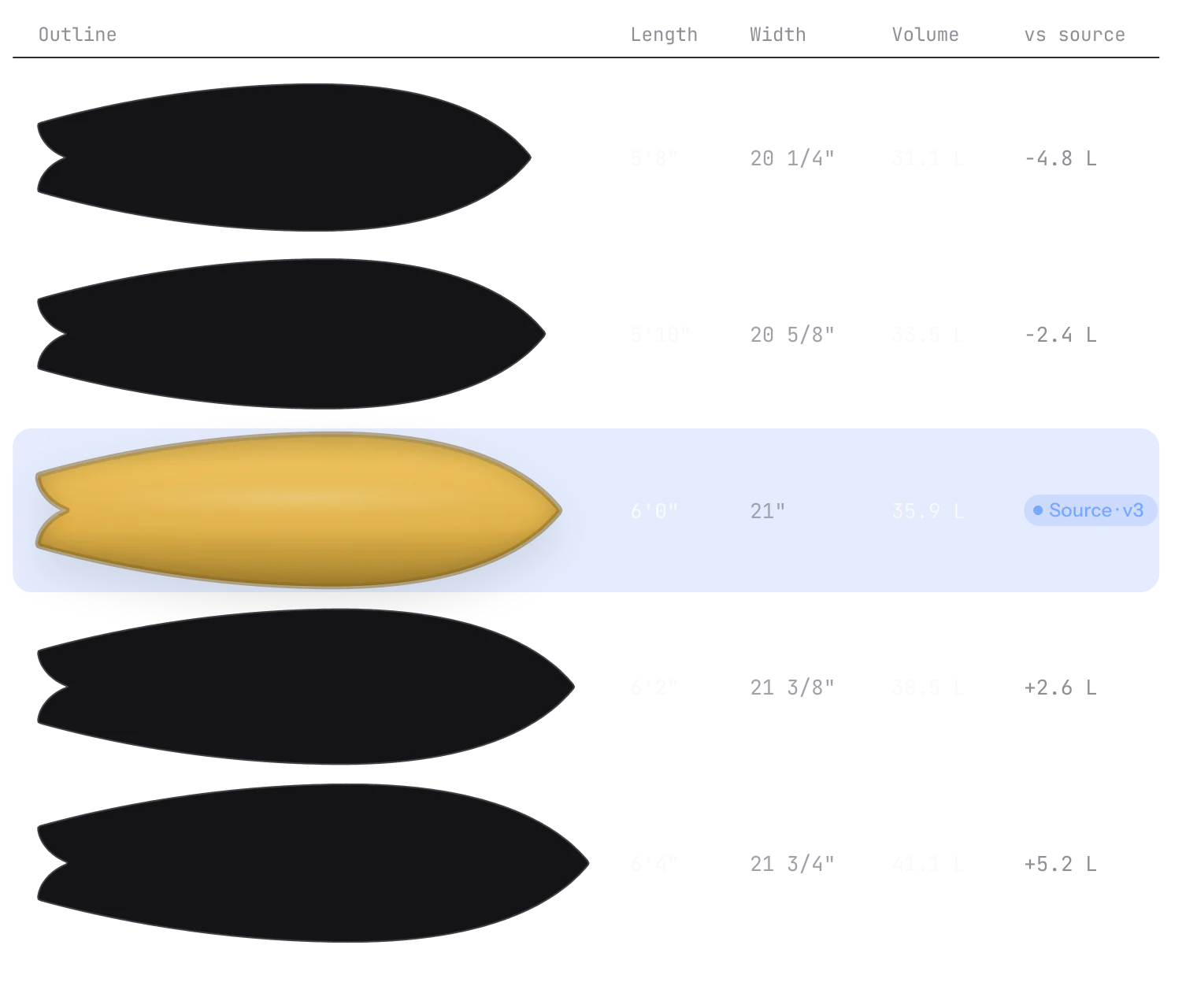
Resize a proven shape into one new size or a full run. Each size gets its own volume estimate.
- Widths
- Keep proportions
- Rocker
- Follows the length
- Fins
- Scale fin positions
Import and export
From your files to the bay.
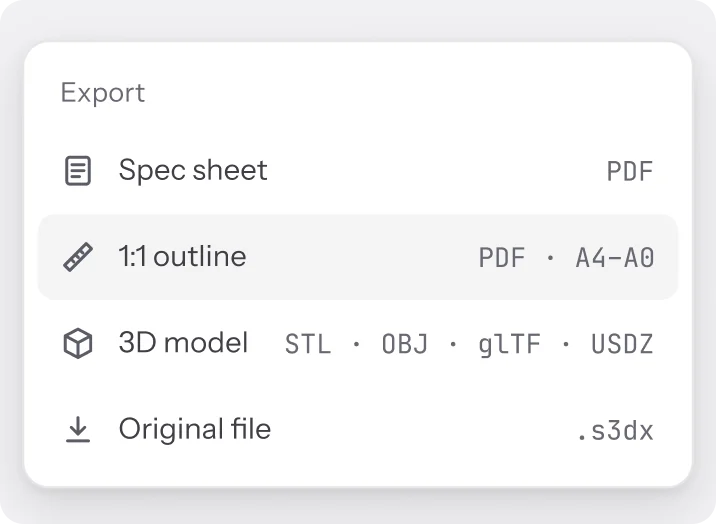
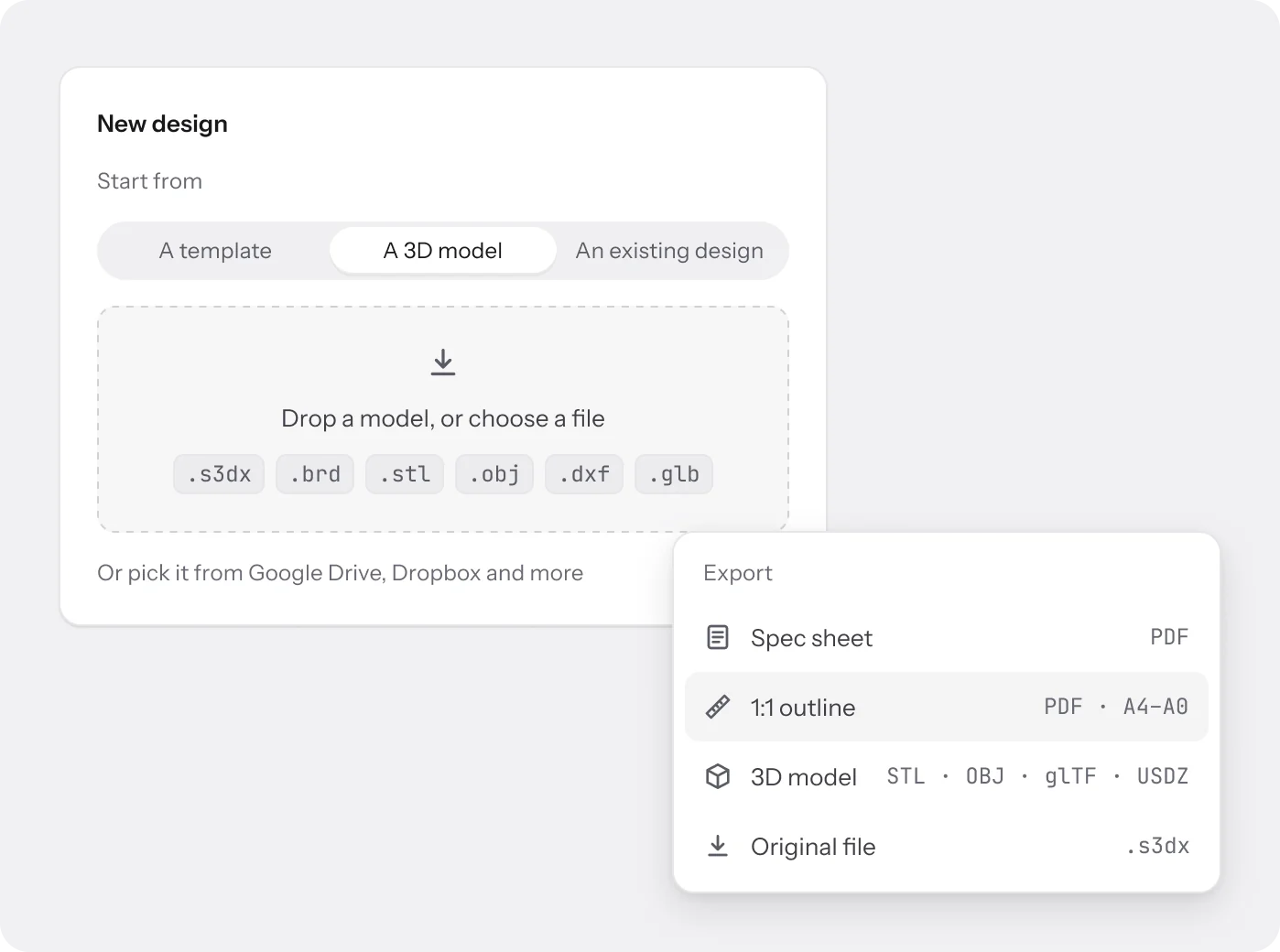
Start from a template, an existing design or a 3D model from your shaping software. Print the outline at full size or hand over a model file.
- Imports .s3dx, .brd, .stl and more, on Pro and Business
- 1:1 outline PDF, tiled A4 to A0, with cut marks and a ruler
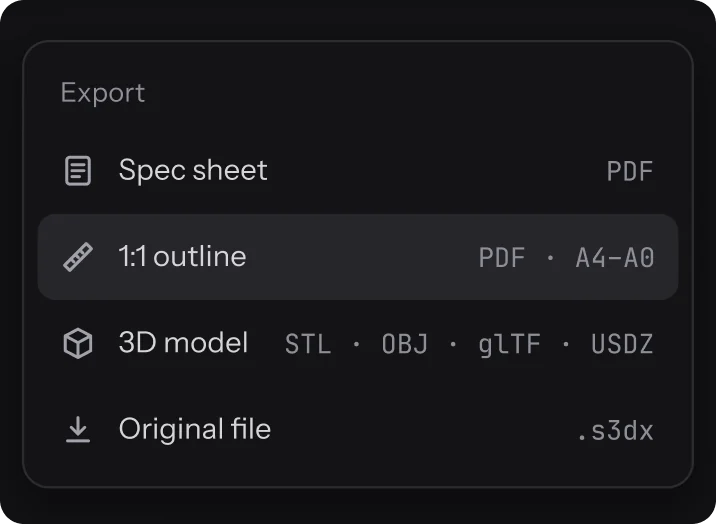
- Exports STL, OBJ, glTF and USDZ, plus a spec sheet PDF
How it connects
The design is the record.
Every other tool reads from the board you drew here, down to the version.
- Production tracking Each board on the floor carries its design and version, so the bay shapes what was sold.
- Orders Quote a design version. The order keeps that exact version, even after you edit.
- Customers See what each rider bought next to a suggested volume from their profile.
- Online store A listed board shows its outline, rocker and 3D on your shop page.
FAQ
Questions about
the editor.
Can I work in millimetres?
Yes. Switch between inches with fractions, inches, centimetres and millimetres on any page. The saved design doesn’t change.
Which files can I import?
STL, OBJ, DXF, S3D, S3DX, BRD, PLY, GLB and glTF, from your computer or a cloud drive. Model import is on Pro and Business.
What can I export?
A spec sheet PDF, a 1:1 outline PDF tiled from A4 to A0 with cut marks, and 3D models as STL, OBJ, glTF or USDZ.
Does a size run keep the volume?
No. Each new size gets its own volume estimate, so you can see the litres change across the run.
How many versions are kept?
Every save is a version. Free shows the last 3, Basic the last 10, and Pro and Business keep them all.
Can a rider see the design?
Send a share link. It can expire or need a password, and prices, notes and customer details stay private.
Still have a question?
A person on the team will write back.
Draw your next board in Surfbase.
Five designs on the free plan, no card needed. Upgrade when the orders start coming in.