

iPhone app (beta)
The shop,
in your pocket.
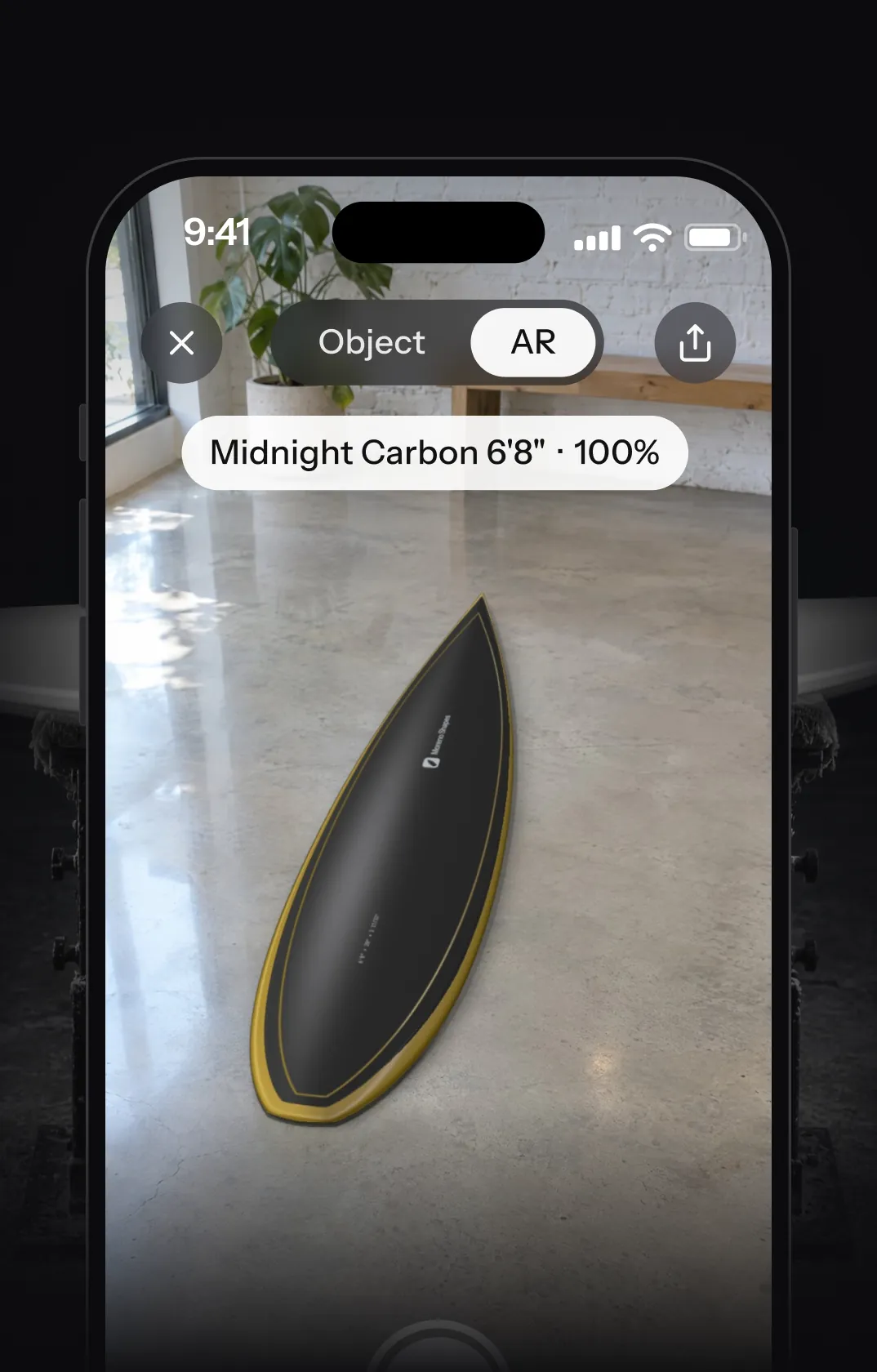
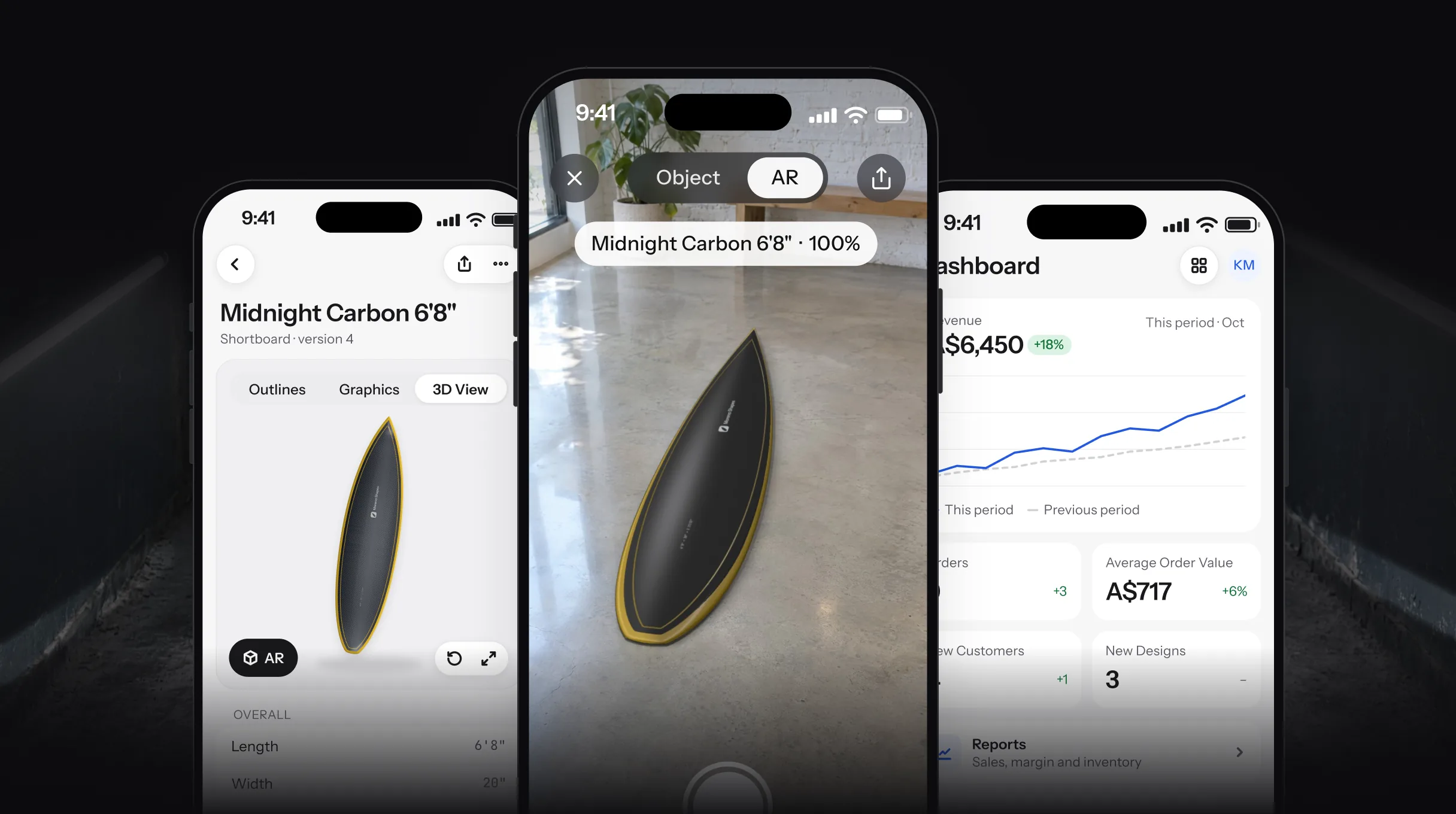
Check any design in 3D or AR, move boards through production with a scan, and take a deposit at the counter.
- Free on every plan
- TestFlight invite by email
- iPhone on iOS 26 or later
In the app
Everything you check away from the desk.
One workspace with the web app: same designs, orders and customers.
-
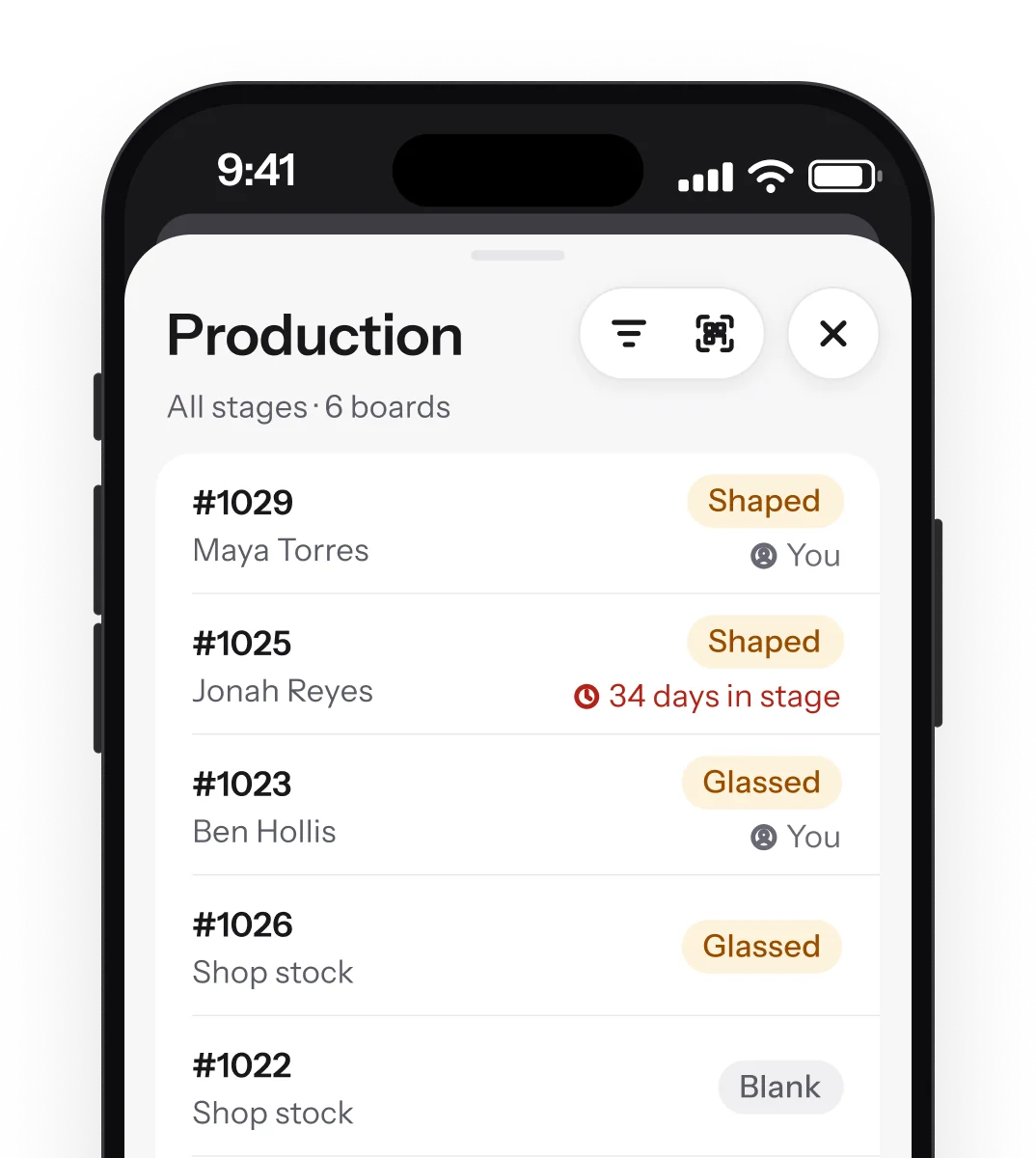
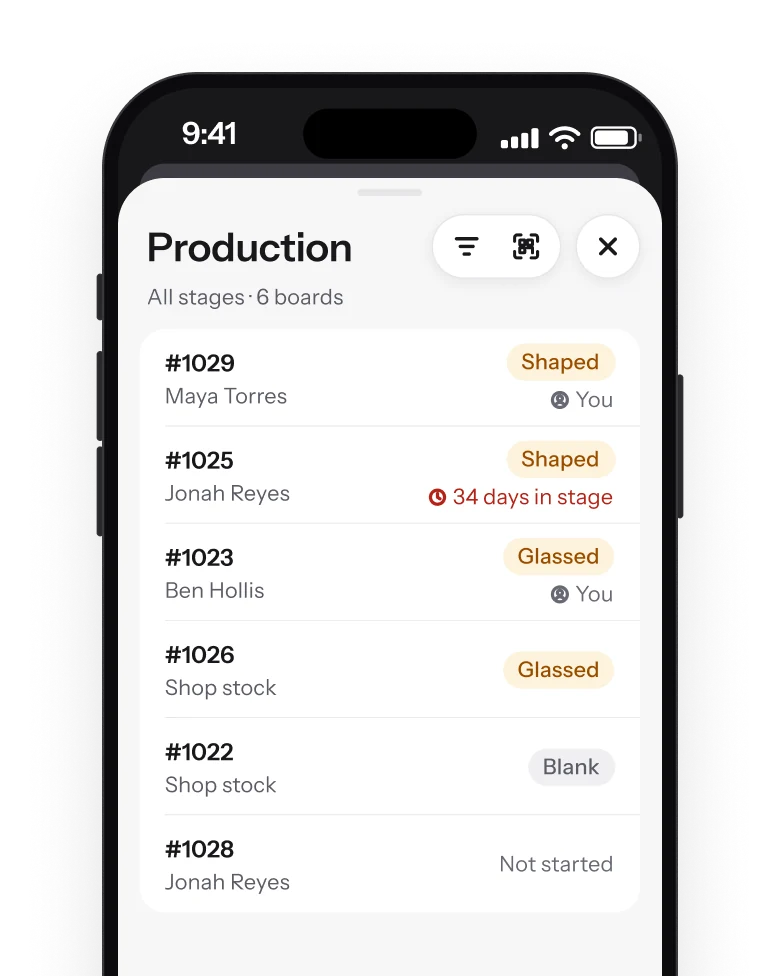
Production floor
Scan the QR code on a board's staff label and its stage opens. Changes made with no signal sync later.
-
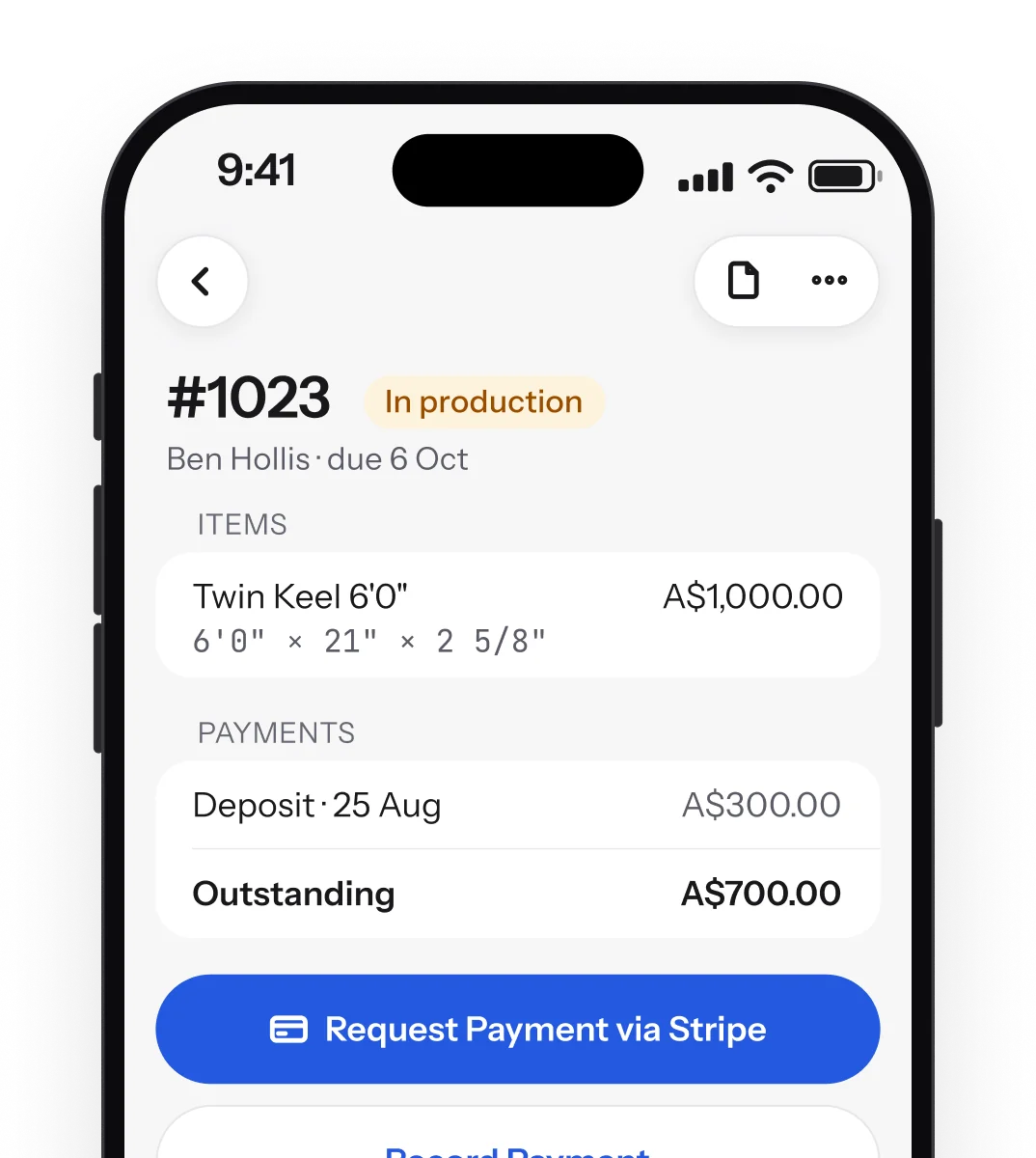
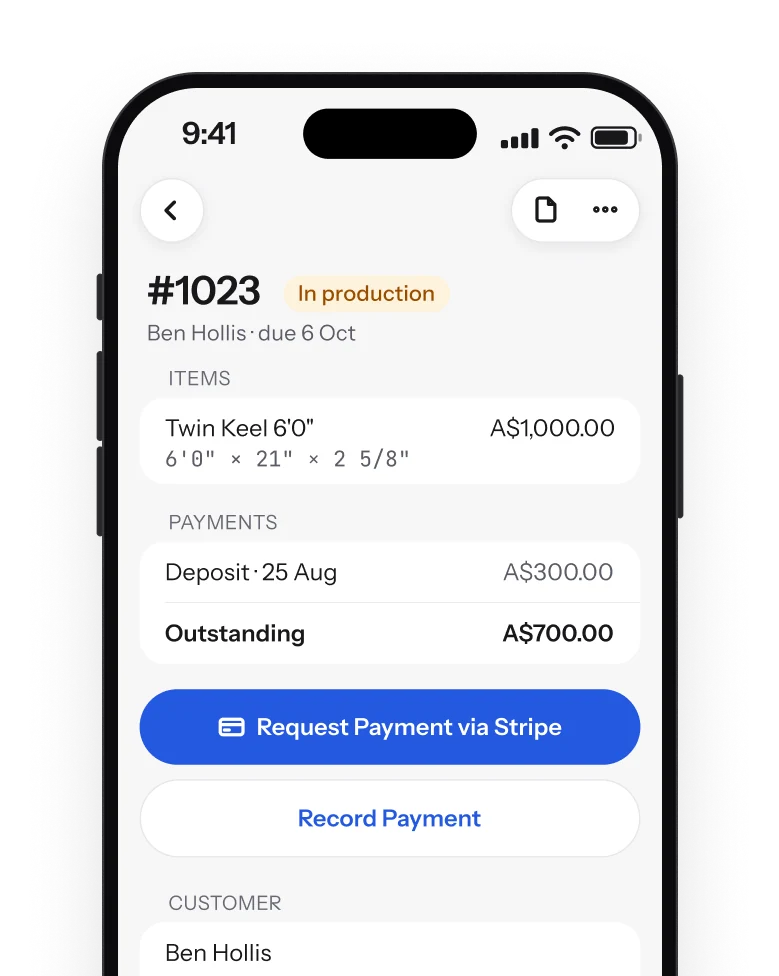
Orders and payments
Send a Stripe payment link for the deposit or the balance, or record a cash payment.
-
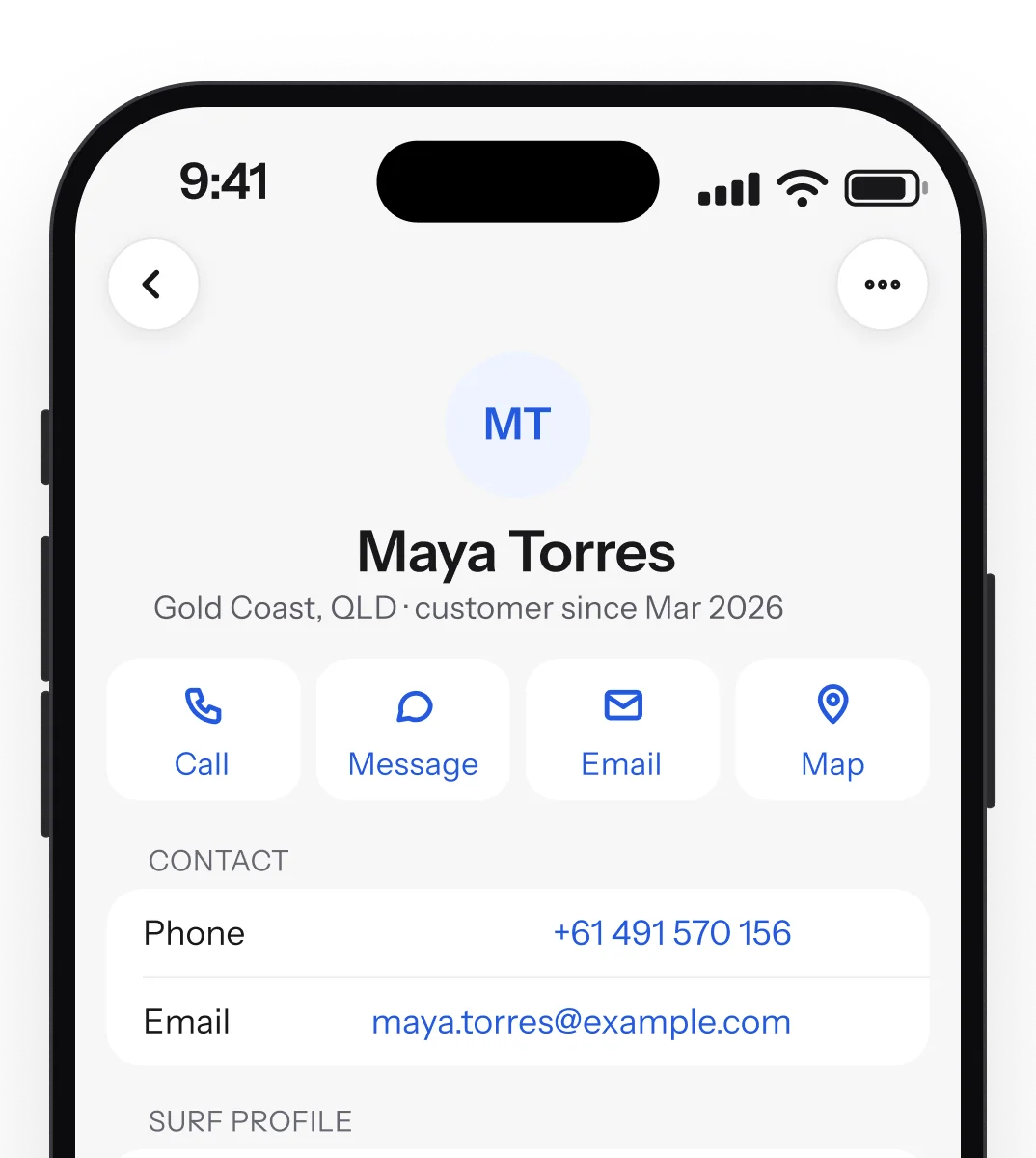
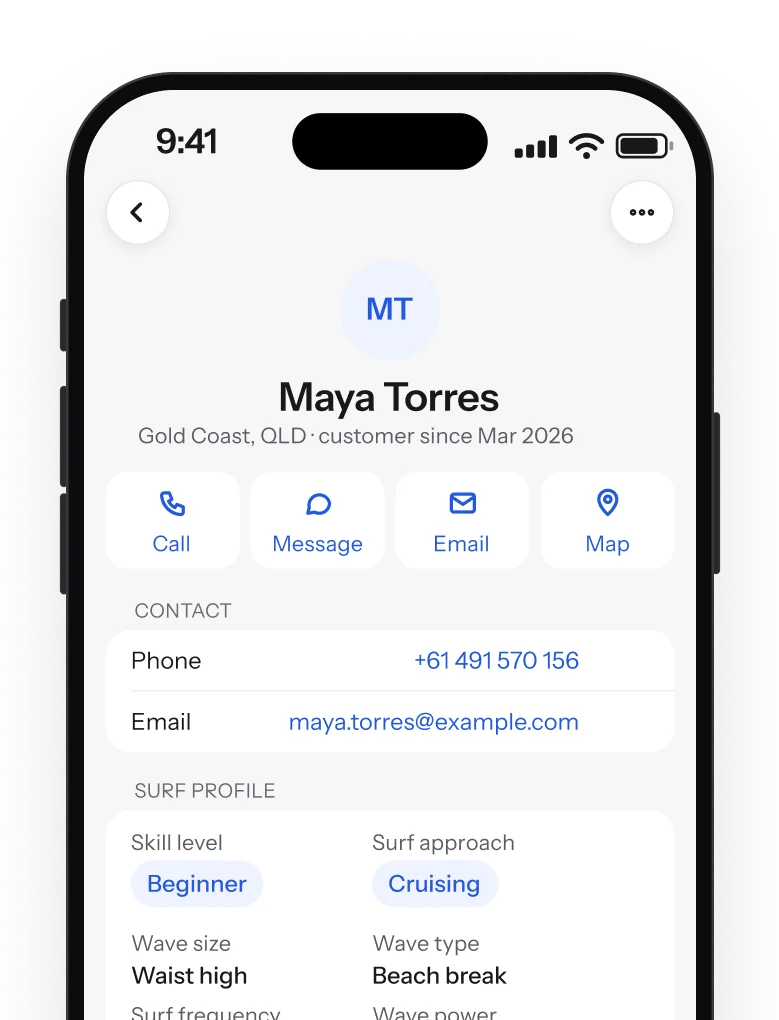
Customers
Call, text, email or map a rider from their card.
-
Outline, rocker and slices
The curves the web editor draws, with stated stations and fin plug marks.
-
Version timeline
Every version of a design, with what changed.
-
Share links
Send a design with an expiry date or a password.
-
Invoices and receipts
PDFs with the same figures as the web.
-
One search
Orders, designs and customers from the tab bar.
-
Sign in your way
Email and password, or Apple, Google or Microsoft.
View-only for designs, on purpose.
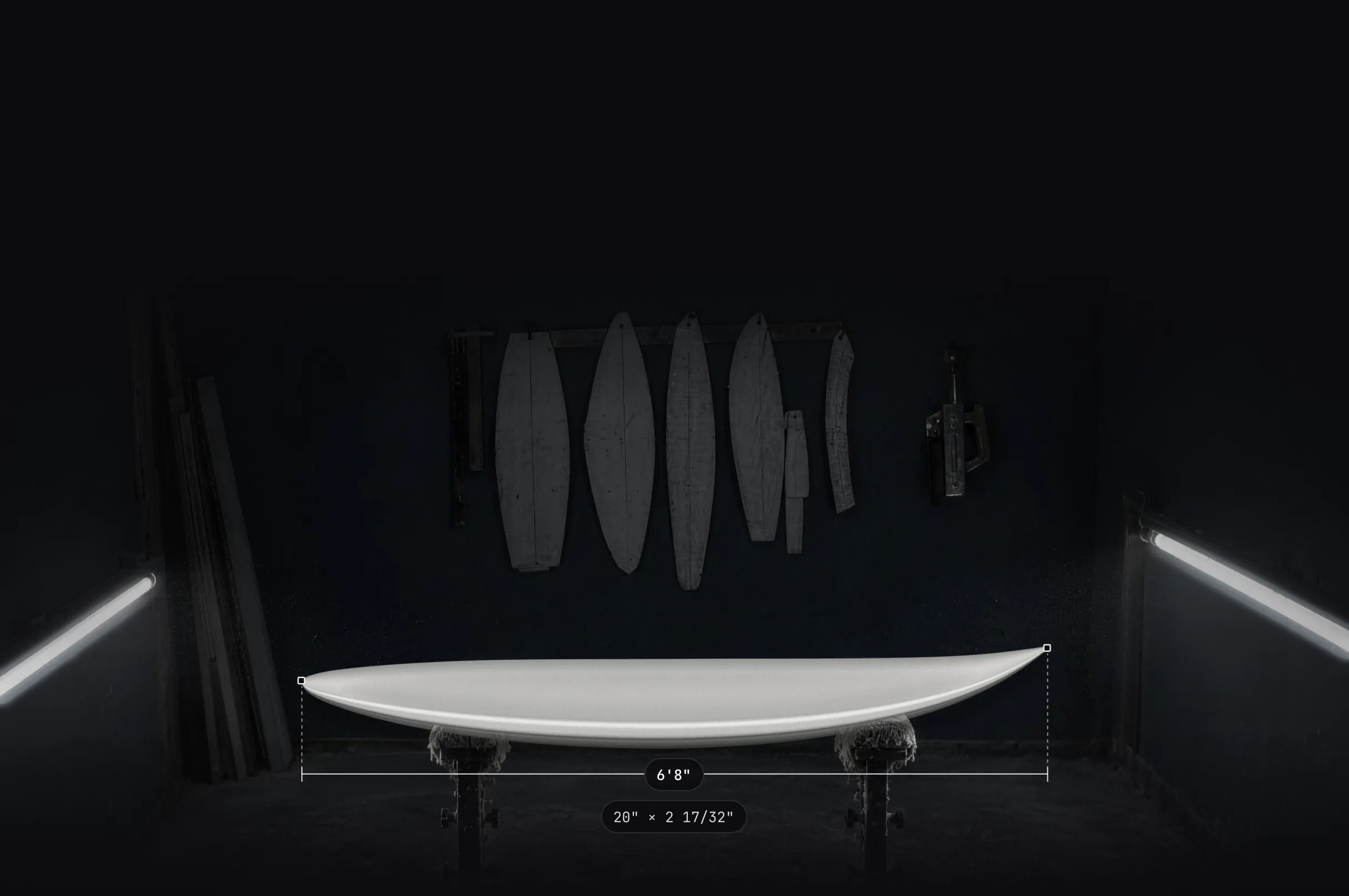
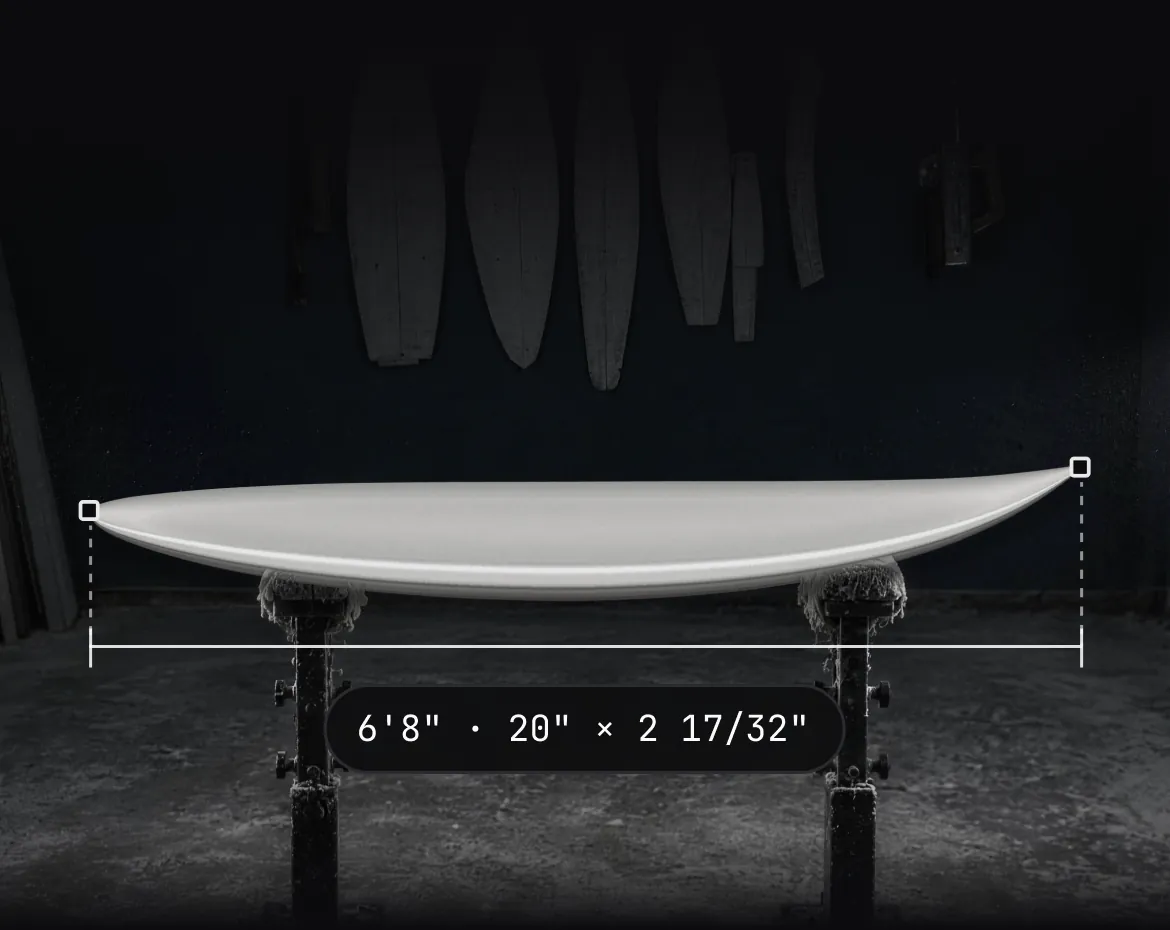
The app never edits a design. Shape in the web editor; the phone shows every version exactly as drawn.
Join the
iPhone beta.
Leave your email and we'll send a TestFlight invite. Use the address on your Surfbase account.
In beta on TestFlight, not on the App Store yet. Needs an iPhone on iOS 26 or later.
FAQ
Questions about
the beta.
Is the app on the App Store?
Not yet. It's a beta on TestFlight, Apple's app for testing new apps. Ask for an invite and we'll email you a link to install it.
Can I edit designs in the app?
No. The app is view-only for designs. You shape in the web editor, and the app shows every version in 3D and AR, with its outline, rocker and slices.
Which plans include it?
Every plan, including Free. What you see follows your plan: production tracking, for example, comes with Pro and Business.
How do I sign in?
With your Surfbase email and password, and two-factor if you use it, or with Apple, Google or Microsoft. New accounts are made on the web.
What do I need to run it?
An iPhone on iOS 26 or later and a Surfbase account. AR Quick Look uses the iPhone's camera to place the board in the room.
Still have a question?
A person on the team will write back.